Runway
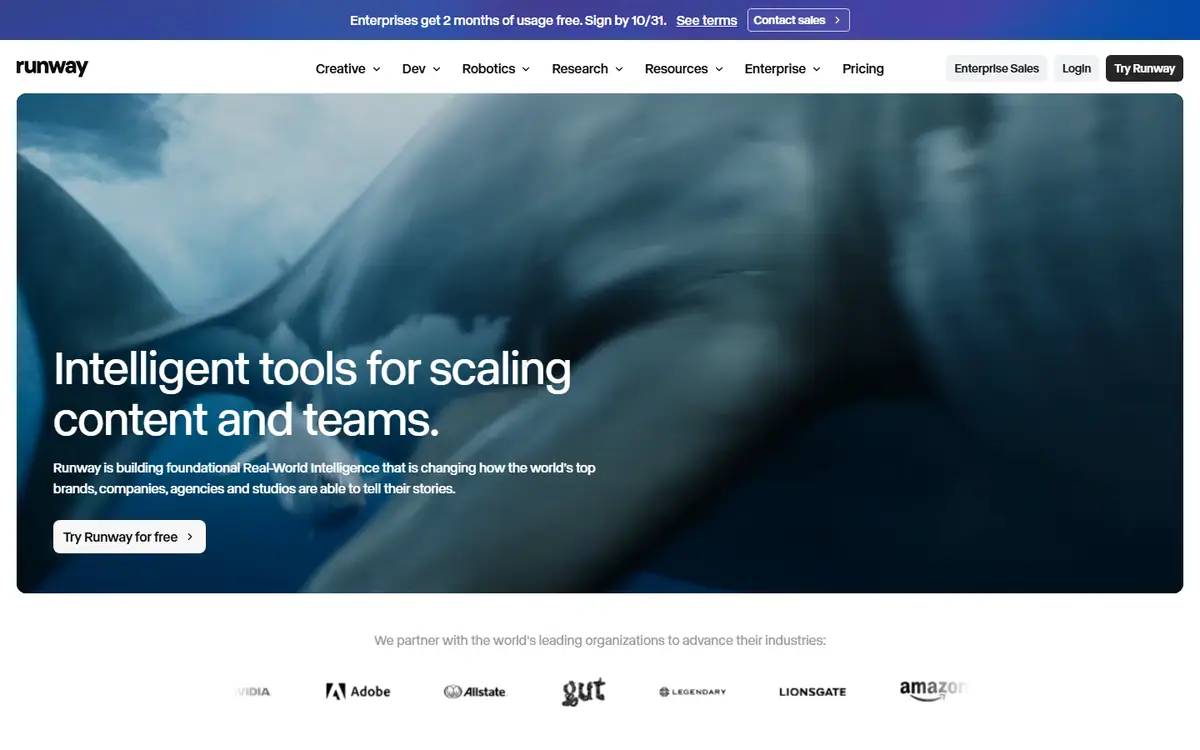
Gen-4.5 creates new shots, and Aleph 2.0 edits the footage you already have.
FrontierRunway
In short
Separate the brief into shots that need to be created and footage that needs to be changed. Run a generation test and an editing test independently. Judge whether the result cuts into the intended sequence, holds the subject and leaves enough usable frames around the edit point.
What it can do
- Text-to-video and image-to-video with Gen-4.5
- In-context video editing with Aleph 2.0
- Keyframe-guided editing controls
Limits to plan for
- Generation and editing are separate tasks/models.
- Runway also distributes third-party engines with different capabilities.
Creating a shot and changing existing footage are different production tasks. Runway documents Gen-4.5 for text- and image-to-video generation and Aleph 2.0 for in-context video editing. A useful evaluation keeps those tasks separate.
Split the shot list by the work required
Identify which shots need to be created and which already exist but need a specific change. Give each test a clear subject, action and intended edit point. Compare the result against the sequence it must join, rather than approving a striking clip in isolation.
For an editing test, define the allowed change before submitting the footage. Check whether the subject, lighting and surrounding action remain coherent. For generation, look for enough usable frames around the planned cut, including the moments before and after the main action.
Watch the whole clip
Inspect unstable edges, contact between objects, occlusion and details revealed as the subject turns. Review at normal speed and pause at transitions. A strong opening frame does not establish that the remainder of the take is usable.
Runway's application and API have different access conditions, and its catalogue also distributes third-party engines. Attach every capability to the model actually selected. A 4AI AI-video brief can define the shot list, source footage and finishing requirements before production begins.
Sources checked 27 October 2026: Runway Gen-4.5 help, Runway developer model catalogue.
Before you commit
Review the entire clip for unstable edges, contact, occlusion and unwanted changes.
Compare it with
Other models in the same category, nearest tier first.
 Frontier
Veo
GoogleVeo 3.1 GA on Google's enterprise route
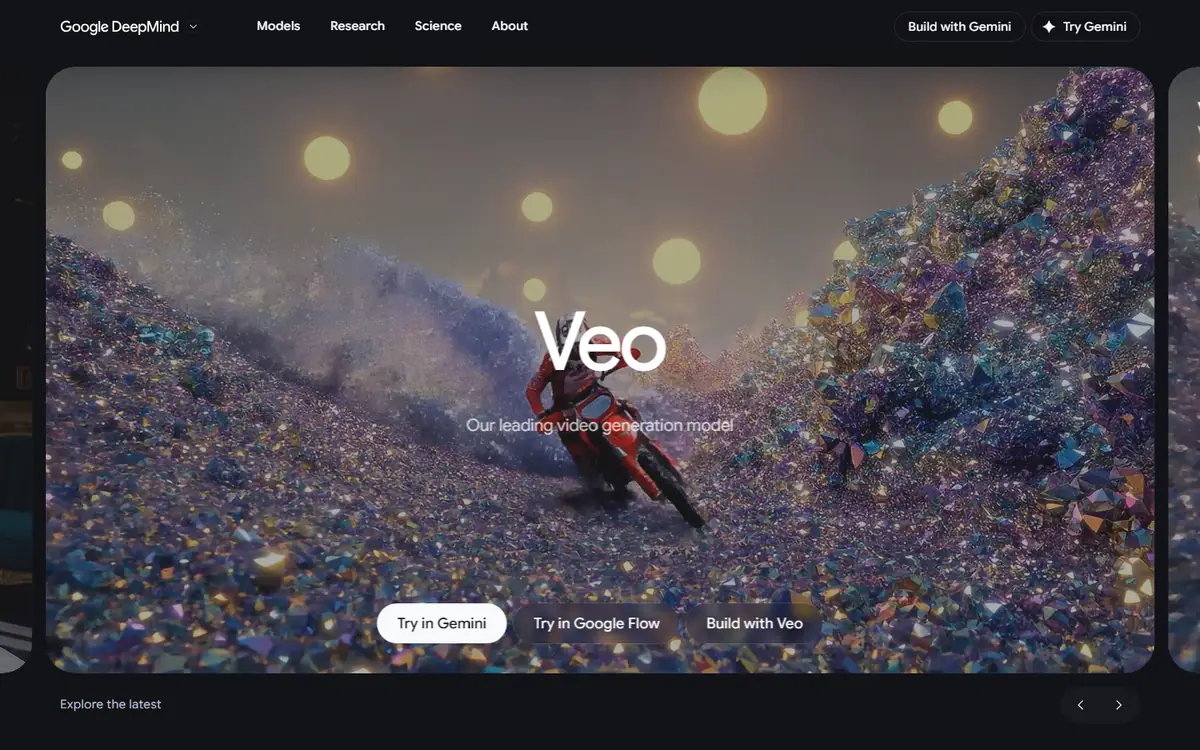
Google's video model with first and last frames, reference guidance and generated sound.
Read the profile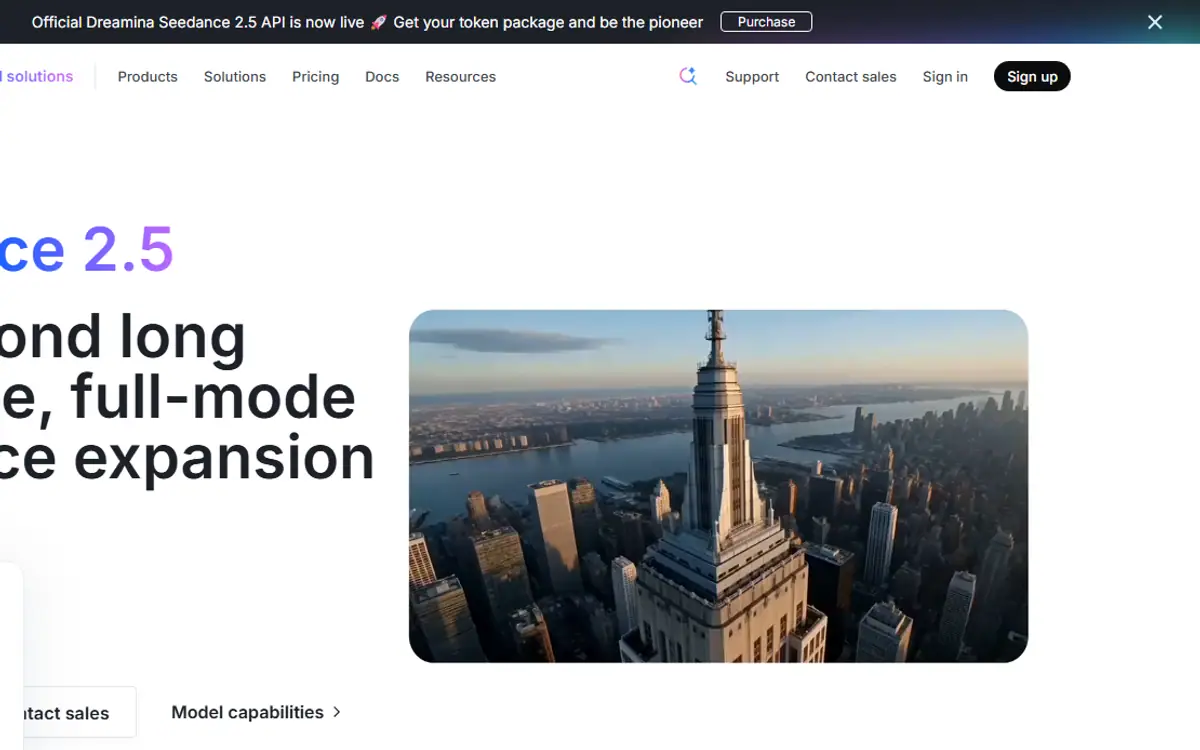 Team pickFrontier
Seedance
ByteDance, delivered through BytePlusSeedance 2.5
Text or image to video, guided by image, video and audio references, with sound made alongside the picture.
Read the profile Pro
Luma Ray
LumaRay 3.2
Ray 3.2 for shots with set start, end or middle frames, plus editing, reframing and extension.
Read the profile
Where we use it
Read next
- Choosing an AI video model for a campaign: generation, editing and deliveryA production-led method for choosing an AI video workflow shot by shot, checking references, motion, sound and the work needed to deliver campaign-ready masters, with routes checked on 27 October 2026.
- Directing AI video so it does not look generatedThe models are good enough. What separates a usable commercial from an obvious AI clip is almost entirely what happens before and after generation.
- Can you use AI video to market property in Dubai?What AI video genuinely does for a Dubai property listing, what still needs a camera, published AED prices for every route, and the permit, QR code and portal rules that decide what you can publish.
Choosing tools for a real brief?
Tell us what you need to make, launch or improve. We scope the work first, then choose the tools around it.
No pitch decks until we understand the problem.
hello@4ai.ae