Seedance
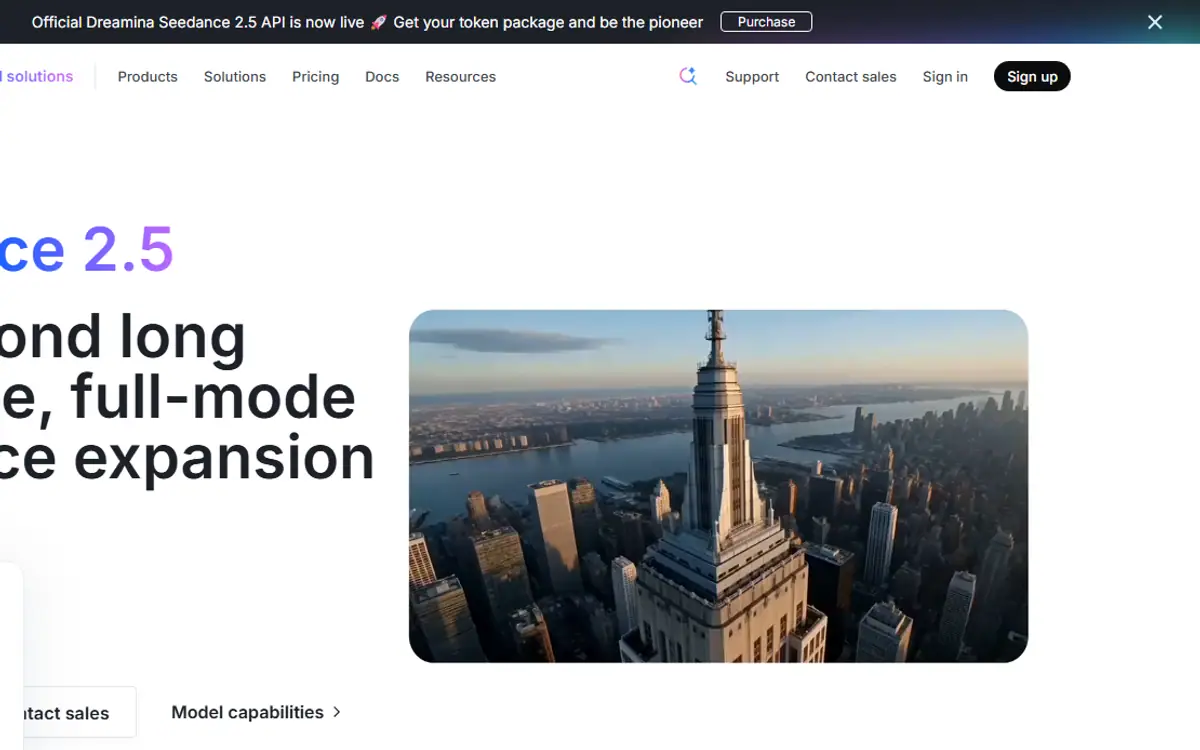
Text or image to video, guided by image, video and audio references, with sound made alongside the picture.
FrontierByteDance, delivered through BytePlusTeam pick
In short
Evaluate when the creative brief has more than one source of direction: a product image, a reference movement and an audio idea. Specify the purpose of each input rather than asking the system to infer priorities. Include a deliberately constrained shot before attempting a larger scene.
What it can do
- Text-to-video and image-to-video (first frame, or first and last frames)
- Multimodal reference inputs (image, video and audio references)
- Generated audio (audio and video co-generation)
Limits to plan for
- The inspected LAS route has specific regional conditions.
- Real-face reference handling requires the documented authorized asset route/allowlisting; do not promise unrestricted face uploads.
A product image, a movement reference and an audio idea can pull a shot in different directions. Seedance 2.5 is documented through BytePlus with text-to-video and image-to-video, multimodal references and generated audio; BytePlus lists video editing and extension as not applicable to it. The useful test is how those inputs serve a single, clearly defined brief.
Resolve conflicting direction early
Identify which reference defines subject identity, which describes motion and which suggests timing or atmosphere. State priorities explicitly. Begin with a constrained action so the result can be assessed before attempting a larger scene.
Review how each reference influenced the clip. A movement that looks appealing may still be unsuitable if it changes the product silhouette or obscures a required detail. Compare the timing against the intended cut and leave room for titles or other information in the final composition.
Confirm the actual platform
This profile concerns the inspected BytePlus LAS route. Its regional conditions and authorised real-face asset requirements are relevant to planning; it should not be treated as an unrestricted face-upload workflow. Other distribution platforms need their own checks.
Inspect subject identity, contact and action timing throughout the export. For a campaign built from several sources of direction, bring the reference set to 4AI so the shot plan, permissions and finishing requirements can be defined together.
Sources checked 9 November 2026: BytePlus LAS video documentation.
Before you commit
Check subject identity, action timing and how faithfully each reference was used.
Compare it with
Other models in the same category, nearest tier first.
 Frontier
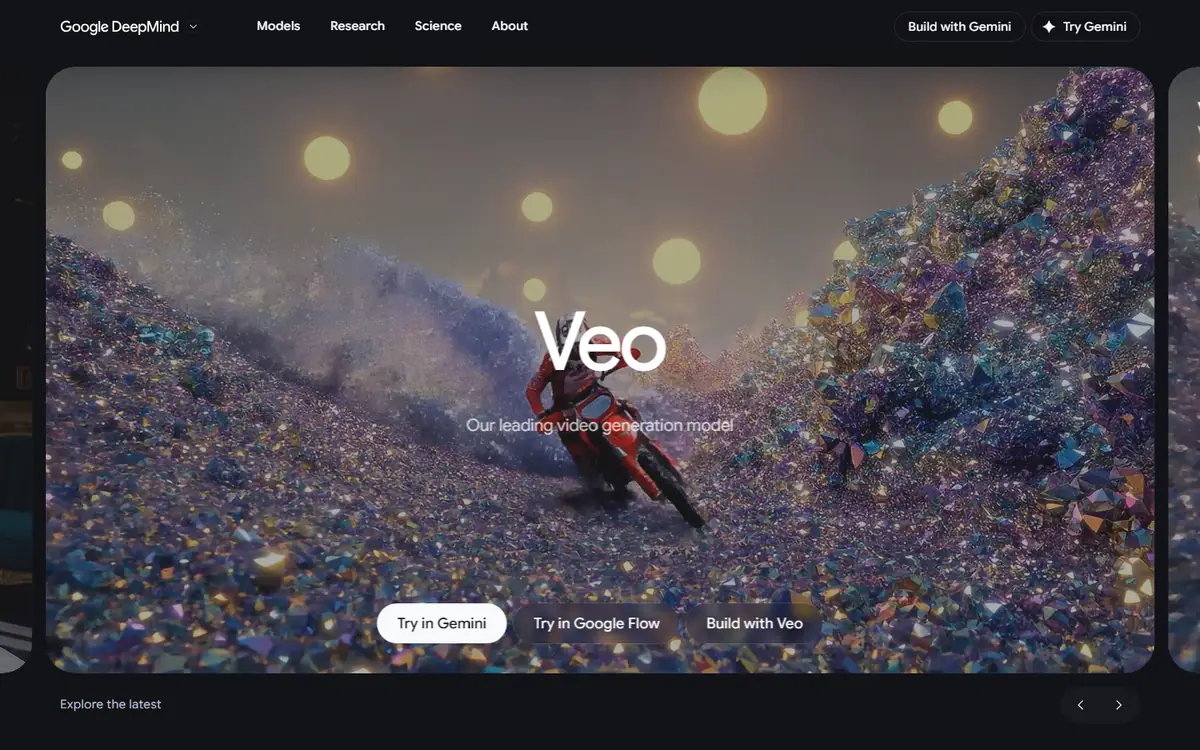
Veo
GoogleVeo 3.1 GA on Google's enterprise route
Google's video model with first and last frames, reference guidance and generated sound.
Read the profile Frontier
Runway
RunwayGen-4.5 / Aleph 2.0
Gen-4.5 creates new shots, and Aleph 2.0 edits the footage you already have.
Read the profile Pro
Luma Ray
LumaRay 3.2
Ray 3.2 for shots with set start, end or middle frames, plus editing, reframing and extension.
Read the profile
Where we use it
Read next
- Choosing an AI video model for a campaign: generation, editing and deliveryA production-led method for choosing an AI video workflow shot by shot, checking references, motion, sound and the work needed to deliver campaign-ready masters, with routes checked on 27 October 2026.
- Directing AI video so it does not look generatedThe models are good enough. What separates a usable commercial from an obvious AI clip is almost entirely what happens before and after generation.
- Can you use AI video to market property in Dubai?What AI video genuinely does for a Dubai property listing, what still needs a camera, published AED prices for every route, and the permit, QR code and portal rules that decide what you can publish.
Choosing tools for a real brief?
Tell us what you need to make, launch or improve. We scope the work first, then choose the tools around it.
No pitch decks until we understand the problem.
hello@4ai.ae