Skip to content
Backstage, the client portal

See your project the way the studio sees it.

Every 4AI project comes with Backstage, where you follow each step of the work, see when it should land, answer what is waiting on you and find your files, in English, Arabic or Persian.

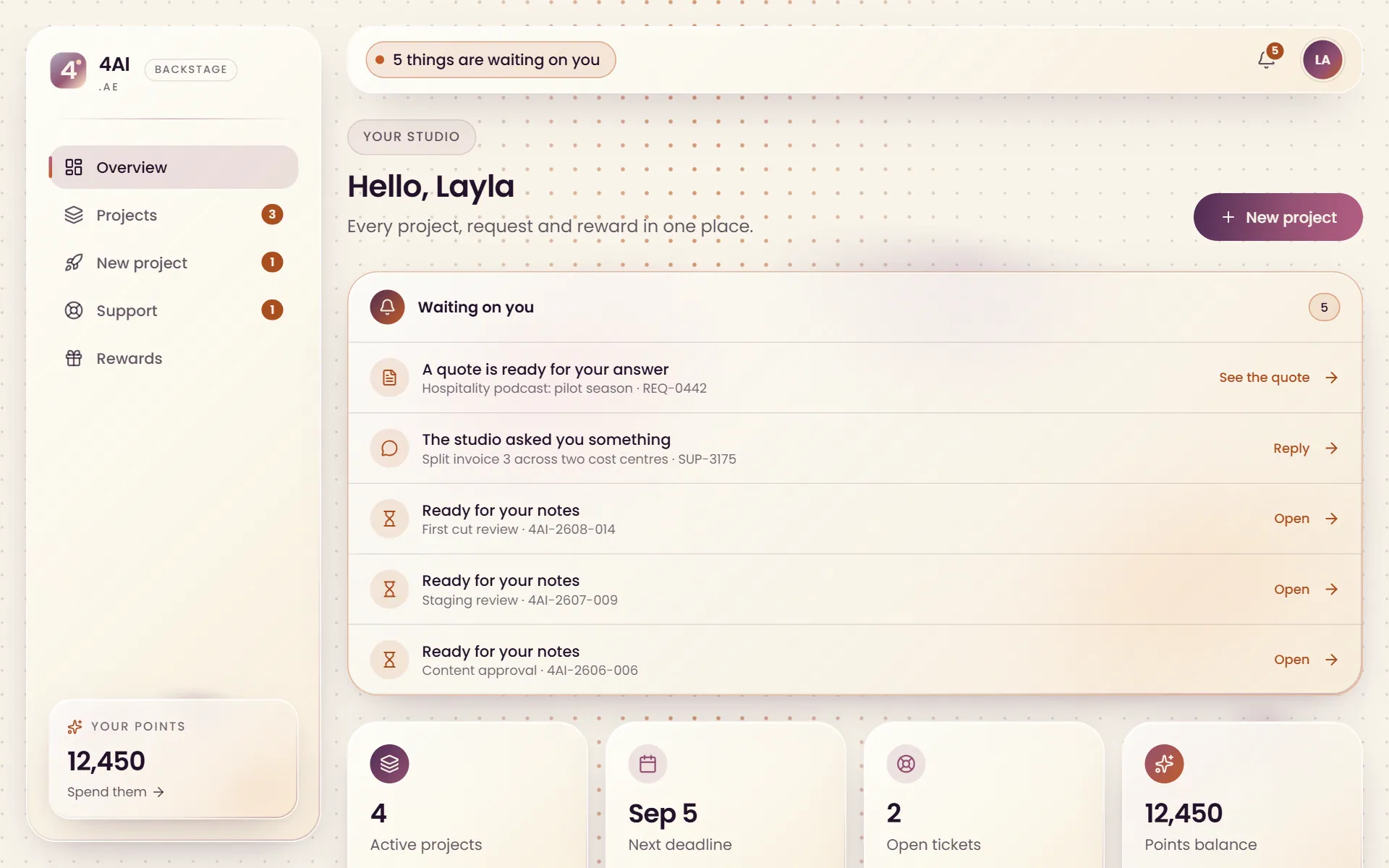
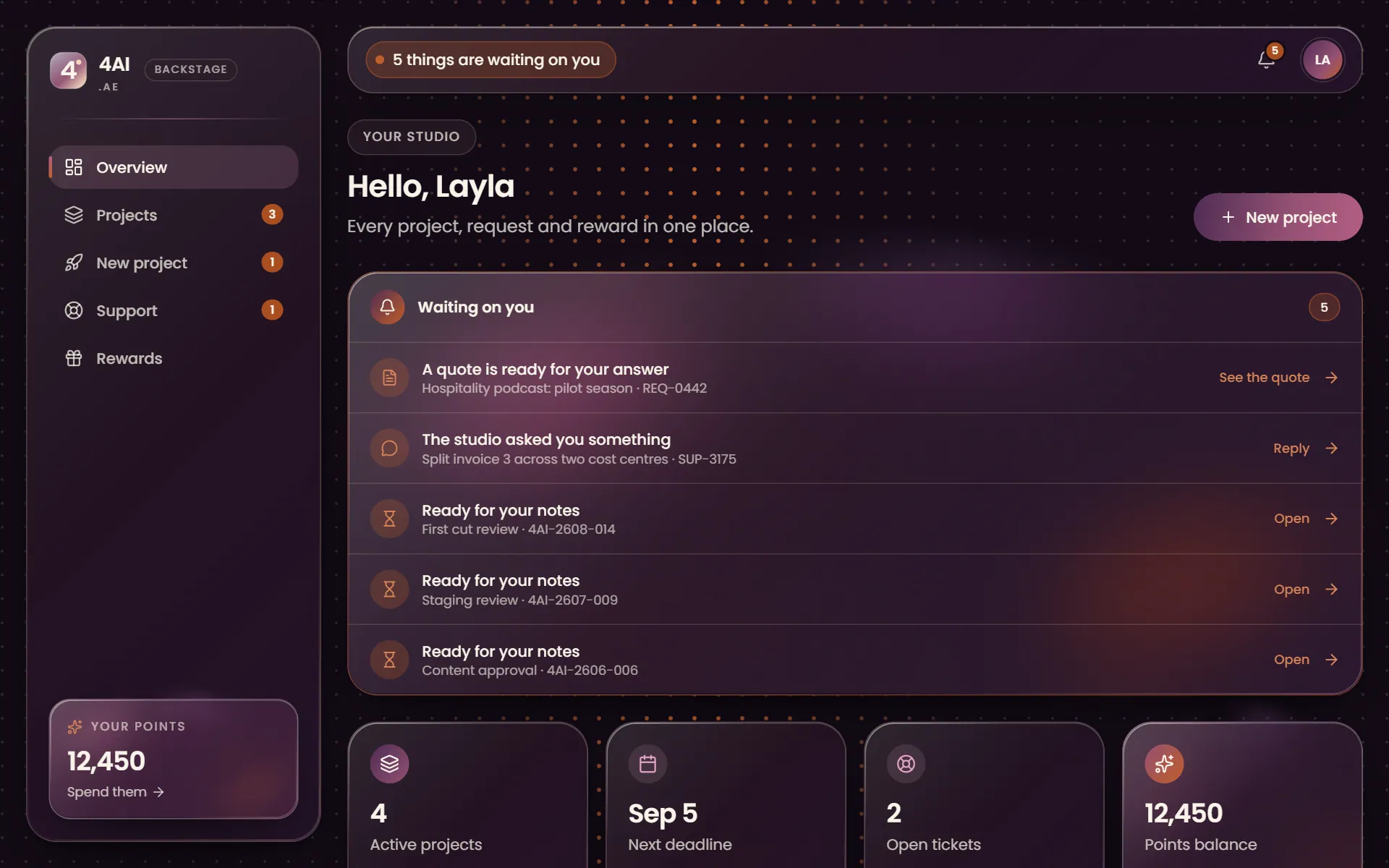
The Backstage overview: what is waiting on the client, active projects, the next deadline and the points balance

Real Backstage screens, shown with sample projects.

Timeline

Every step of the work, with the days it should land

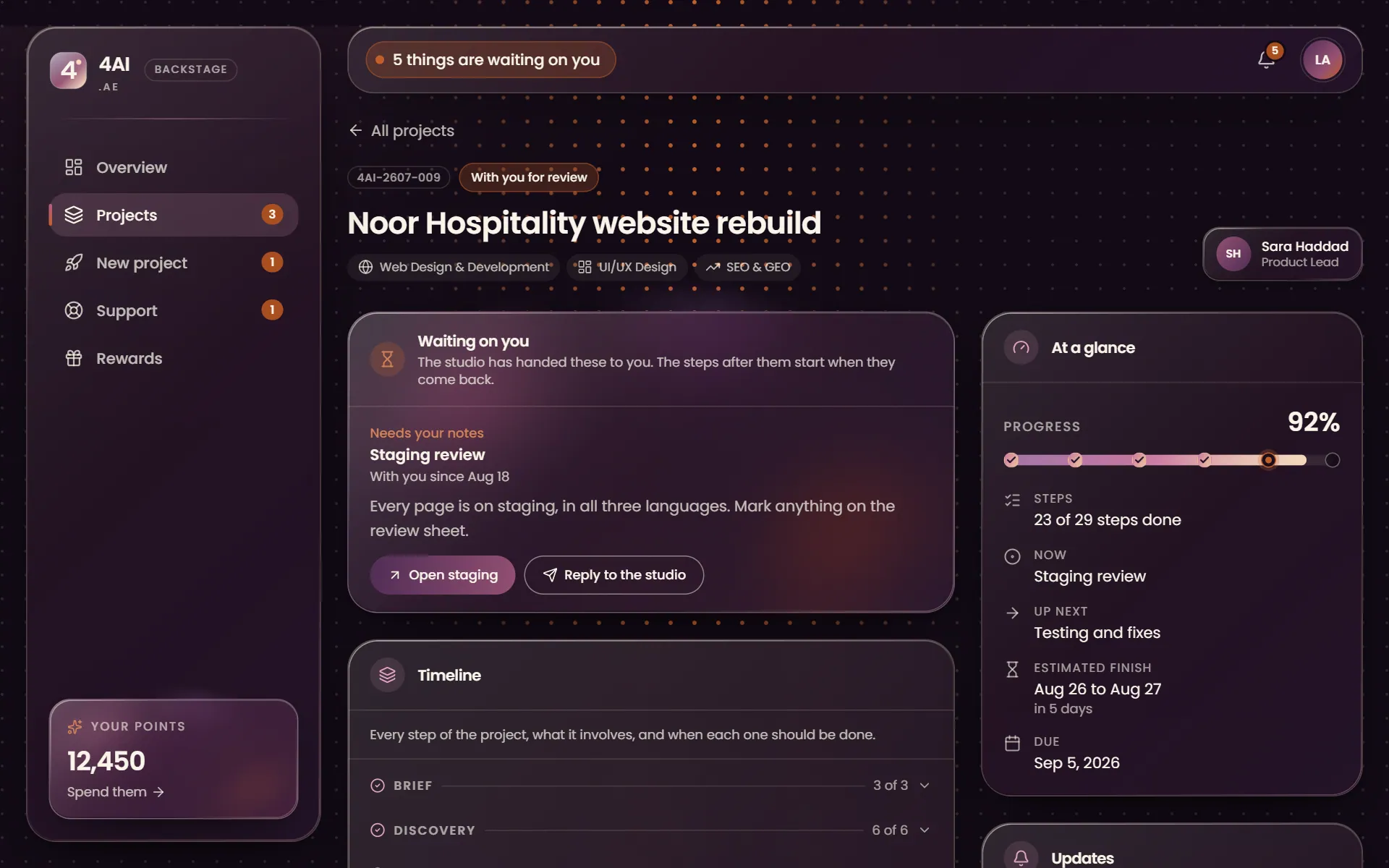
Your project is laid out in the steps its services really take, from the kickoff call to the handover, inside the six stages we always work in. Each step says what happens in it and when it should be done, within a day or two, and the page keeps an estimate of when the whole project finishes.

  • Steps shaped by the service: a film has style frames, a website has wireframes and a staging review
  • A checklist inside each step, ticked as the team works through it
  • An estimated finish that moves with the real work
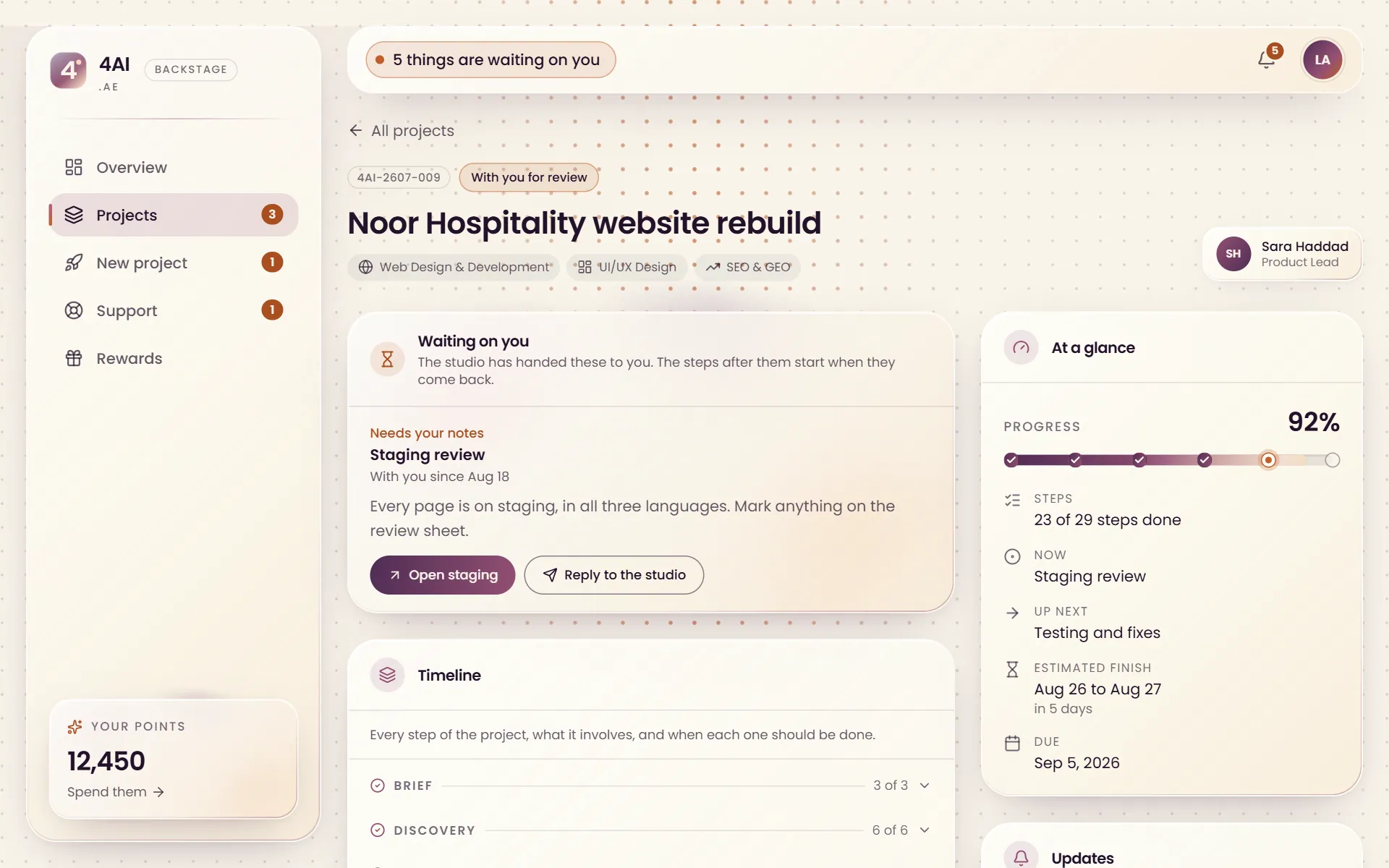
A project timeline in Backstage: the step waiting on the client, progress through the six stages and the estimated finish
Waiting on you

When the studio needs you, you know exactly what for

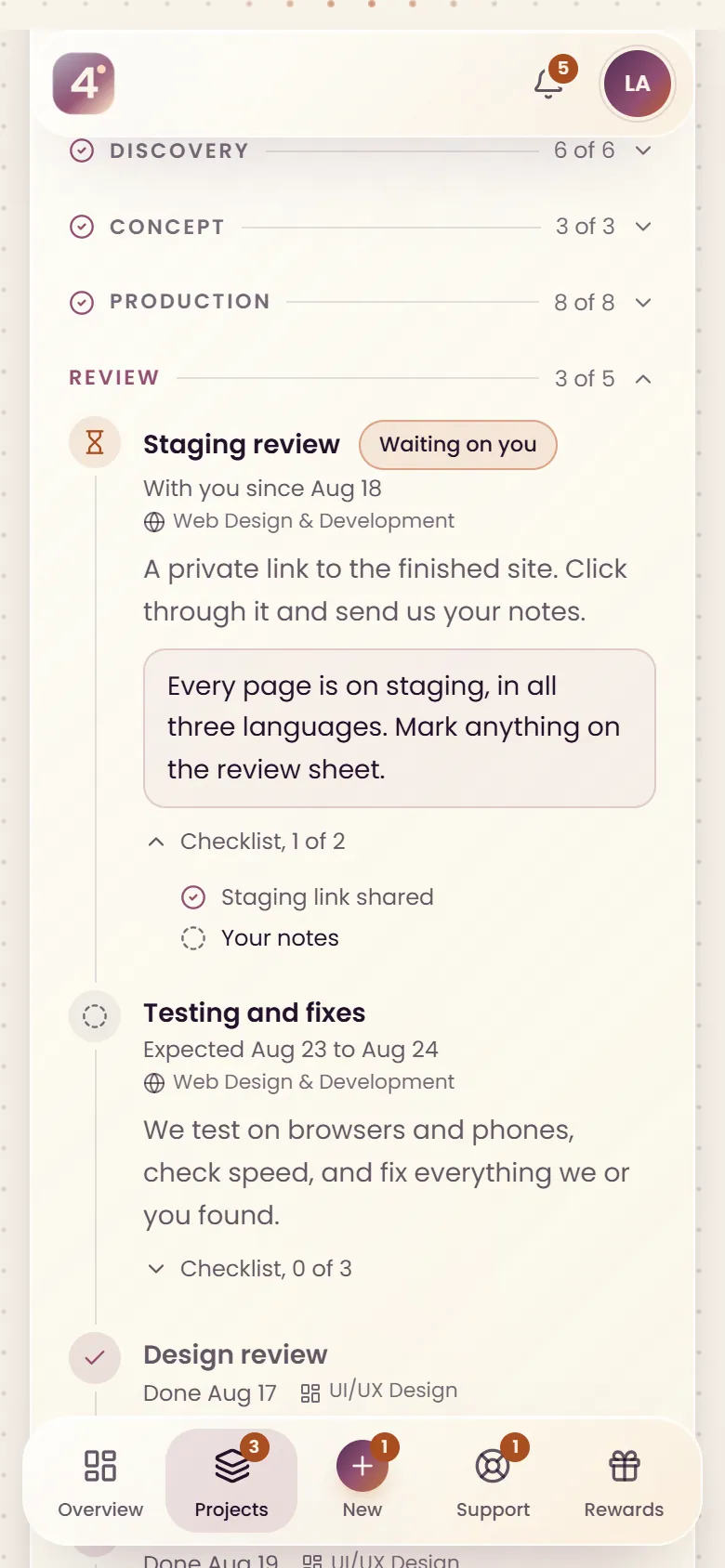
A step that needs your approval, your notes or your files is handed to you by name, with the studio's note and a link to what to look at. It sits at the top of Backstage and arrives in your inbox, in your language.

  • An email when a step is handed to you
  • The note and the review link on the step itself
  • A reply to the studio in one tap
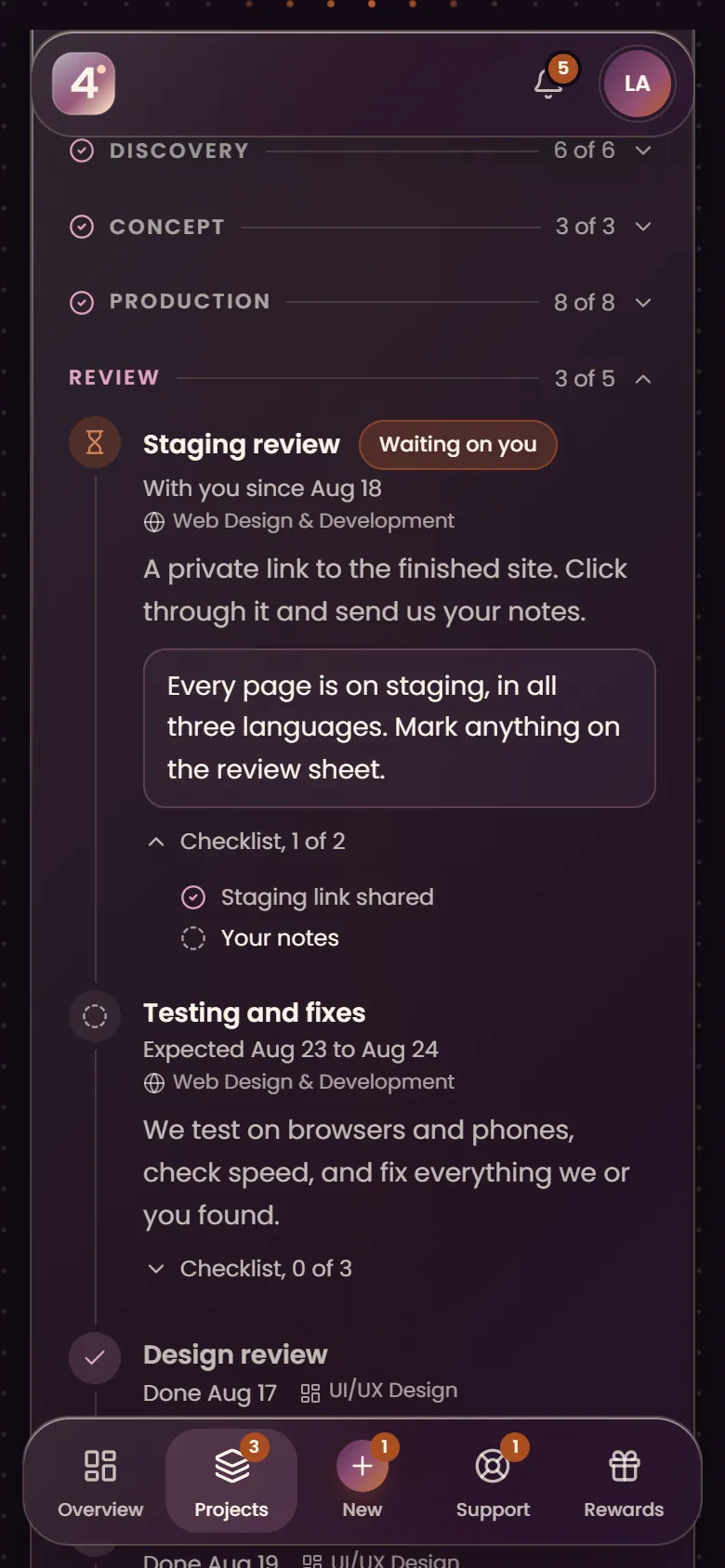
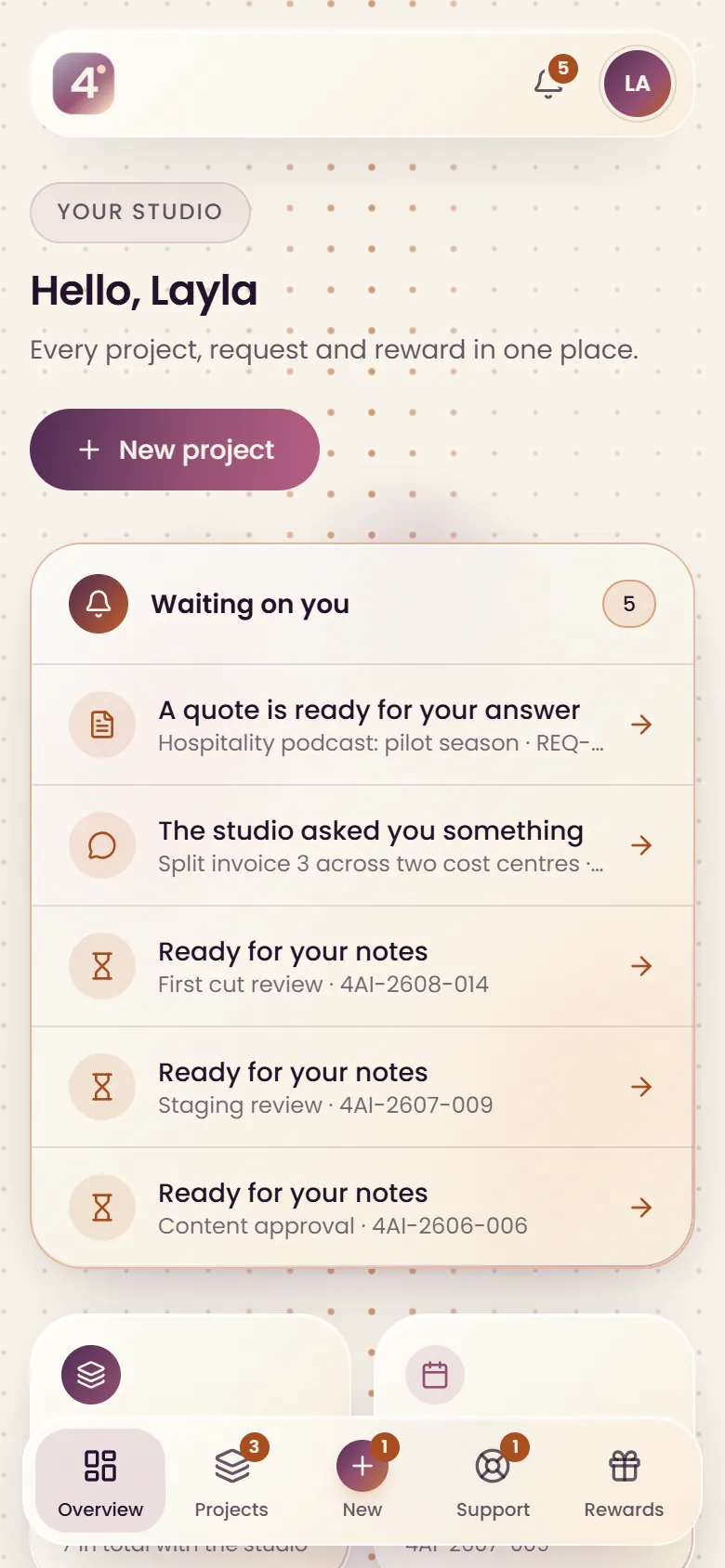
Backstage on a phone: a project timeline with a staging review waiting on the client
Monthly work

Retainers, one month at a time

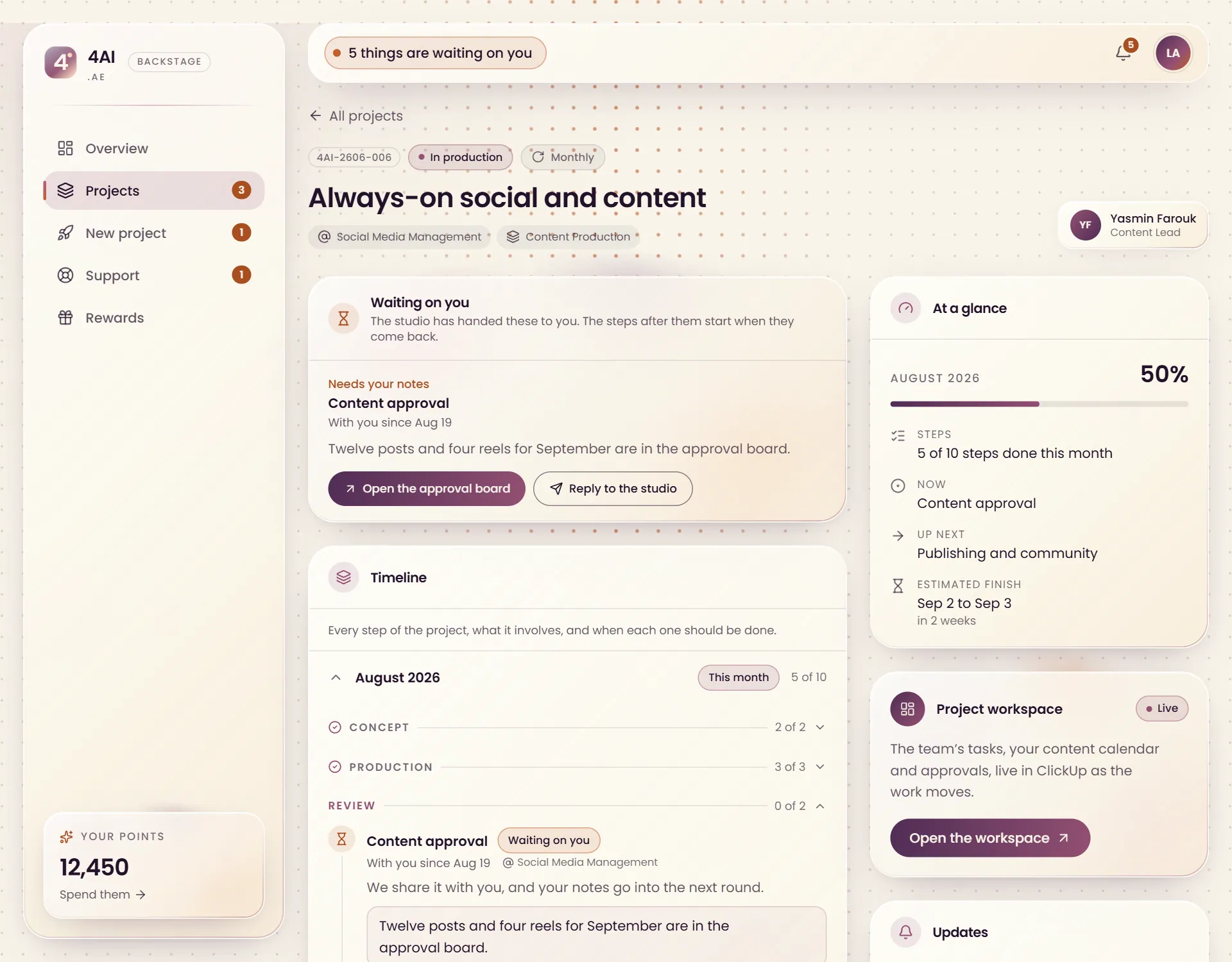
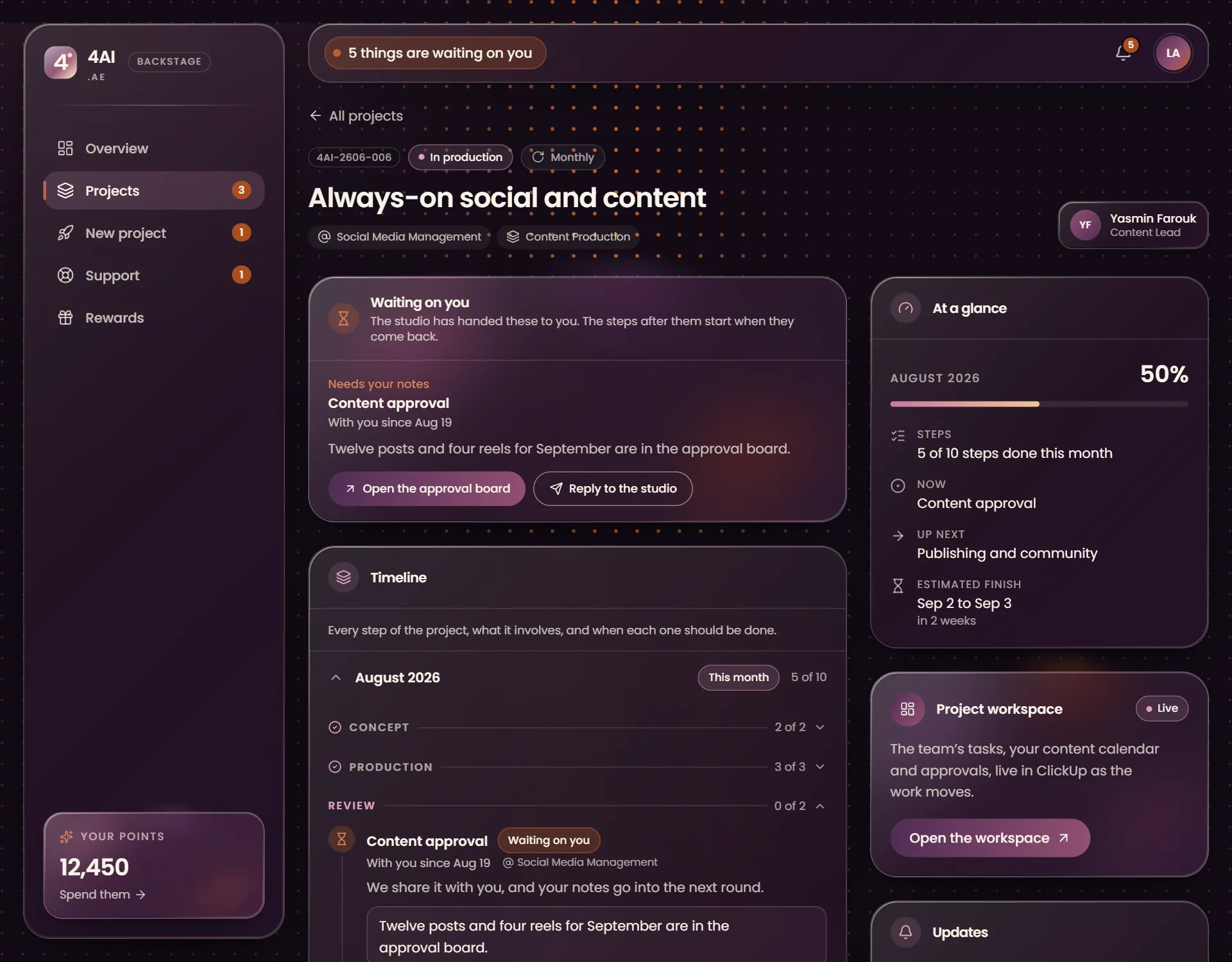
Social media, content, SEO and product work run in monthly cycles. Each month has its own steps and dates, from the content calendar to the report, so you can see how far this month has come and what is left of it.

  • This month's progress at a glance
  • Earlier months kept and folded away
  • A live ClickUp workspace for tasks and approvals on content and social projects
A monthly project in Backstage: this month's steps, a content approval waiting on the client and the ClickUp workspace
Support and quotes

Questions asked in writing, answered in writing

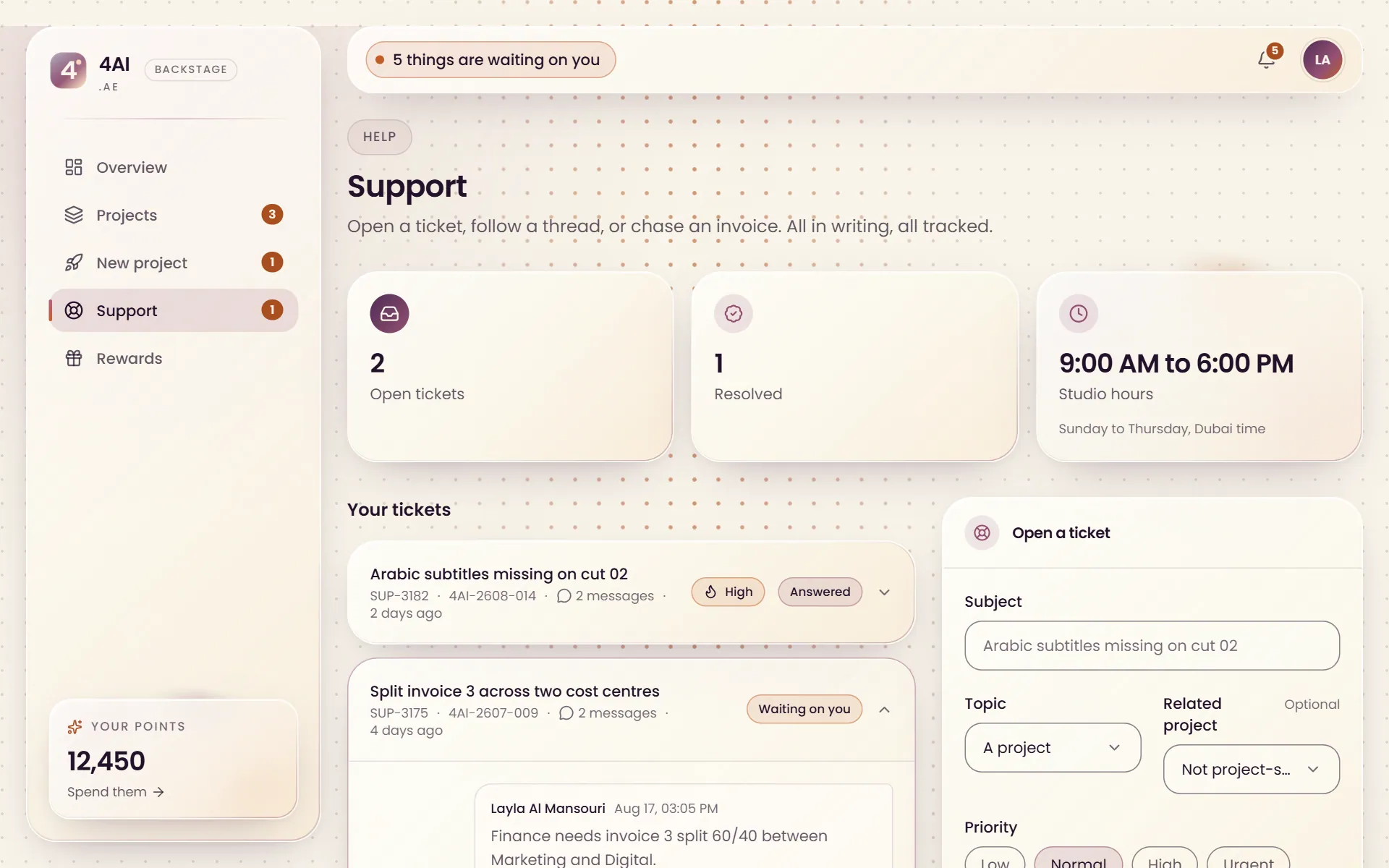
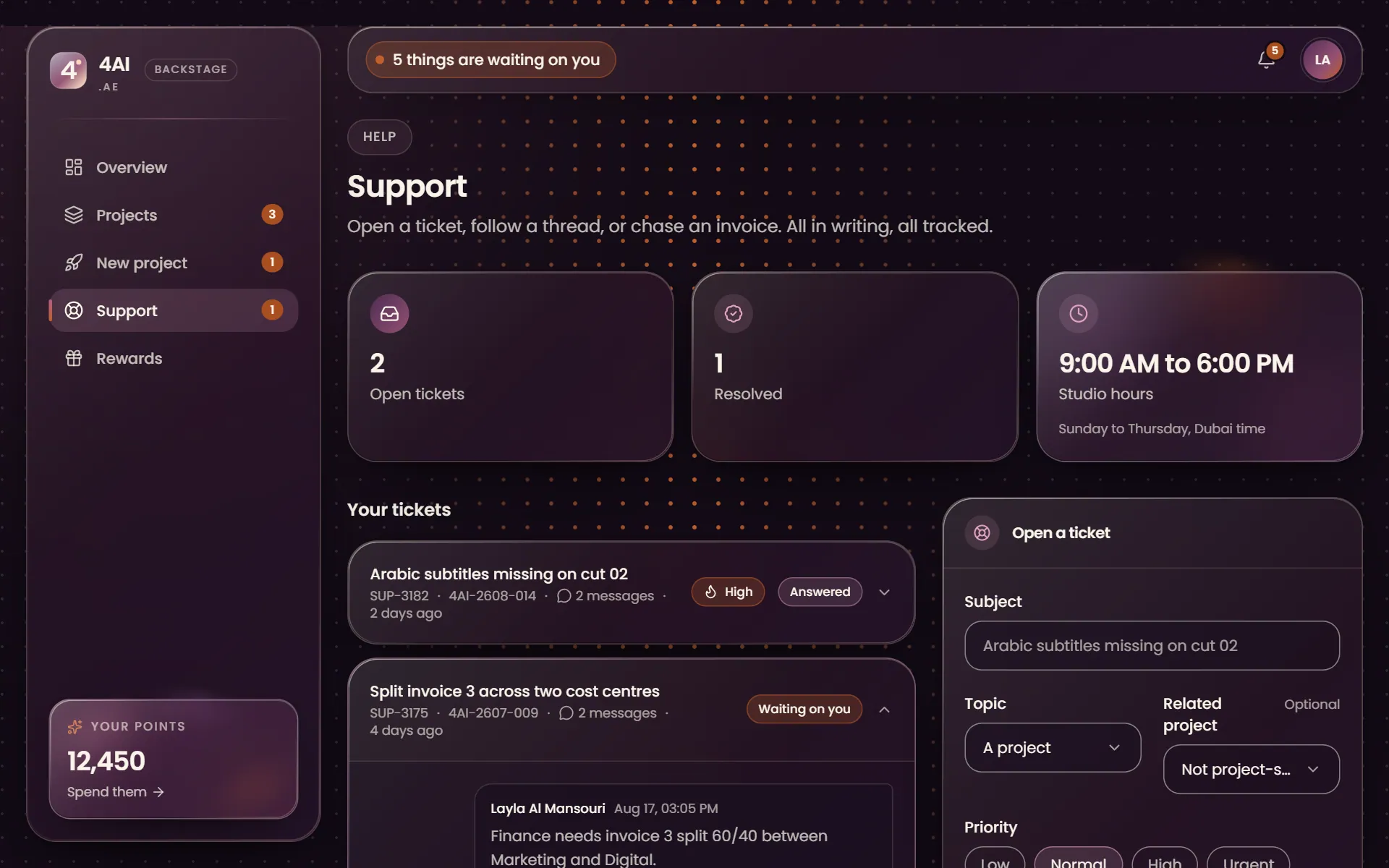
Open a ticket about a project, an invoice or anything technical and follow the thread to its answer, with the studio's working hours in view. New work starts the same way: send a brief from Backstage and the quote comes back there.

  • Every thread kept beside its project
  • An email when the studio replies
  • Briefs and quotes answered in the same place
Support tickets in Backstage, with a thread between the client and the studio
Rewards

Points for the people you send our way

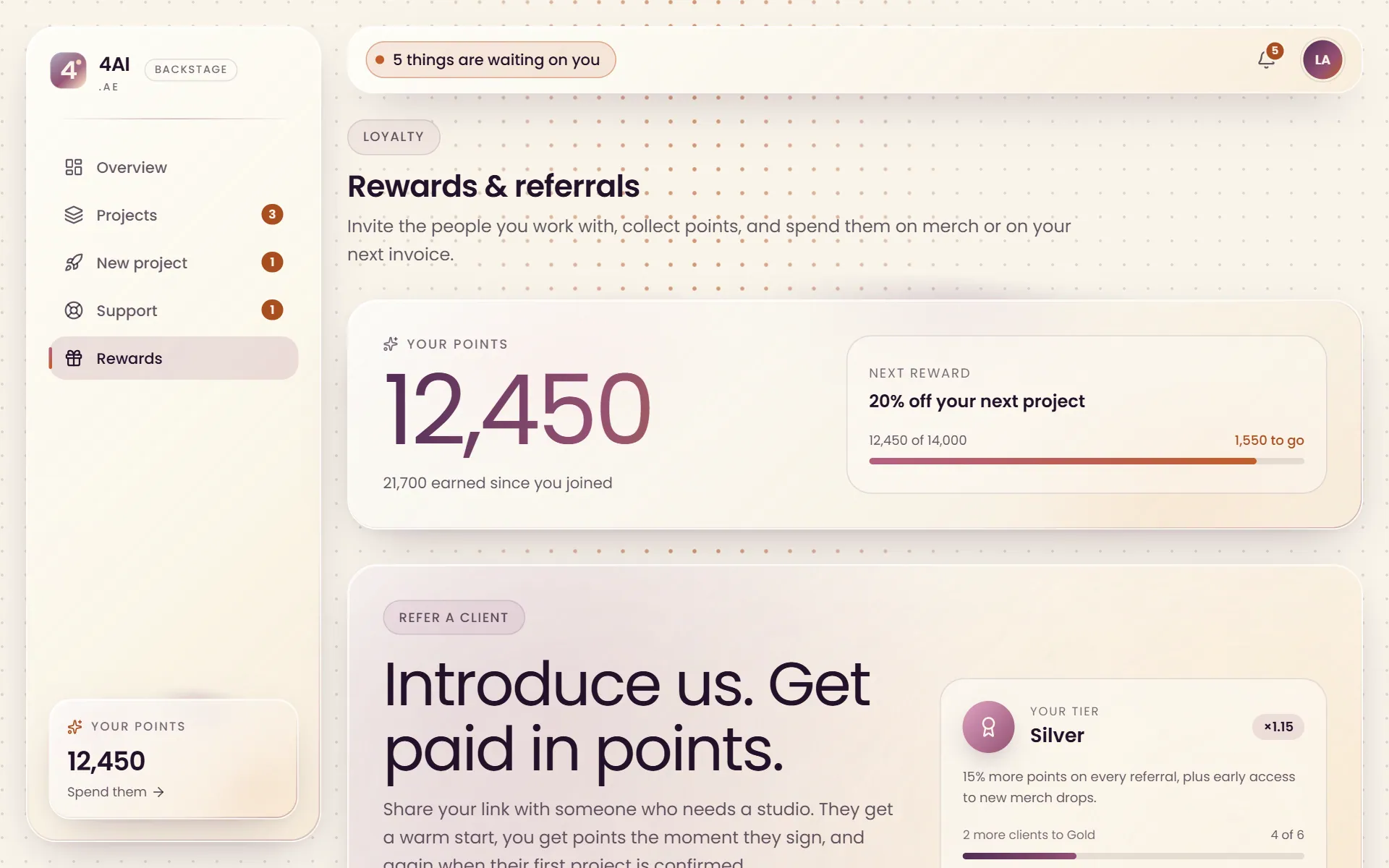
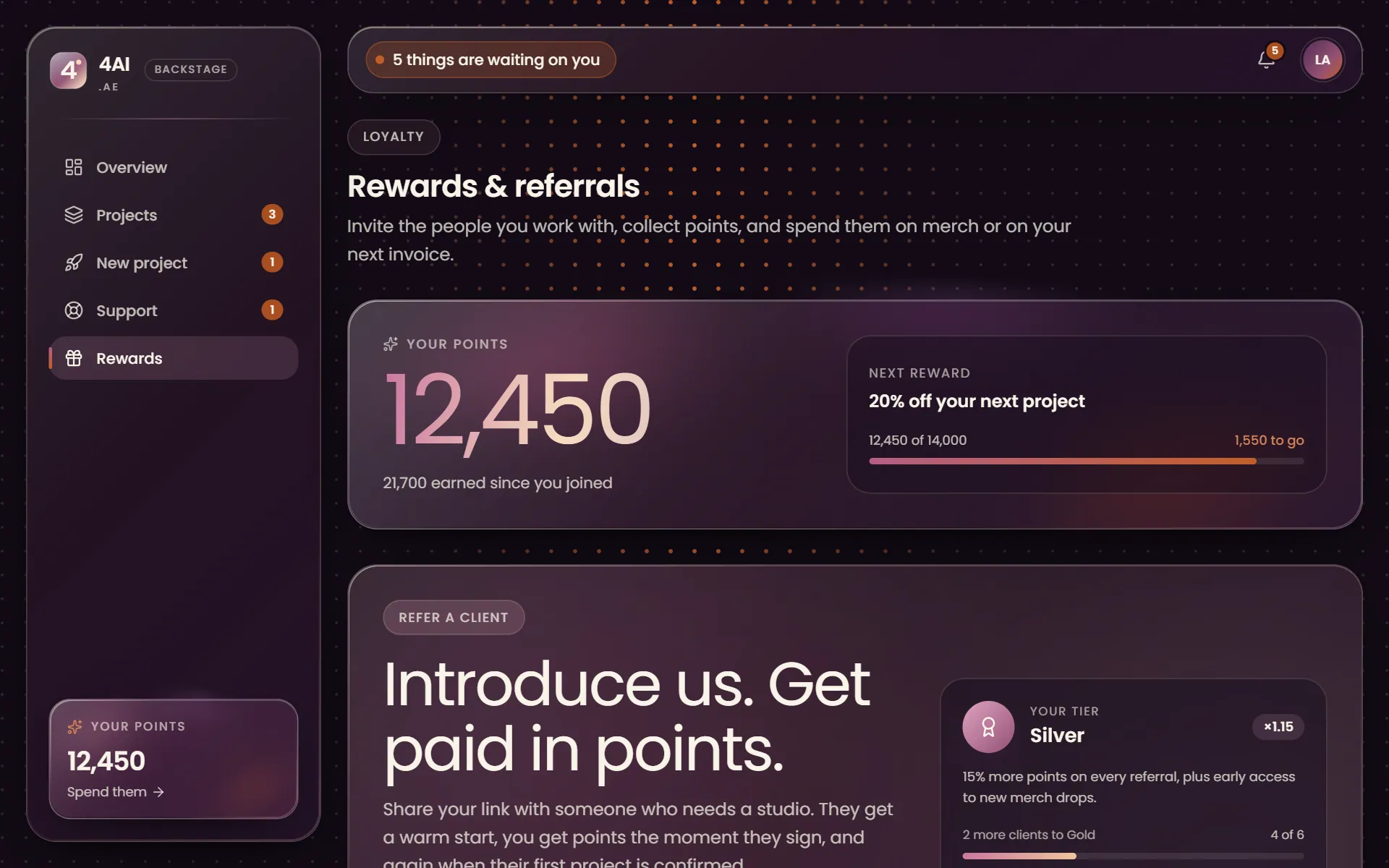
Refer a business and earn points when it joins and again when its first project starts, and every project we deliver for you adds more. Spend them on 4AI merch or on a discount on your next invoice.

  • Points when a referral joins and when its first project starts
  • Points for every delivered project
  • Merch delivered in the UAE, or a discount on your next invoice
The Backstage rewards page with the points balance, the next reward and the referral panel
Yours to set

In your language, on your screen

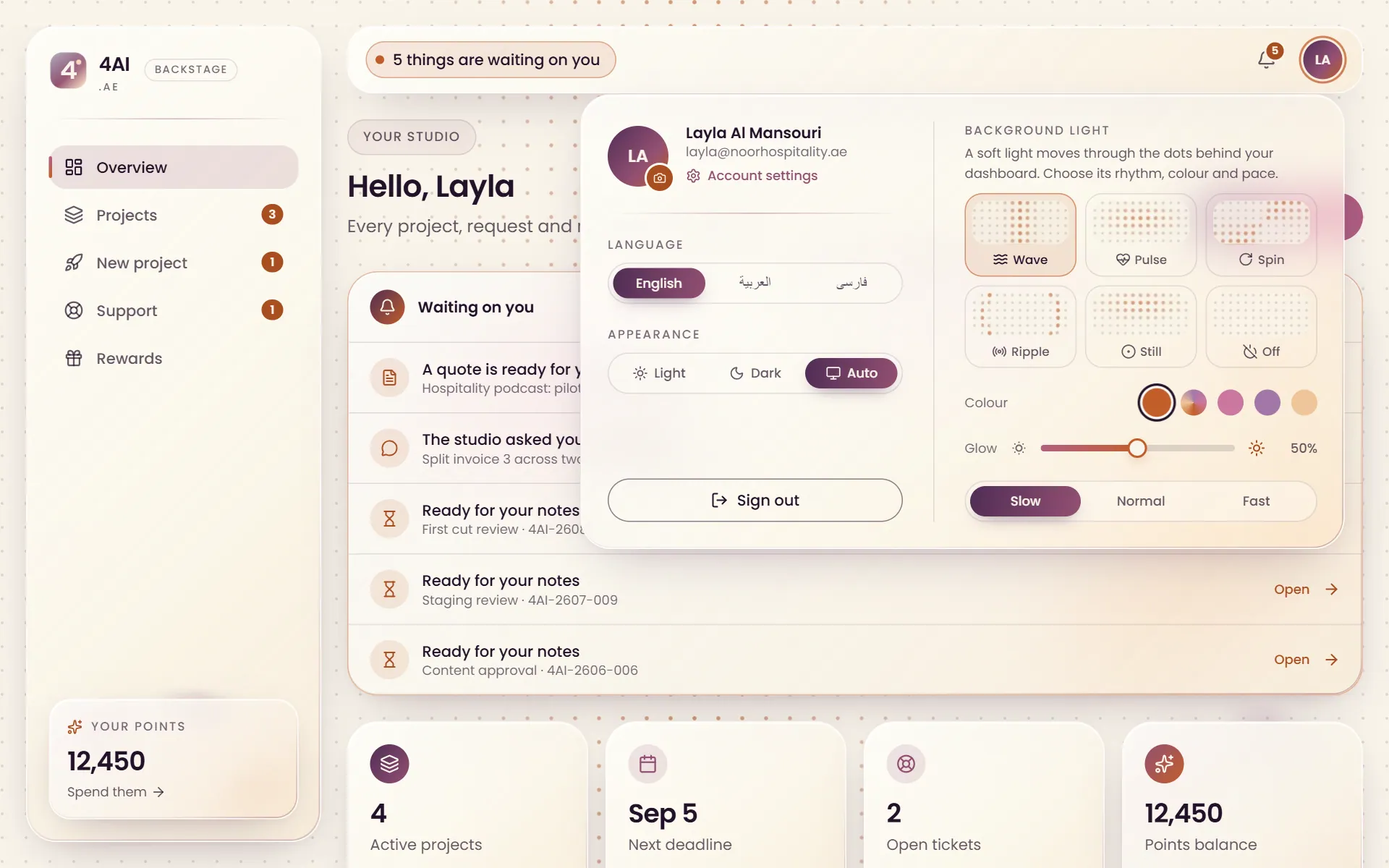
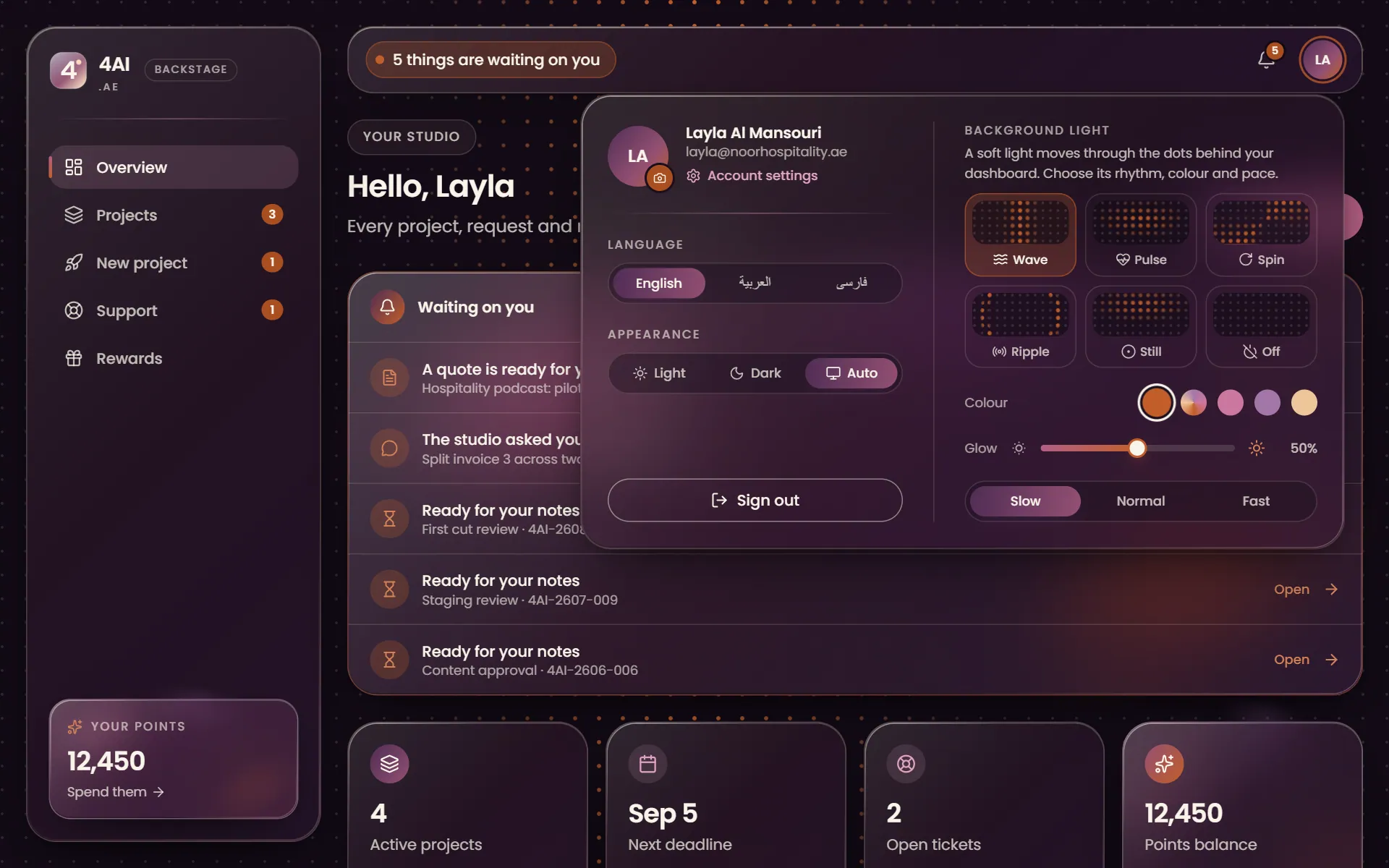
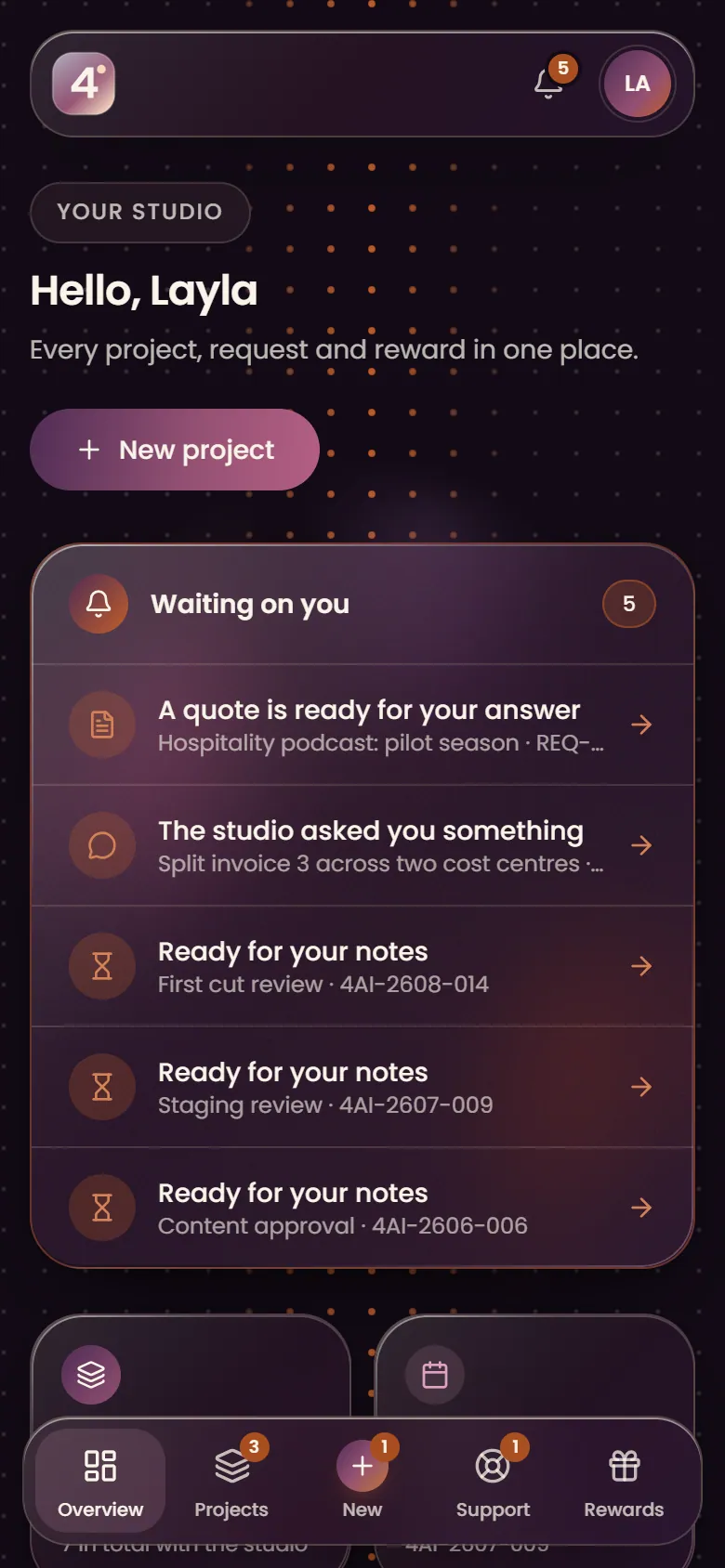
Backstage works in English, Arabic and Persian, right to left where the language reads that way, in light or dark, on a desktop or a phone. Even the moving light behind the dashboard is yours to choose.

  • English, Arabic or Persian in one tap
  • Light, dark or your device's setting
  • Built for phones as much as for desktops
The Backstage account menu with language, appearance and background light settings
Questions

About Backstage

Every 4AI client. Your account opens the first time you sign in with the email you work with us from, and every project the studio starts for you appears in it.

No. Backstage comes with every project. The one paid extra is the ClickUp workspace on some monthly projects, and the studio agrees that with you before it is switched on.

With your email. We send a one-time link or code, so there is no password to remember or to leak.

No. Every project, file and message is locked to your account in the database itself, and files download through private links that expire.

The studio moves the dates of the steps in Backstage, and the estimated finish moves with them, so what you see is always the current plan.

English, Arabic and Persian. The layout turns right to left for Arabic and Persian, and the steps of your project are written in all three.

Next step

Want your next project in Backstage?

Send a brief. We come back within one working day with a scope and a price, and the project opens in Backstage from the kickoff call.

No pitch decks until we understand the problem.

hello@4ai.ae