Which AI for which job
A friendly guide to the chat, image and video models we work with: what each one is good at, where it struggles and how they compare. Every fact links to the provider's own page.
The difference, in plain words
Most AI tools belong to one of three families. Each is built for a different job, and good projects use them together.
Chat models think and write
Claude, ChatGPT and Gemini read, reason and write. They shape the brief, the script and the copy before anything is made, and check it afterwards.
ClaudeChatGPTGeminiSee the modelsImage models make stills
From a product shot to a campaign mood board. Some follow references closely, some are made for art direction, some draw clean vector graphics.
GPT ImageNano BananaMidjourneySee the modelsVideo models make motion
They turn a prompt, a frame or a reference into a moving shot, and the newer ones make sound too. Each handles control, motion and editing in its own way.
VeoSeedanceRunwaySee the models
Which model for which job
A quick map. Open any model for its full profile, its limits and its sources.
| If you need | Start with |
|---|---|
| Briefs, scripts, copy and research | |
| Product shots and brand scenes | |
| Finding a visual direction | |
| Precise edits to an approved image | |
| Icons and vector graphics | |
| Work inside Adobe's tools | |
| Video with generated sound | |
| Action and fast movement (team pick) | |
| Shots with a fixed first or last frame | |
| Editing footage you already have | |
| Tight budgets and handheld looks (team pick) | |
| Running a model on your own hardware | |
| Short motion between stills |
Chat and reasoning models
The assistants that read, plan and write. All three are strong; the right one usually depends on where your files and your team already are.
 Frontier
Claude
AnthropicClaude 5 family
A thinking partner for long documents, careful writing, analysis and code, in apps and through an API.
Read the profile Frontier
ChatGPT
OpenAIGPT models in ChatGPT and the API
OpenAI's everyday assistant for questions, drafts, research with web search, images and voice.
Read the profile Frontier
Gemini
GoogleGemini models in the app and the API
Google's assistant, at ease with long inputs, images and questions that need Google's own services.
Read the profile
Image models
From photoreal product scenes to art direction and vector graphics, ranked within the category by power and output.
 Frontier
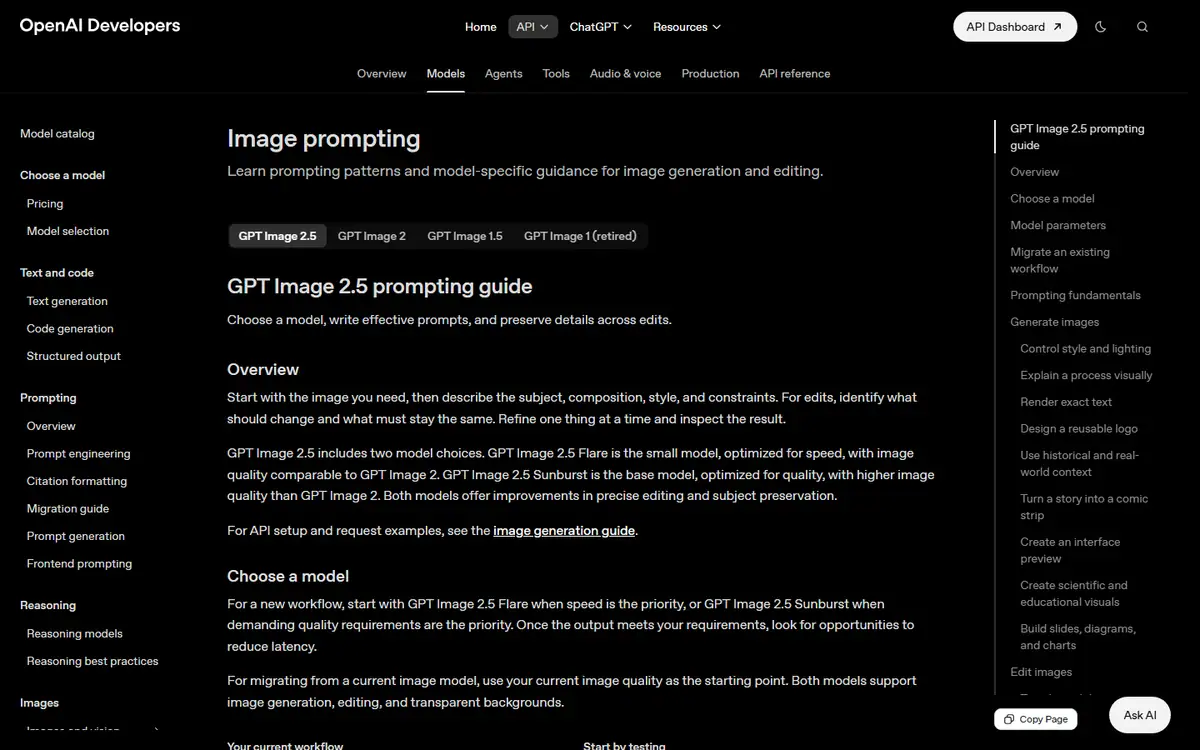
GPT Image
OpenAIGPT Image 2.5 Sunburst / GPT Image 2.5 Flare
Creates images from text and makes precise follow-up edits with reference images.
Read the profile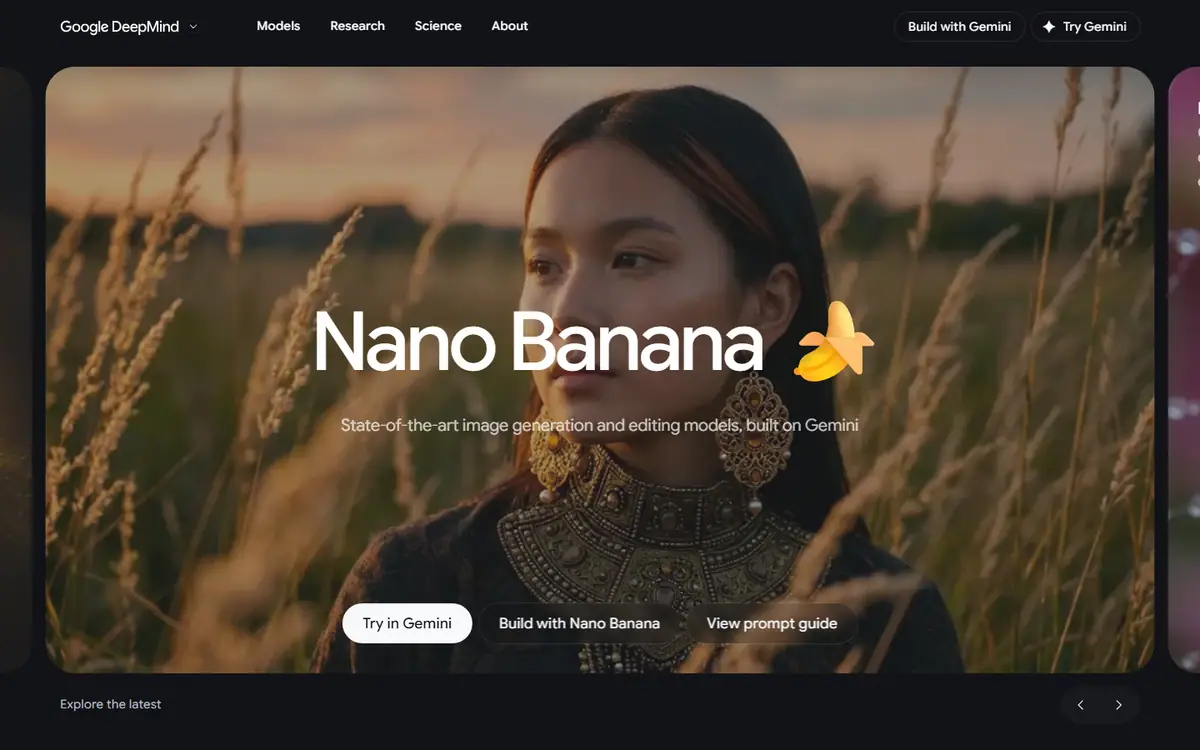 Frontier
Nano Banana
GoogleNano Banana 2.1
Nano Banana: image creation and conversational editing, with several reference images at once.
Read the profile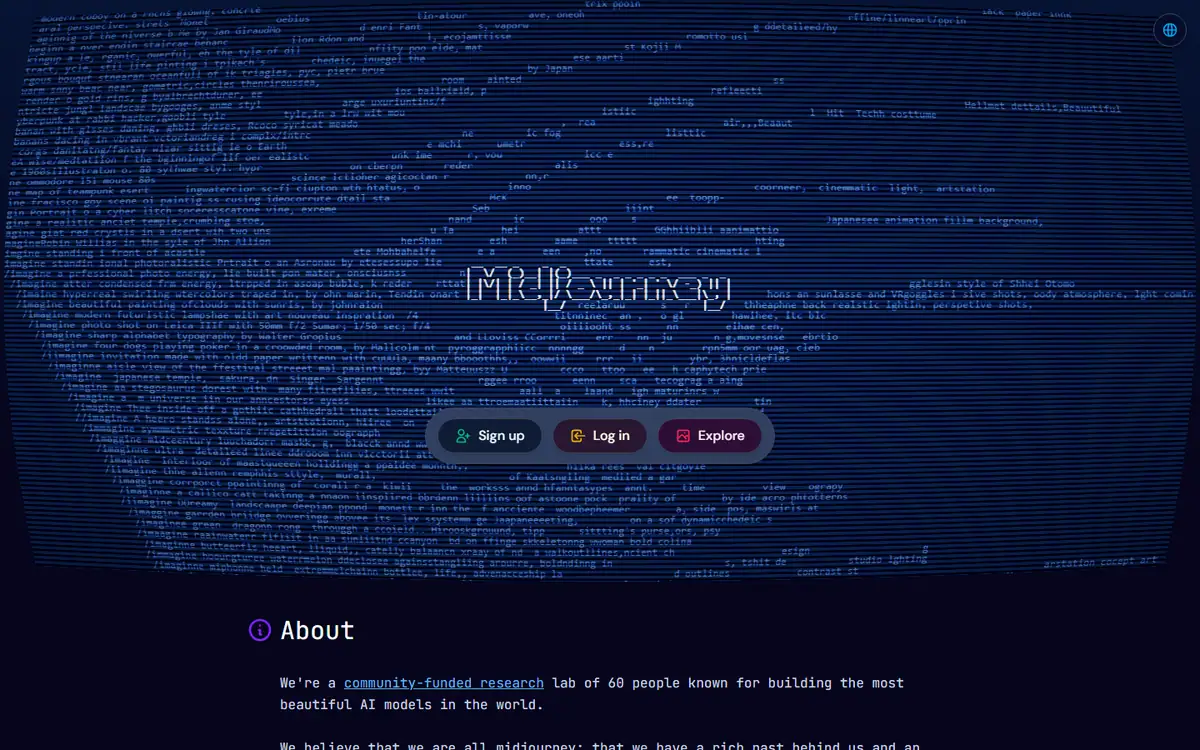 Frontier
Midjourney
MidjourneyMidjourney V8.2 / Edit Model
An art director's sketchbook: style references and personalization for finding a campaign's look.
Read the profile
 Pro
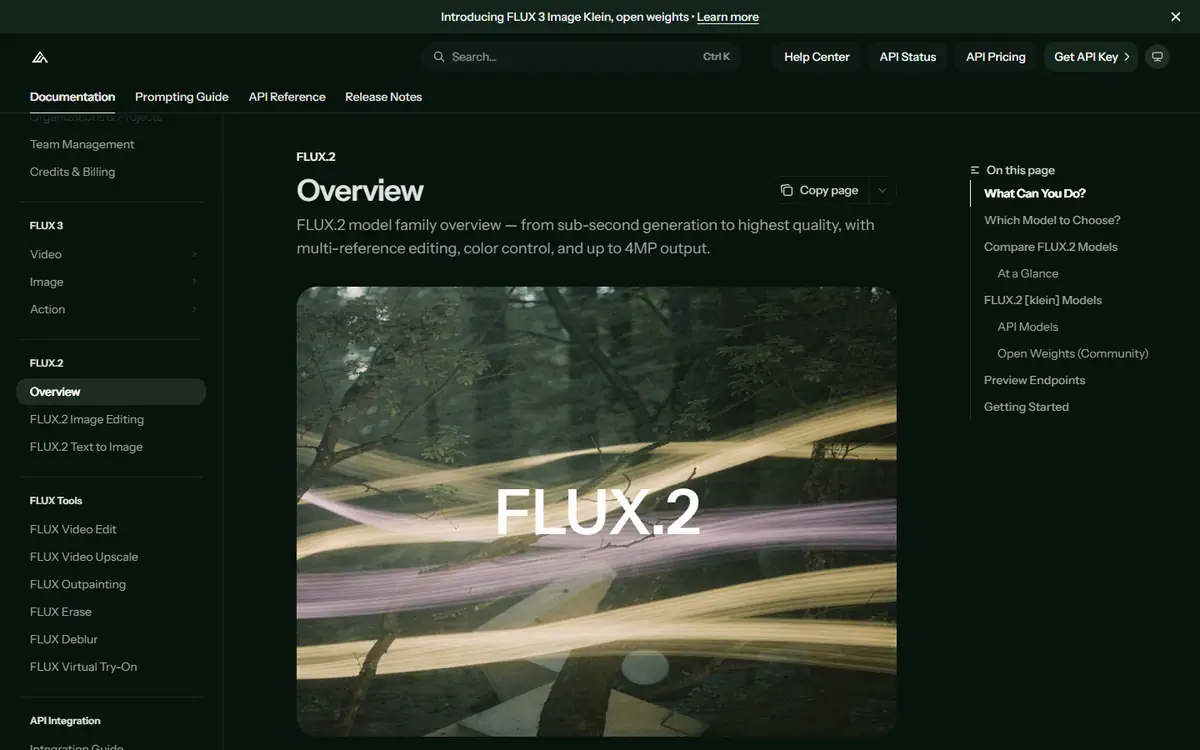
ProFLUX.2
Black Forest LabsFLUX.2 [max], [pro], [flex], [klein] and [dev]
A model family that runs from a hosted API to open weights, with multi-reference generation and editing.
Read the profile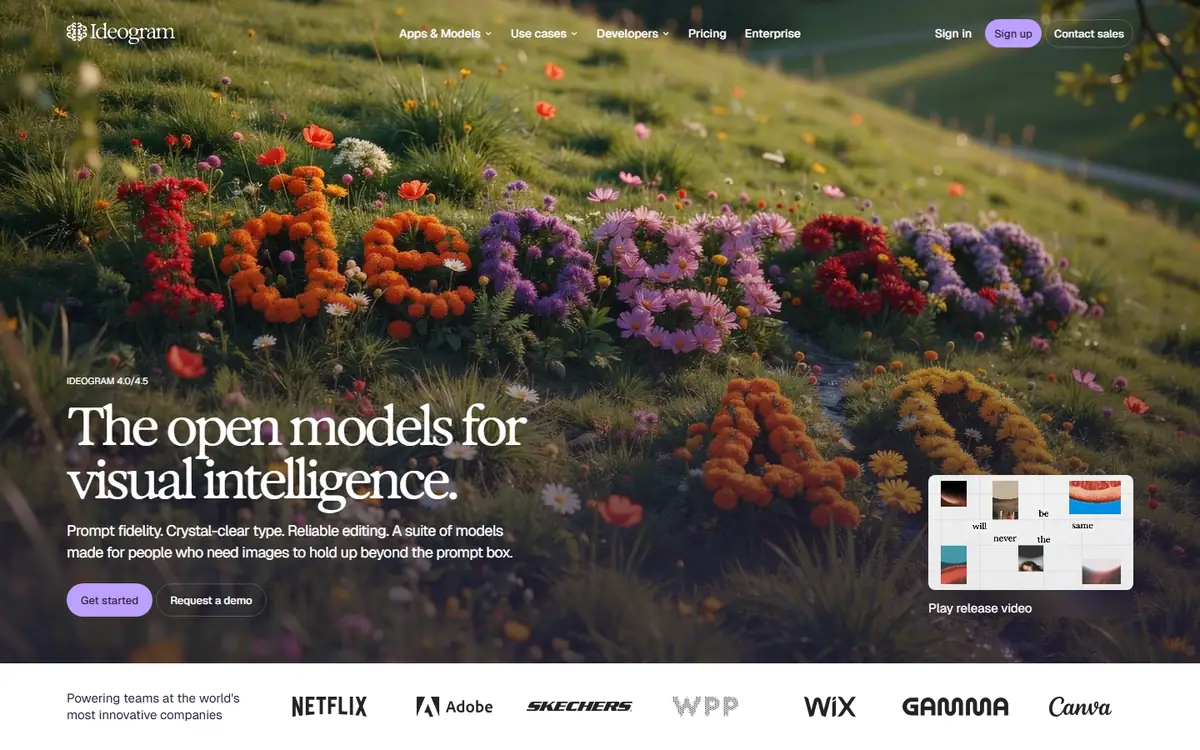 Pro
ProIdeogram
IdeogramIdeogram 4.5
Generation with precise edits that protect a composition you have already approved.
Read the profile Pro
ProAdobe Firefly
AdobeFirefly Image 5 / Firefly Video
Adobe's image and video models, inside the tools many design teams already use.
Read the profile Specialist
Recraft
RecraftRecraft V4.1 / Vector / Utility
Raster images and vector graphics for icons, illustrations and brand assets.
Read the profile
Video models
Ranked within the category by power and output. The team picks are the ones we reach for on particular kinds of shot.
 Frontier
Veo
GoogleVeo 3.1 GA on Google's enterprise route
Google's video model with first and last frames, reference guidance and generated sound.
Read the profile Team pickFrontier
Seedance
ByteDance, delivered through BytePlusSeedance 2.5
Text or image to video, guided by image, video and audio references, with sound made alongside the picture.
Read the profile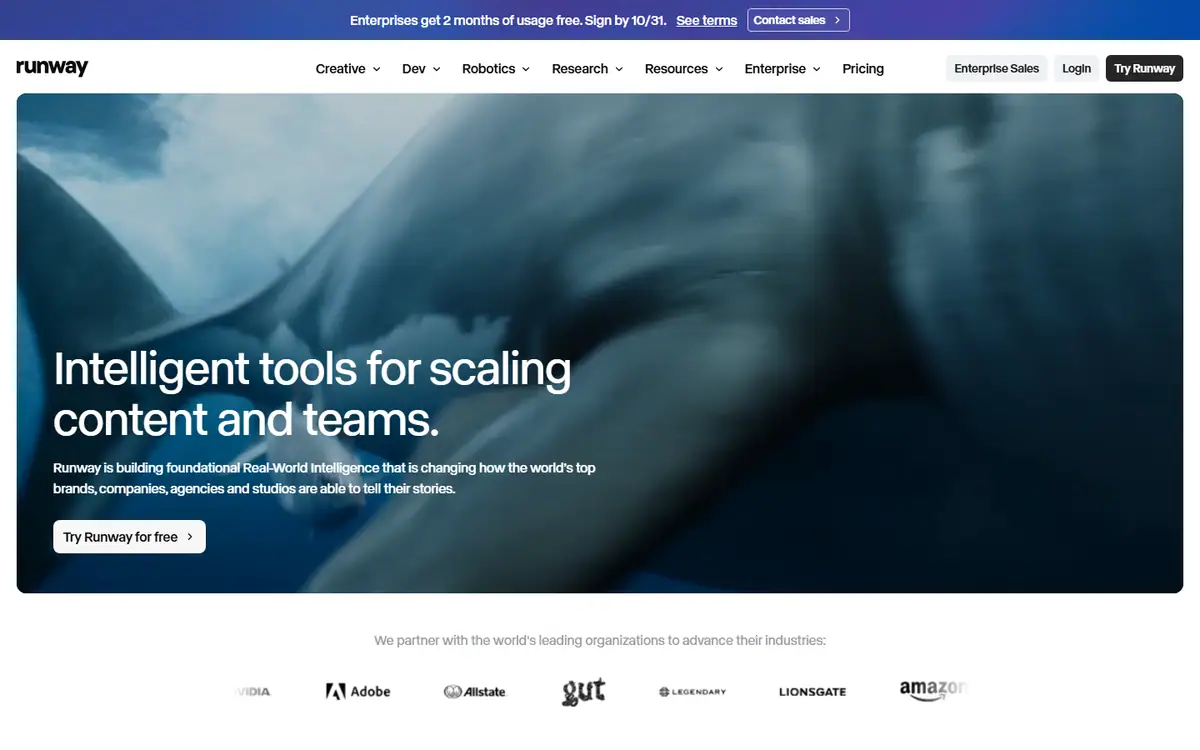 Frontier
Runway
RunwayGen-4.5 / Aleph 2.0
Gen-4.5 creates new shots, and Aleph 2.0 edits the footage you already have.
Read the profile
 Pro
ProLuma Ray
LumaRay 3.2
Ray 3.2 for shots with set start, end or middle frames, plus editing, reframing and extension.
Read the profile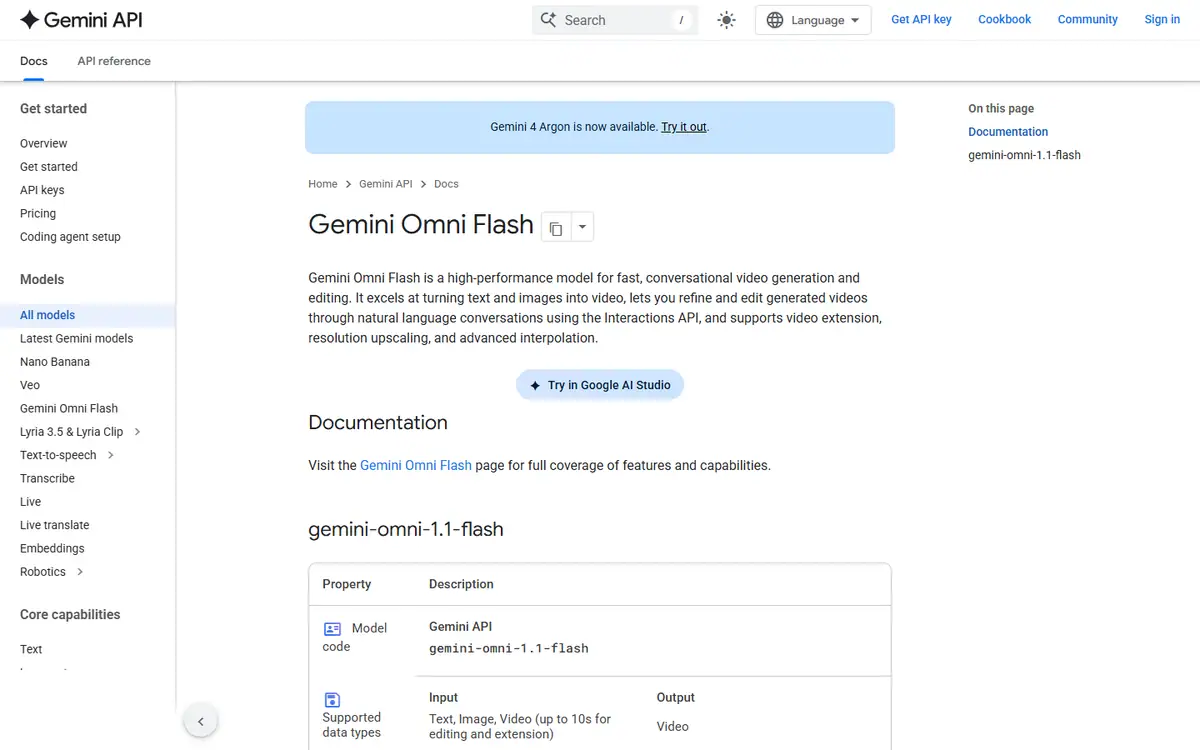 Team pickPro
Gemini Omni
GoogleGemini Omni Flash (stable model ID gemini-omni-1.1-flash)
Make and edit short clips in conversation, starting from text, images or video.
Read the profile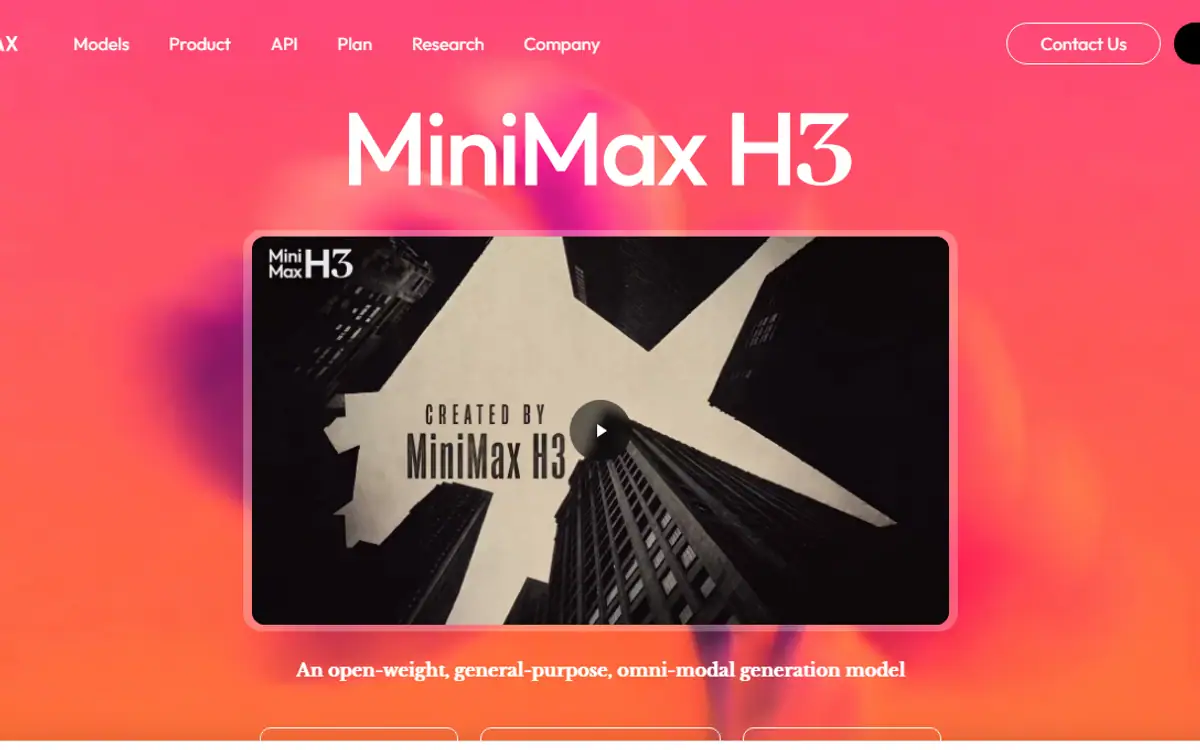 Team pickPro
MiniMax H3
MiniMaxMiniMax H3 / MiniMax H3 Max
H3: first and last frames, multimodal references and editing, from a model MiniMax publishes as open-weight.
Read the profile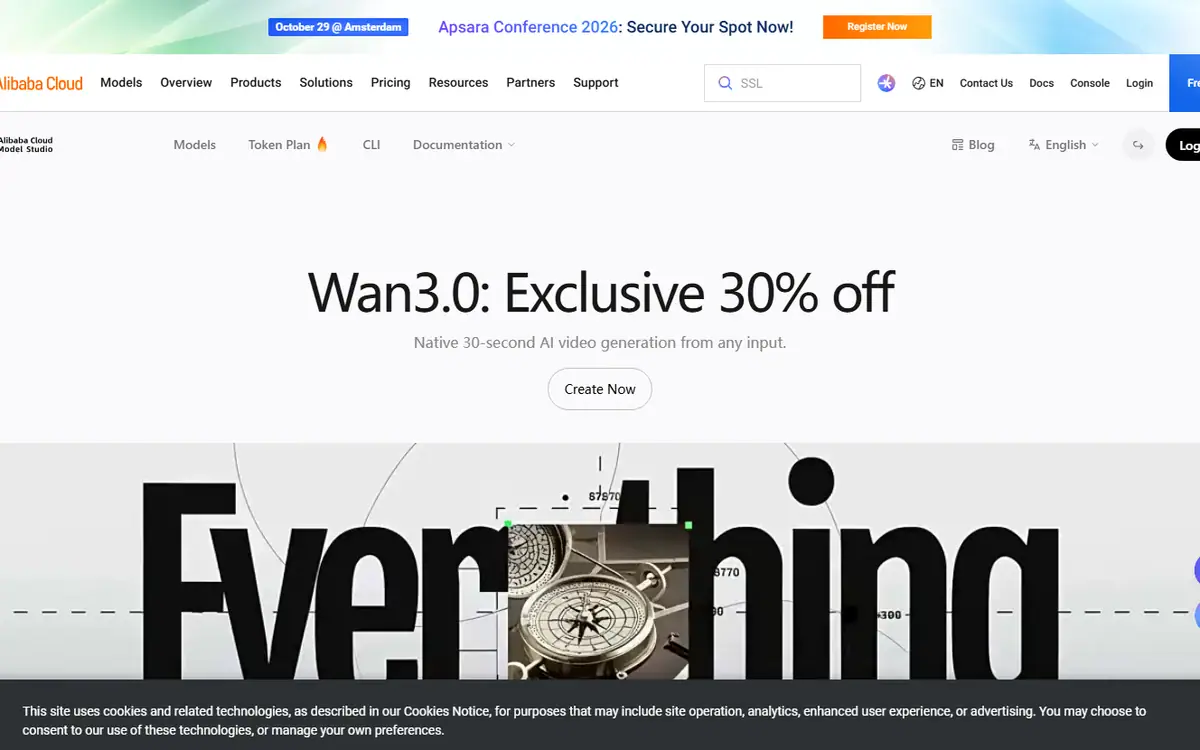 Pro
ProWan
AlibabaWan 3.0 (wan3.0-video) and its speed-optimized version (wan3.0-video-prime) on Alibaba Cloud Model Studio
Alibaba's Wan 3.0: text to video, first and last frames, multimodal references and audio controls.
Read the profile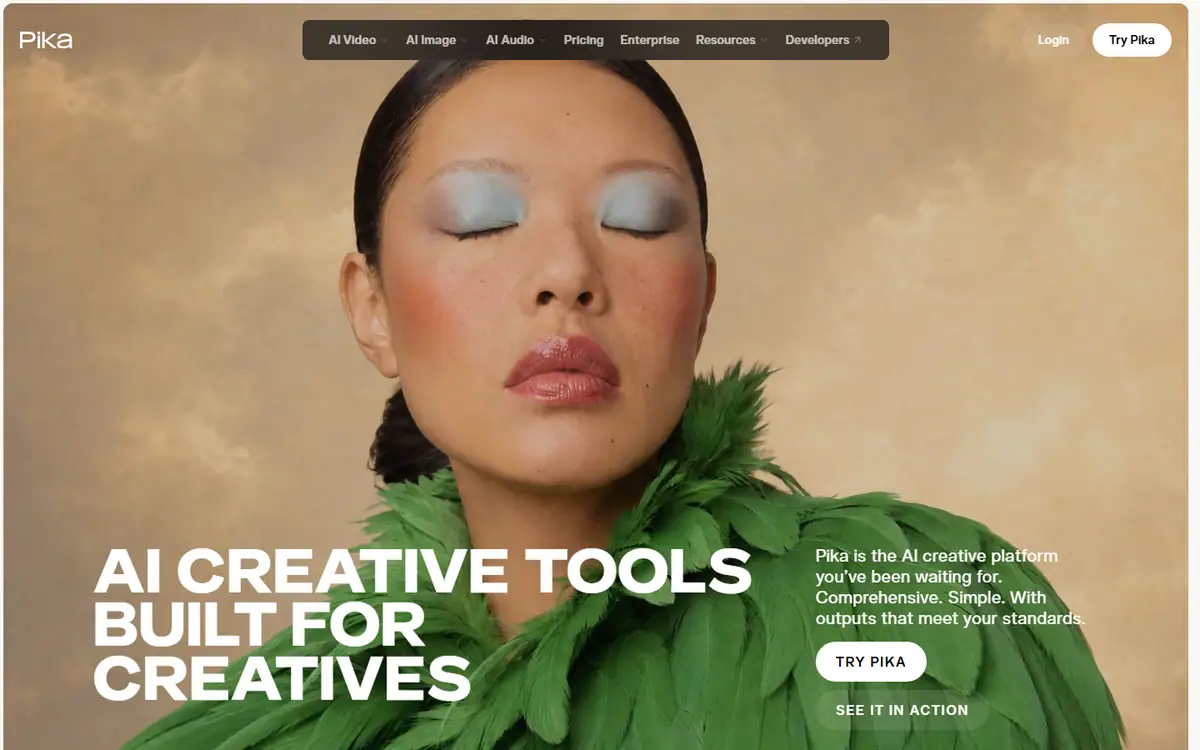 Specialist
Pika
PikaPika 2.5
Short, tightly planned motion and transitions between stills you have already approved.
Read the profile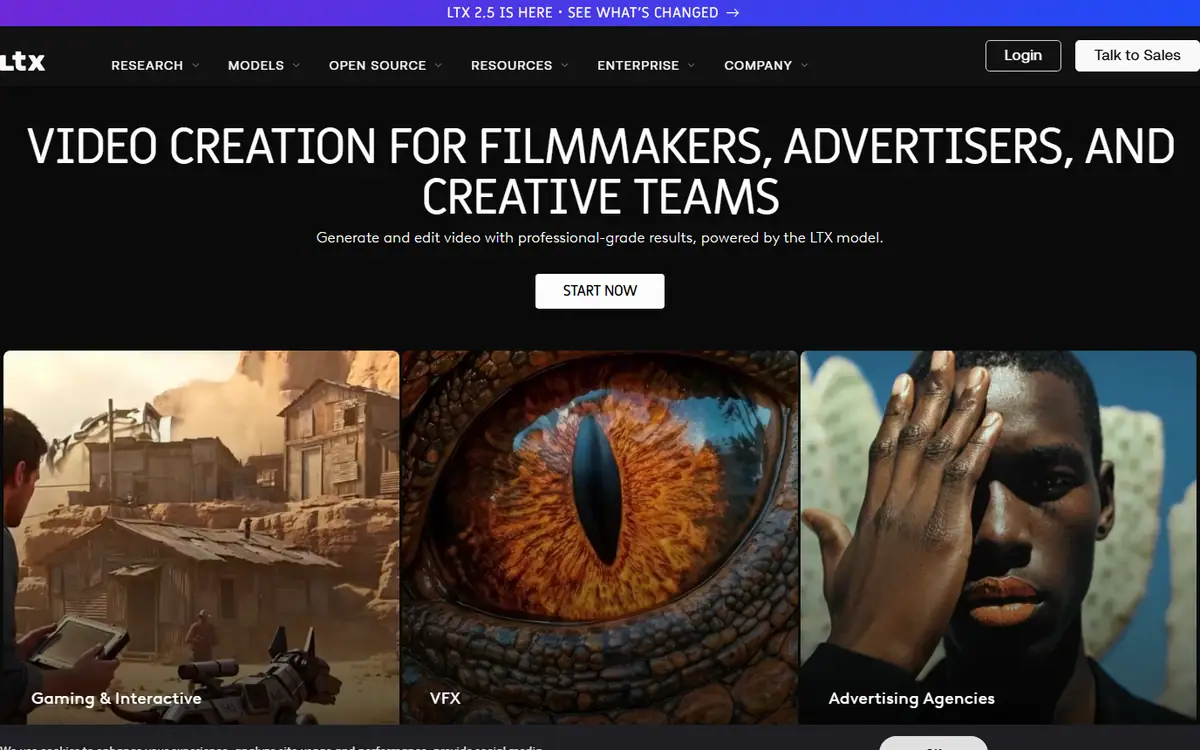 Specialist
LTX
LightricksLTX-2.5 Fast / Pro
Text, image or audio to video, with camera motion control and an audio switch.
Read the profile
What our team reaches for
From the studio floor: where a model has earned a place in our own workflow. This is our experience, not the provider's claim.
Seedance
Our pick for action. When a shot has fast movement and physical energy, our team reaches for Seedance first.
Read the profileGemini Omni
Our pick for tight budgets, handheld camera looks and quick edits to clips you already have.
Read the profileMiniMax H3
Our pick when you want to run the model yourself. MiniMax publishes H3 as open-weight, so a team with the right GPUs can generate on its own hardware, within the licence terms.
Read the profile
How we rank the models
Stars and glow show the studio's reading of power and output quality within each category, not a score from the provider. We check every model against its provider's own pages and refresh this directory every week; a model we cannot confirm stays out until we can.
- Frontier
- Pro
- Specialist
How to read this directory
An AI model directory should help you make a production decision. A long list of names is useful only when it explains what the names refer to, which controls are actually available and when the information was checked. Otherwise, it can make incompatible tools look interchangeable and old instructions look current.
The 4AI media model directory is a curated reference. Its entries should be read as documented capabilities and editorial evaluation guidance. They are not a claim that every model has been tested by 4AI, a complete census of the market or a permanent ranking of quality.
Distinguish the model from the platform
A model is the generation or editing engine. A platform is the application or service through which you access it. One platform can offer several vendors' models, and one model can appear through several delivery routes. The controls, pricing, permissions and available versions may differ between those routes.
When comparing options, record both names. An instruction that works in a vendor's application may not describe a distributor's API. A feature listed for a model family may not be exposed in the plan or interface you intend to use. Confirm the route before treating the feature as part of a production commitment.
Read capabilities at the task level
Text-to-image, image editing, image-to-video, video editing and reframing answer different needs. A generative tool may accept a reference for appearance without offering a precise local edit. A video tool may create a new sequence without being able to preserve all elements of an existing clip.
Start with the work required. Do you need a fresh concept, a product-accurate adaptation, a controlled change or a sequence with consistent subjects? The profile should tell you which documented controls are relevant and what still needs to be tested. Do not assume that the longest feature list produces the most appropriate workflow.
Check the date and lifecycle
Model information changes. A family name can remain familiar while a version, endpoint or application feature is retired. A historical documentation page may still be accessible after the production route has closed.
There are current examples worth taking seriously. OpenAI's deprecation register records the retirement of its Sora 2 API route. Google's Veo guide distinguishes retired Gemini preview endpoints from separately documented access routes. Midjourney's version documentation explains a reference workflow change between generations. These are reasons to retain verification dates, not reasons to avoid AI production altogether.
Check lifecycle information again before an integration, a purchase or a delivery commitment. Keep approved creative assets and production decisions outside a single model so a change of engine does not force a complete restart.
Separate documentation from evidence of quality
A vendor can document a supported input or output. That is different from proving that the output will meet your brief. A promotional comparison is also different from an independent evaluation with a consistent method.
For a meaningful test, use the same references, task and acceptance criteria. Record the platform, version, date and attempts. Include rejected results and finishing work in the comparison. If the test covers only one product image or one shot, describe that scope instead of presenting the result as a general quality ranking.
Treat missing information honestly
An unverified entry should be labelled as research in progress. If a source cannot be inspected, a profile should not fill the gap with a confident specification copied from an unrelated platform. Where a capability depends on account access or a preview programme, state that condition next to the claim.
The directory can still record the family in an unpublished backlog. Publication should follow verification and useful editorial work. A page with little more than a logo, a version number and a sales button is not a substitute for a practical guide.
Does this directory list every available engine?
No. It covers a selected set with explicit verification states. New families can be added when their primary documentation can be checked and the entry helps a real production decision.
Does a model profile mean 4AI uses that engine?
No. A research profile is not a record of production use. A project proposal should identify the actual method and relevant deliverables for your brief.
How should a business use the directory?
Make a shortlist, then test a representative asset or shot. Send 4AI your brief for a scoped recommendation, or explore AI video and visual design.
Sources and verification
Checked on 27 October 2026: OpenAI deprecations, Google Veo lifecycle notice, Midjourney versions and Runway's multi-vendor catalogue.
Questions about AI models
All three are general assistants that read, reason and write. ChatGPT bundles web search, images and voice; Claude is known for long documents and careful writing; Gemini sits closest to Google's own services. For most business writing any of them works, and the deciding factor is usually where your files and your team already are.
It depends on the shot. Veo, Seedance and Runway sit in our top video tier; our team picks Seedance for action and Gemini Omni Flash for tight budgets and quick edits. Test one representative shot on two models before you commit to a schedule.
Some providers publish open weights. MiniMax describes H3 as open-weight, and FLUX offers open-weight image models. You need suitable GPUs, and you must follow each model's licence.
Every week. Each profile shows the date it was last checked and links to the provider pages behind it.
Choosing tools for a real brief?
Tell us what you need to make, launch or improve. We scope the work first, then choose the tools around it.
No pitch decks until we understand the problem.
hello@4ai.ae