Adobe Firefly
Adobe's image and video models, inside the tools many design teams already use.

In short
Evaluate the whole working environment if the final campaign also needs retouching, layout and editing. A model can save time on a shot while adding friction elsewhere. Test how references, approved assets and final files move between production stages before choosing the workflow.
What it can do
- Image generation with composition/style guidance
- Video first and last keyframes
- Camera-related video controls
Limits to plan for
- The Firefly application also hosts non-Adobe partner models.
- Settings and availability differ by selected model, product, geography and account.
The production decision around Firefly includes more than the generator. A campaign may also need retouching, layout, video editing and several delivery formats. Adobe documents Firefly Image 5 and Firefly Video, while the Firefly application also offers partner engines with separate capabilities.
Follow the asset through the whole job
Test how a reference becomes a working image, how that image is revised and how the result enters the final design or edit. A convenient generation step is useful only if the asset can move through the remaining stages without avoidable rebuilding.
For video, agree the intended opening, ending and camera behaviour before testing. The documented Firefly workflow includes keyframe and camera-related controls, but the available settings depend on the selected engine and product. Record that selection so later revisions can be evaluated consistently.
Approve the finished file
Review the export after retouching, compositing, text and sound have been added. Check edges, product details and visual continuity in the actual placement. A generator preview is one stage in the review, not the delivery master.
Model, geography and account conditions vary. Confirm the intended workflow before committing a schedule. For a campaign crossing image and motion, discuss an integrated brief with 4AI so generation, design and finishing are included in the same scope.
Sources checked 27 October 2026: Adobe Firefly image generation, Adobe Firefly image-to-video.
Before you commit
Record the selected model and inspect the finished asset, not only the generator preview.
Compare it with
Other models in the same category, nearest tier first.
 Pro
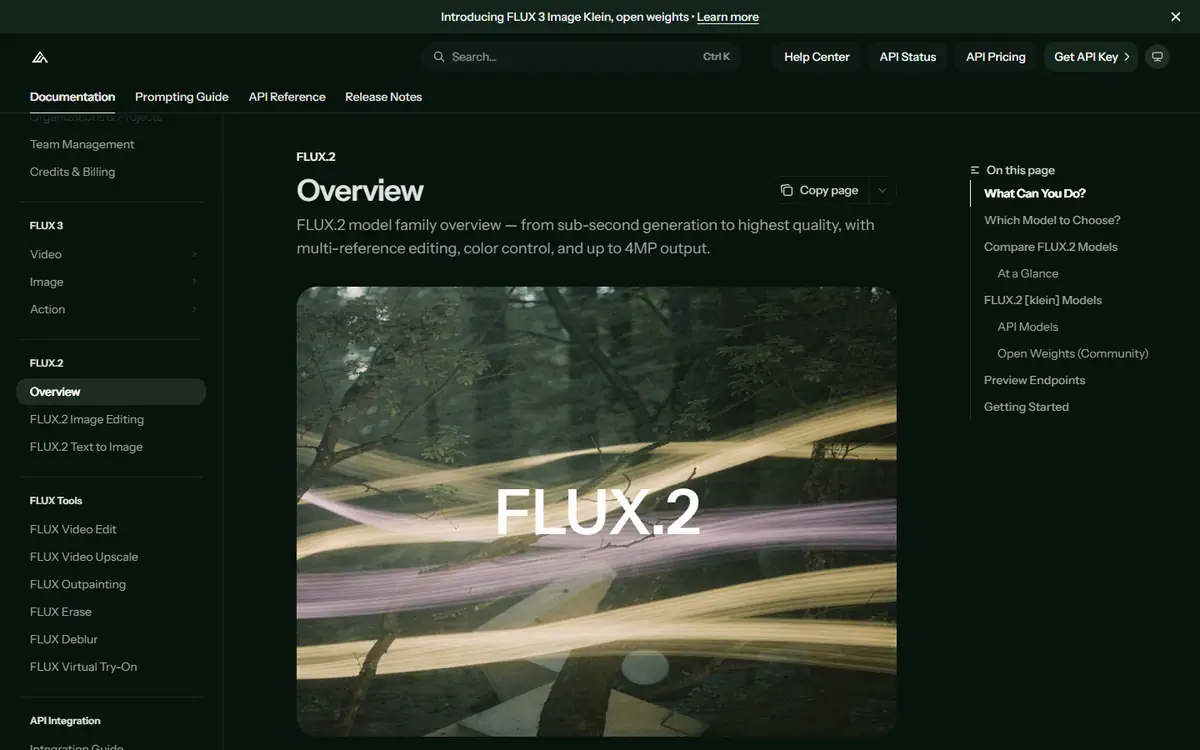
ProFLUX.2
Black Forest LabsFLUX.2 [max], [pro], [flex], [klein] and [dev]
A model family that runs from a hosted API to open weights, with multi-reference generation and editing.
Read the profile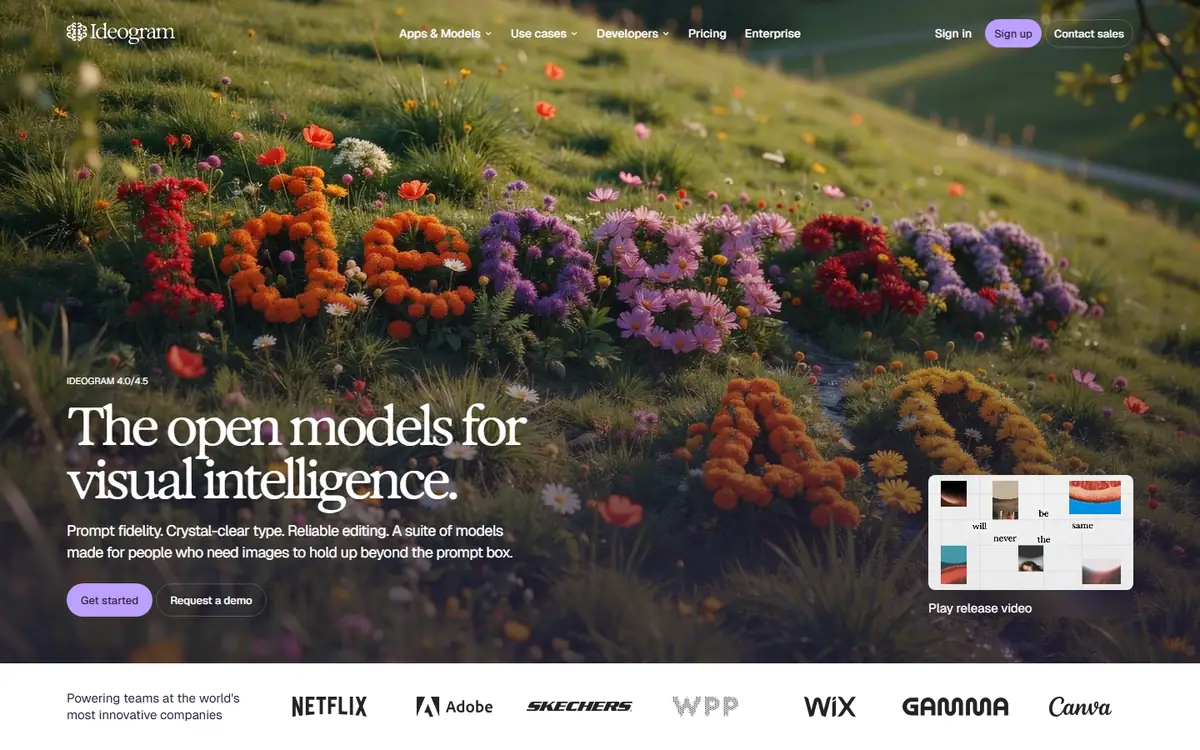 Pro
ProIdeogram
IdeogramIdeogram 4.5
Generation with precise edits that protect a composition you have already approved.
Read the profile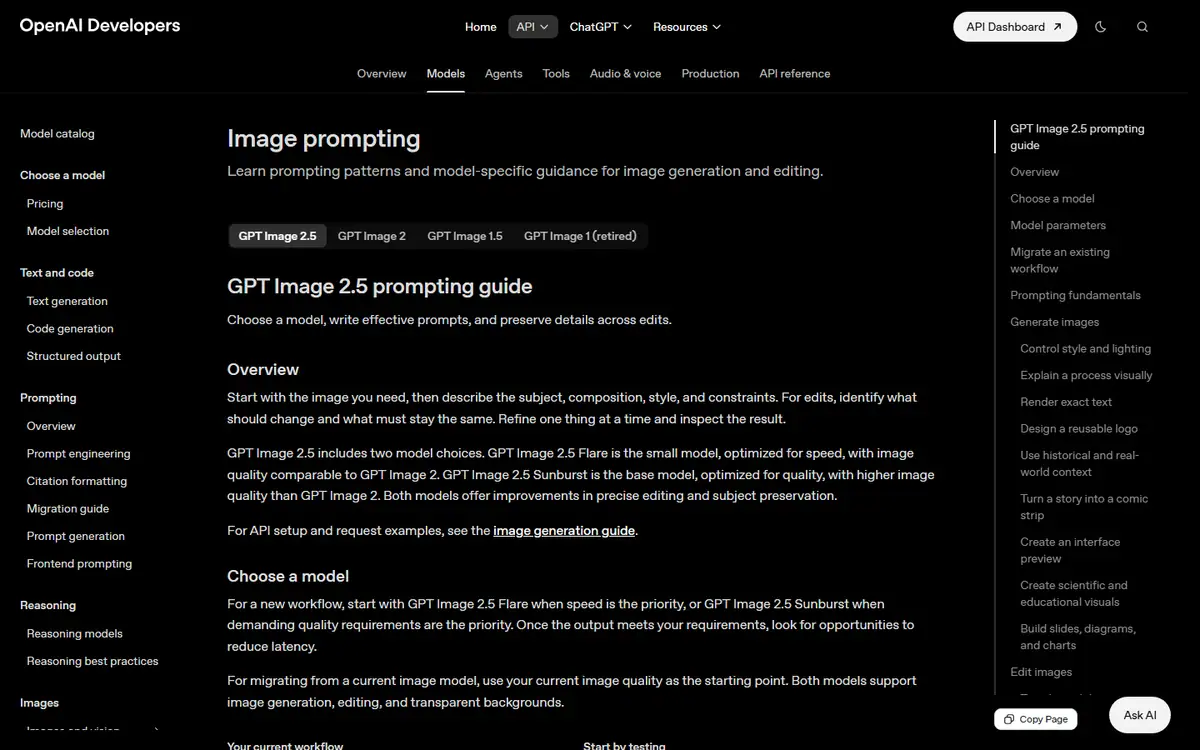 Frontier
GPT Image
OpenAIGPT Image 2.5 Sunburst / GPT Image 2.5 Flare
Creates images from text and makes precise follow-up edits with reference images.
Read the profile
Where we use it
Read next
- Choosing an AI image model for brand work: a practical buyer's guideHow to choose an AI image workflow for brand work by testing reference fidelity, revision control, typography and delivery against a real brief, with the options checked on 27 October 2026.
- AI product imagery: what to generate, preserve and check before publishingA practical workflow for product images that combines approved source assets, generated settings, controlled edits and a careful final review, with provider capabilities checked on 27 October 2026.
- Keeping characters and products consistent across AI images and videoBuild a reference system, define what may change and review continuity across AI-generated campaign images and video, with reference controls checked on 27 October 2026.
Choosing tools for a real brief?
Tell us what you need to make, launch or improve. We scope the work first, then choose the tools around it.
No pitch decks until we understand the problem.
hello@4ai.ae