FLUX.2
A model family that runs from a hosted API to open weights, with multi-reference generation and editing.
ProBlack Forest Labs
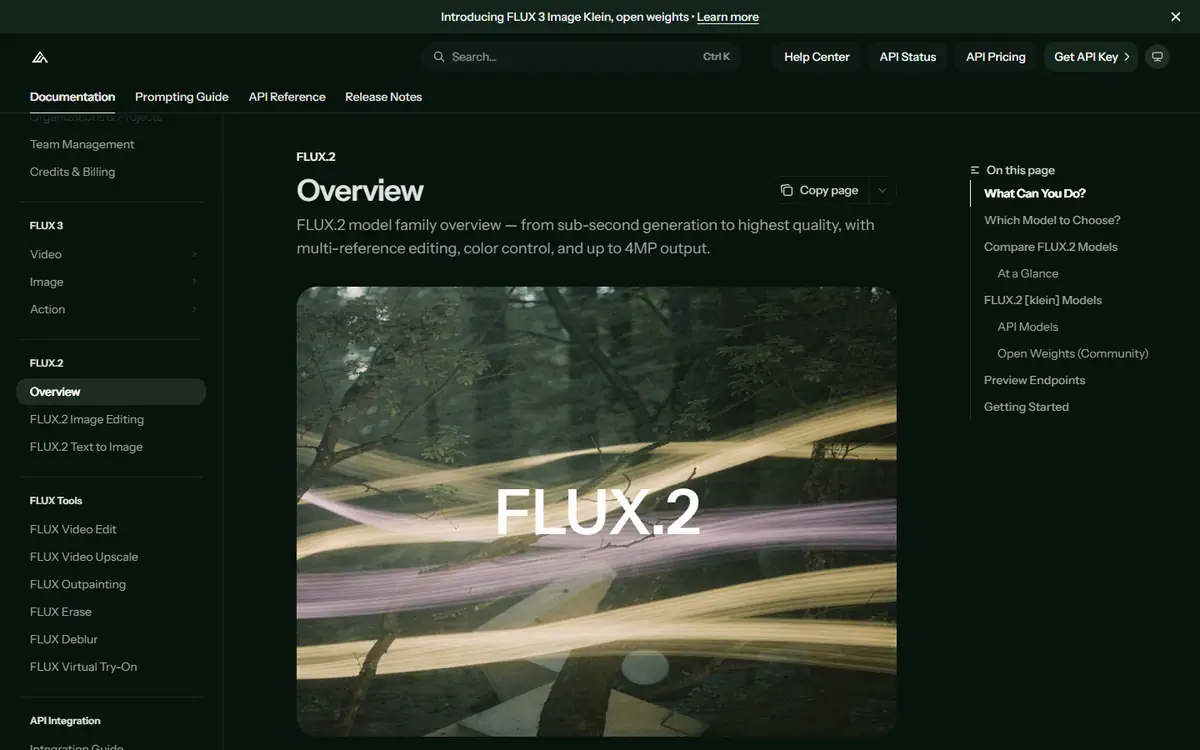
In short
Evaluate at the deployment level: a designer using a hosted workspace and a product team operating a model pipeline have different requirements. Test reference handling, review effort and repeatability with the same assets before deciding whether greater control is worth additional operational work.
What it can do
- Generation and multi-reference editing
- Variant-dependent controls
- API/playground and selected open-weight routes
Limits to plan for
- Controls, reference limits and licences differ by variant.
- An open-weight option is not a blanket commercial-use licence.
FLUX.2 is a family rather than one interchangeable endpoint. Black Forest Labs documents max, pro, flex, klein and dev variants, with generation and multi-reference editing across the family. Controls, access and licence conditions differ by variant.
Choose the operating model as well as the image model
A designer working in a hosted environment and a development team operating a repeatable pipeline face different decisions. Define who will run the workflow, maintain it, review outputs and handle failures before comparing sample images.
Use the same source assets and acceptance criteria for each candidate. Include a product reference, a controlled revision and the export format needed downstream. Record review effort alongside visual appeal: an output that repeatedly needs manual repair can change the economics of a workflow.
Protect the details the brief depends on
Compare colours, small labels and product geometry against source artwork. Where consistency matters, check several assets as a set rather than approving them in isolation. Prompt wording alone is not evidence that brand colours or protected details have remained accurate.
Black Forest Labs offers API and playground routes; selected downloadable models have separate conditions. An open-weight option does not establish unrestricted commercial use. For a defined set of campaign assets, discuss the production requirements with 4AI and choose the workflow after the scope is clear.
Sources checked 27 October 2026: Black Forest Labs FLUX.2 overview.
Before you commit
Compare colours and small product details against source artwork rather than relying on prompt wording.
Compare it with
Other models in the same category, nearest tier first.
 Pro
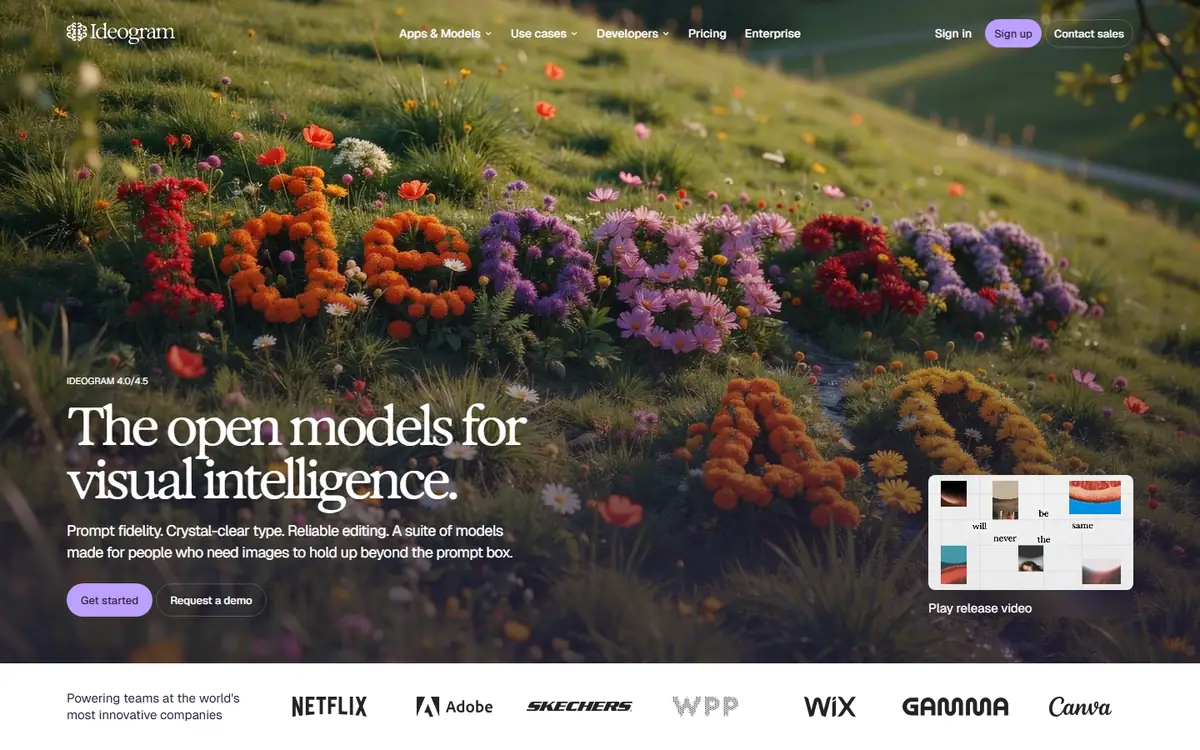
ProIdeogram
IdeogramIdeogram 4.5
Generation with precise edits that protect a composition you have already approved.
Read the profile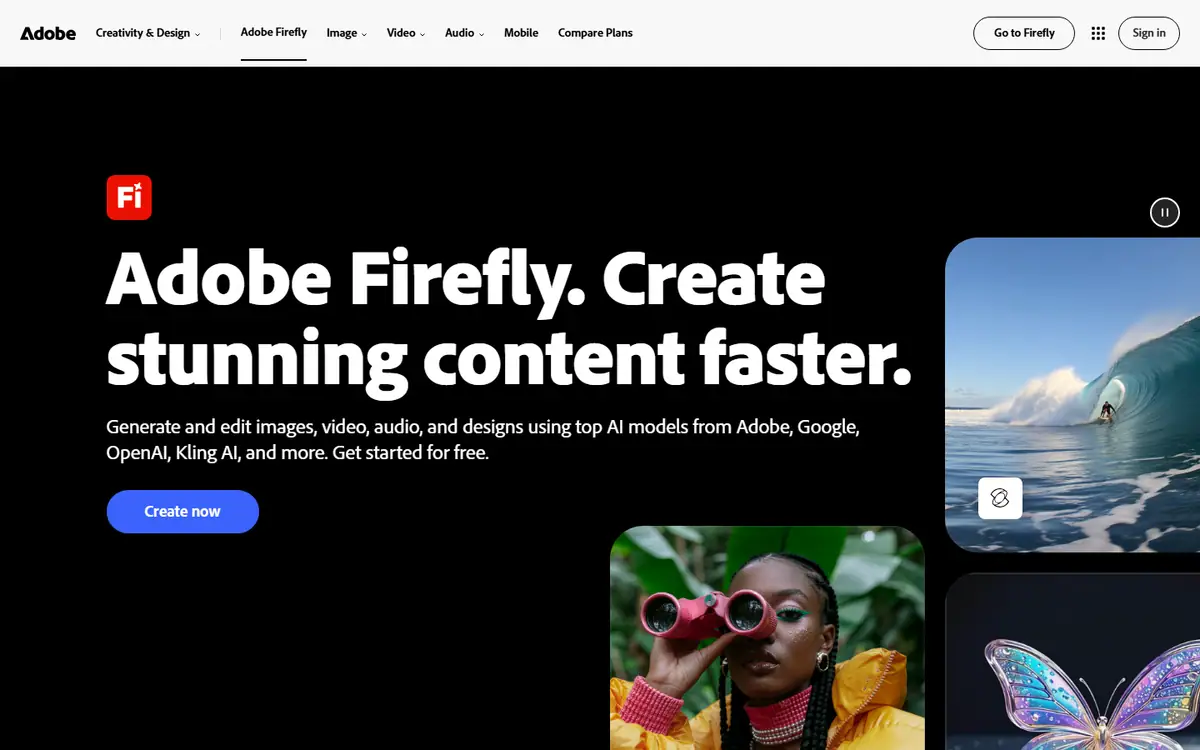 Pro
ProAdobe Firefly
AdobeFirefly Image 5 / Firefly Video
Adobe's image and video models, inside the tools many design teams already use.
Read the profile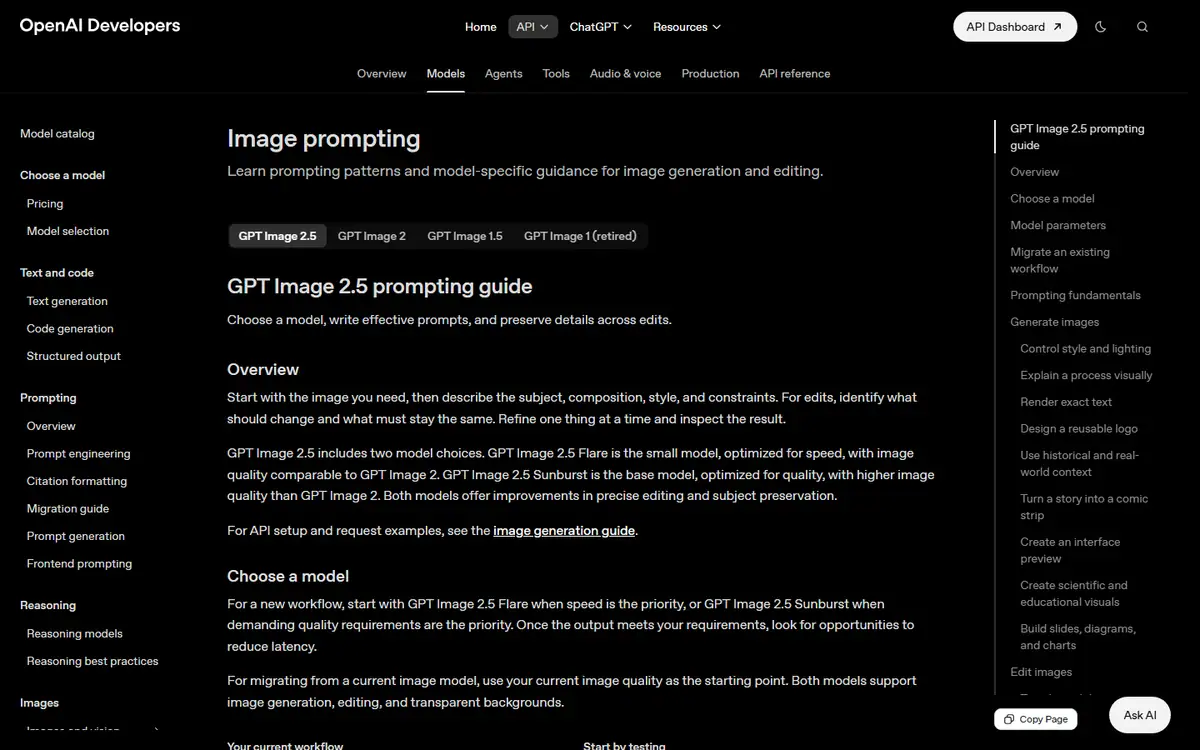 Frontier
GPT Image
OpenAIGPT Image 2.5 Sunburst / GPT Image 2.5 Flare
Creates images from text and makes precise follow-up edits with reference images.
Read the profile
Where we use it
Read next
- Choosing an AI image model for brand work: a practical buyer's guideHow to choose an AI image workflow for brand work by testing reference fidelity, revision control, typography and delivery against a real brief, with the options checked on 27 October 2026.
- AI product imagery: what to generate, preserve and check before publishingA practical workflow for product images that combines approved source assets, generated settings, controlled edits and a careful final review, with provider capabilities checked on 27 October 2026.
- Keeping characters and products consistent across AI images and videoBuild a reference system, define what may change and review continuity across AI-generated campaign images and video, with reference controls checked on 27 October 2026.
Choosing tools for a real brief?
Tell us what you need to make, launch or improve. We scope the work first, then choose the tools around it.
No pitch decks until we understand the problem.
hello@4ai.ae