Ideogram
Generation with precise edits that protect a composition you have already approved.
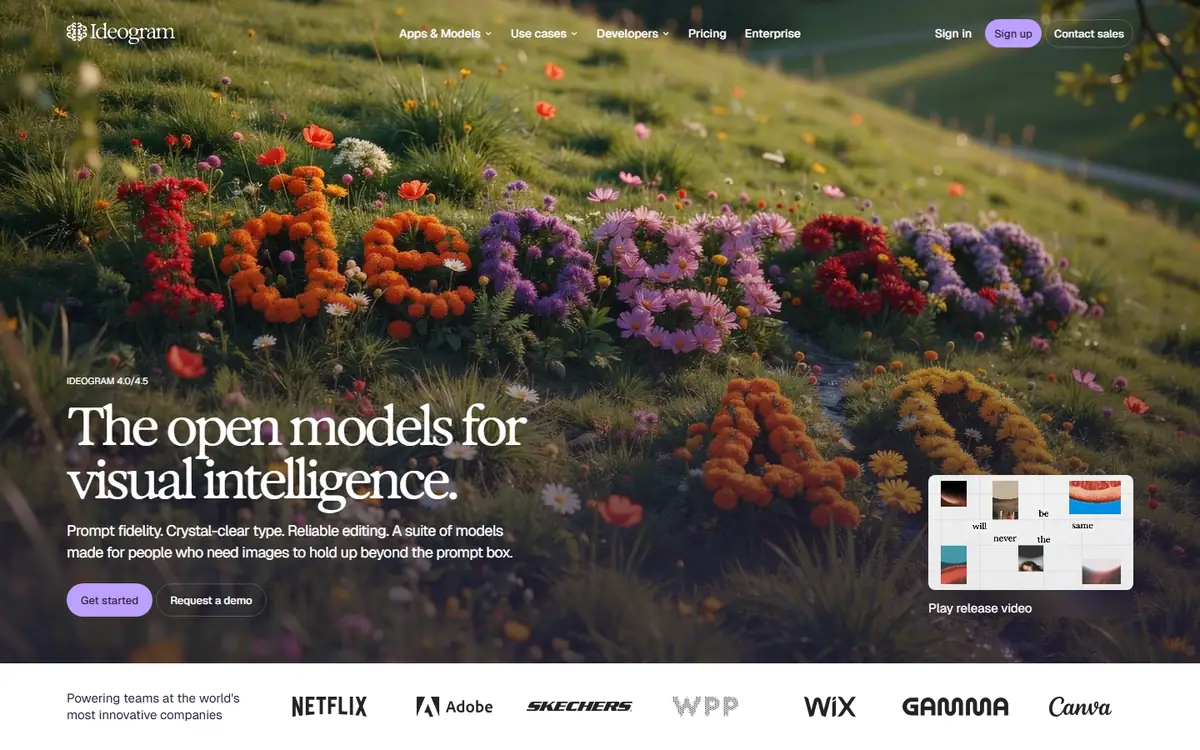
In short
Include in an evaluation when revisions need to protect an approved composition. Use a packaging scene with a tiny permitted change and review the untouched areas as carefully as the edited region. For campaign lettering, keep a separately editable text layer wherever future translation is likely.
What it can do
- Prompt-based generation
- Reference-guided creation
- Precise Edit
- Optional mask-based editing
Limits to plan for
- Vendor comparisons are not independent performance evidence.
A useful image-editing test is often a small one: change a permitted detail while protecting an approved composition. Ideogram 4.5 documents generation, reference-guided creation and Precise Edit, including optional mask-based editing.
Test the untouched areas
Prepare a packaging or campaign scene with one clear change request. Compare the revised image against the original, including areas well away from the edit. Repeat with a second revision to see whether the composition still meets the brief.
Judge the task by the details that affect delivery. A corrected colour is not enough if the package shape, label or nearby object also changes. Define acceptance criteria before reviewing the output so an attractive revision does not distract from an unintended alteration.
Keep lettering ready for adaptation
For campaign text, proofread every script at the size the audience will see. If the artwork will need translation, a new offer or a legal line, keep a separately editable text layer wherever practical. Check layout balance again after each language change.
Ideogram's application and API have different account and credit settings, and whole-image and regional-edit rules differ. Vendor comparisons do not establish independent performance results. 4AI can scope graphic design and finishing around the approved layout, language versions and required editable files.
Sources checked 27 October 2026: Ideogram API overview, Ideogram 4.5 model page.
Before you commit
Proofread every script at delivery size and compare unedited areas after successive revisions.
Compare it with
Other models in the same category, nearest tier first.
 Pro
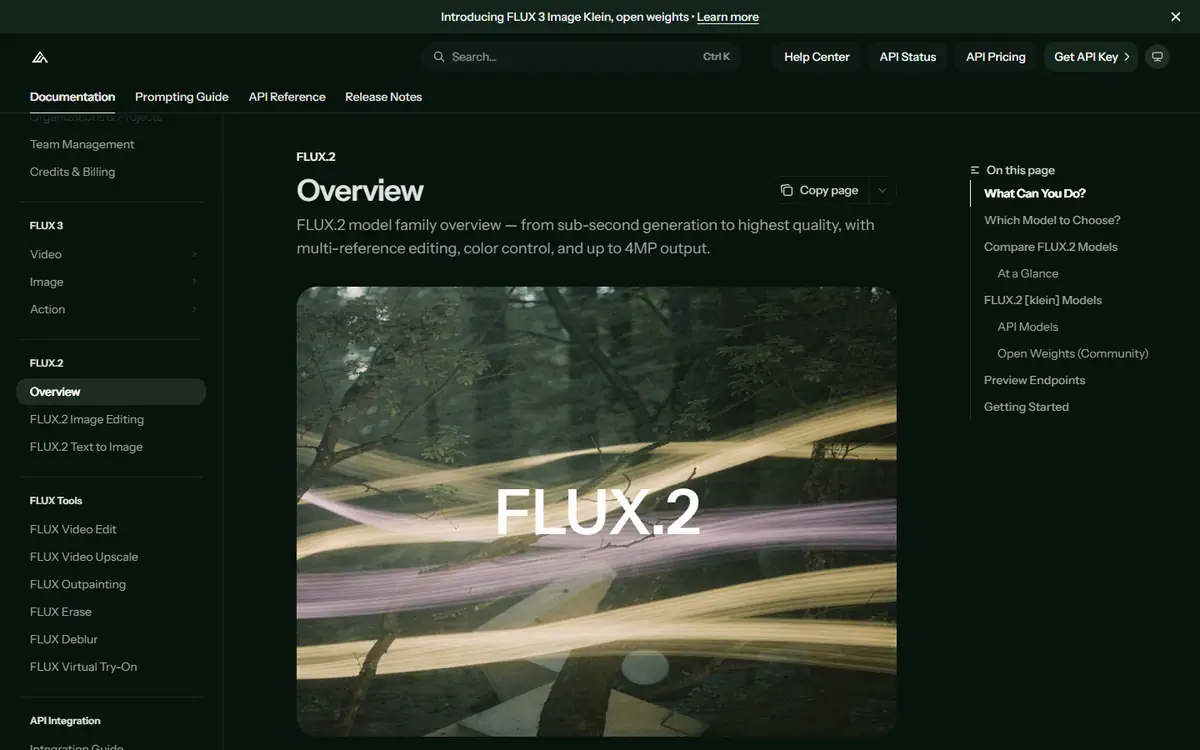
ProFLUX.2
Black Forest LabsFLUX.2 [max], [pro], [flex], [klein] and [dev]
A model family that runs from a hosted API to open weights, with multi-reference generation and editing.
Read the profile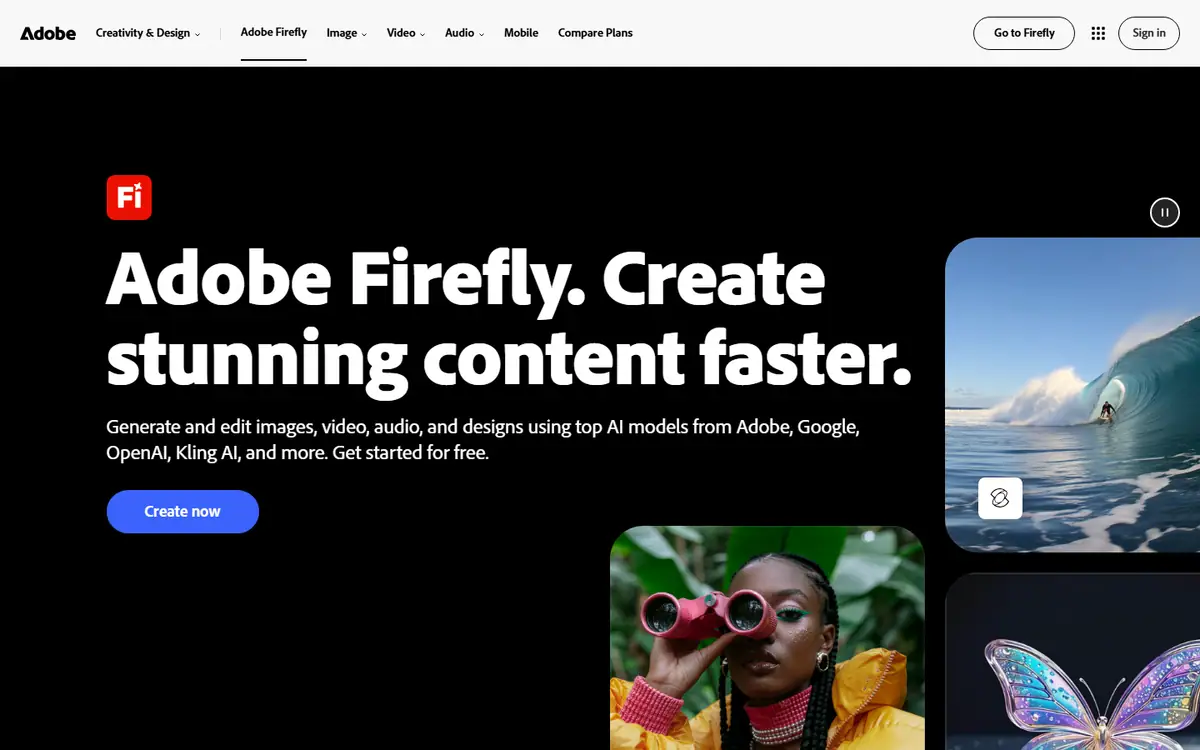 Pro
ProAdobe Firefly
AdobeFirefly Image 5 / Firefly Video
Adobe's image and video models, inside the tools many design teams already use.
Read the profile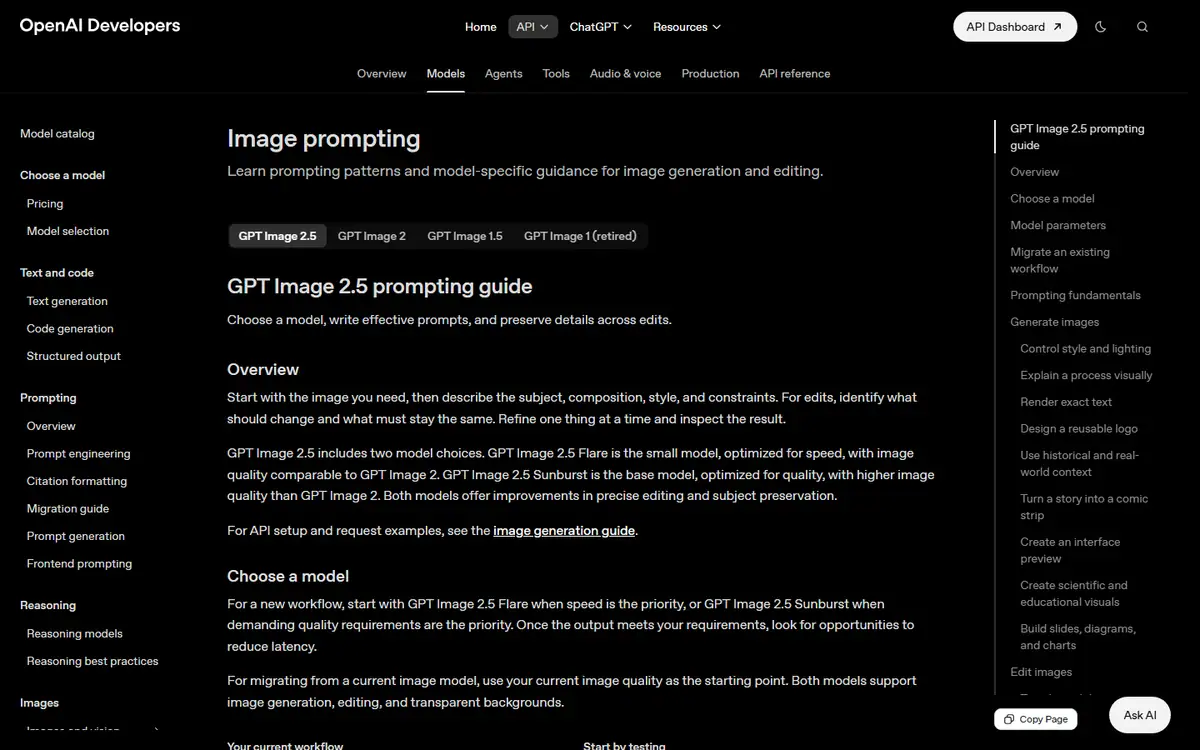 Frontier
GPT Image
OpenAIGPT Image 2.5 Sunburst / GPT Image 2.5 Flare
Creates images from text and makes precise follow-up edits with reference images.
Read the profile
Where we use it
Read next
- Choosing an AI image model for brand work: a practical buyer's guideHow to choose an AI image workflow for brand work by testing reference fidelity, revision control, typography and delivery against a real brief, with the options checked on 27 October 2026.
- AI product imagery: what to generate, preserve and check before publishingA practical workflow for product images that combines approved source assets, generated settings, controlled edits and a careful final review, with provider capabilities checked on 27 October 2026.
- Keeping characters and products consistent across AI images and videoBuild a reference system, define what may change and review continuity across AI-generated campaign images and video, with reference controls checked on 27 October 2026.
Choosing tools for a real brief?
Tell us what you need to make, launch or improve. We scope the work first, then choose the tools around it.
No pitch decks until we understand the problem.
hello@4ai.ae