Recraft
Raster images and vector graphics for icons, illustrations and brand assets.
SpecialistRecraft
In short
Evaluate for a visual system that needs both concept imagery and graphic assets. Inspect the exported geometry, editing behaviour and small-size legibility. Use generated ideas to explore a direction, then apply a deliberate review of optical balance, typography and asset consistency before treating anything as an identity master.
What it can do
- Raster generation
- Vector-focused generation
- Utility-oriented image generation
Limits to plan for
- Vendor aesthetic/benchmark comparisons are not independent 4AI tests.
- Confirm the actual output format; a vector-looking image is not proof of editable vectors.
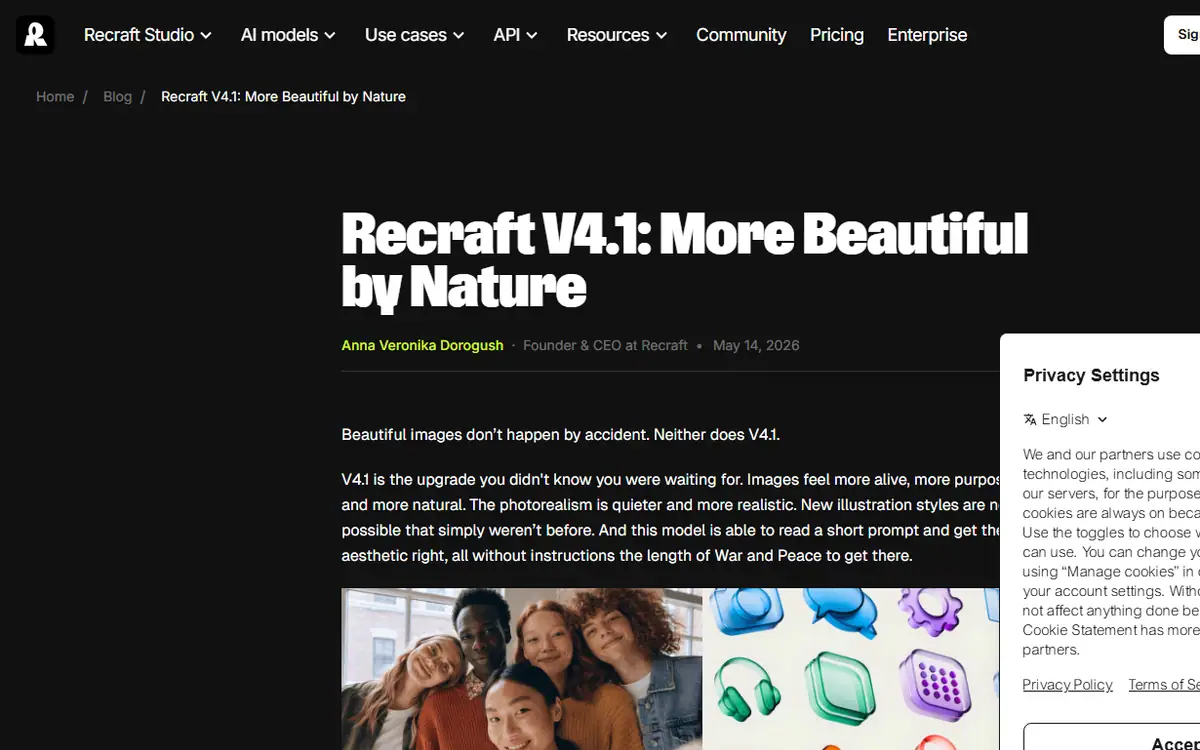
A brand system may need atmospheric imagery, compact graphic elements and editable assets that work at small sizes. Recraft documents a V4.1 family covering raster, vector-focused and utility-oriented generation. Each output needs to be assessed against its intended use.
Examine the deliverable itself
If the brief requires vectors, inspect the exported paths and editable structure. An image that looks like vector artwork does not establish that it contains suitable geometry. Check whether shapes can be adjusted cleanly and whether the asset remains legible at the sizes required by the identity system.
Use generated material to explore visual direction, then review optical balance, spacing and consistency deliberately. A promising symbol should be assessed alongside typography, colour and the rest of the system. Approval of one illustration is not approval of an entire identity.
Build a usable set
Compare related assets together. Look for differences in line behaviour, proportions and visual weight that may be less obvious when each image is viewed alone. Keep the final master files organised for the people who will adapt them later.
Recraft Studio and API conditions differ, and vendor benchmark claims do not establish independent results. Confirm model, export and licence conditions for the intended work. 4AI's graphic design service can be scoped around a coherent set of finished, editable assets.
Sources checked 27 October 2026: Recraft V4.1 release.
Before you commit
Inspect paths and editable structure where vector deliverables are required.
Compare it with
Other models in the same category, nearest tier first.
 Pro
ProFLUX.2
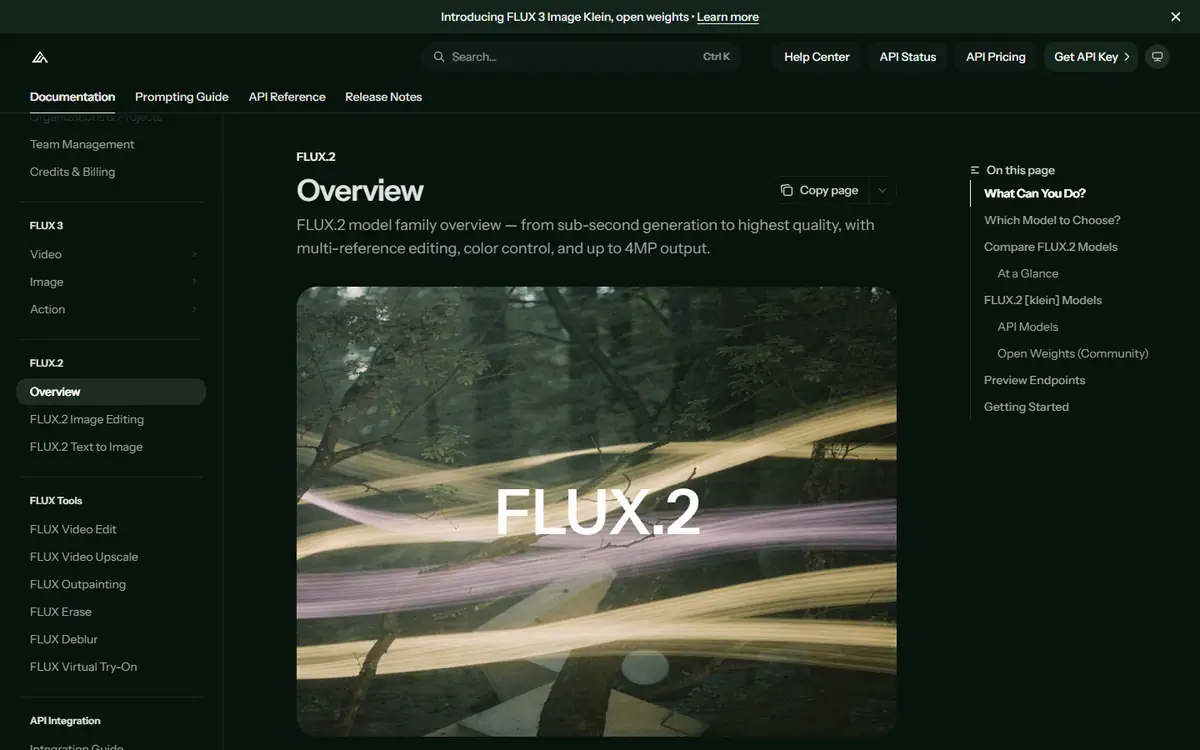
Black Forest LabsFLUX.2 [max], [pro], [flex], [klein] and [dev]
A model family that runs from a hosted API to open weights, with multi-reference generation and editing.
Read the profile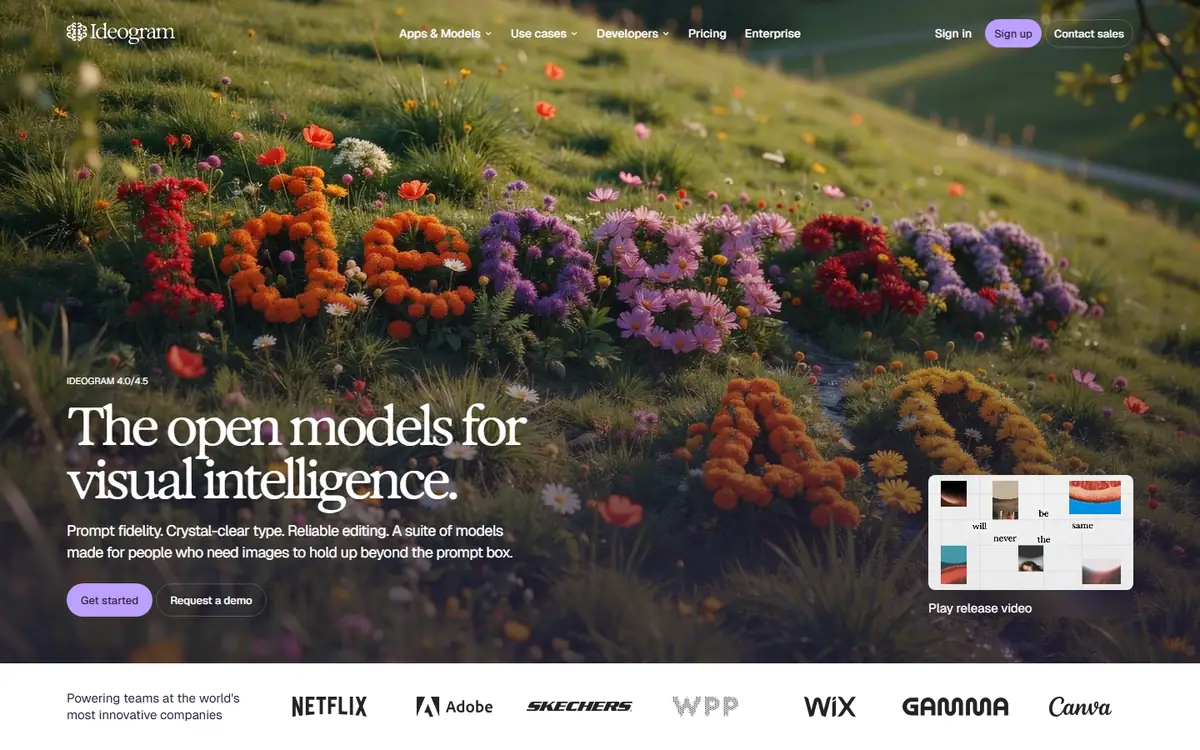 Pro
ProIdeogram
IdeogramIdeogram 4.5
Generation with precise edits that protect a composition you have already approved.
Read the profile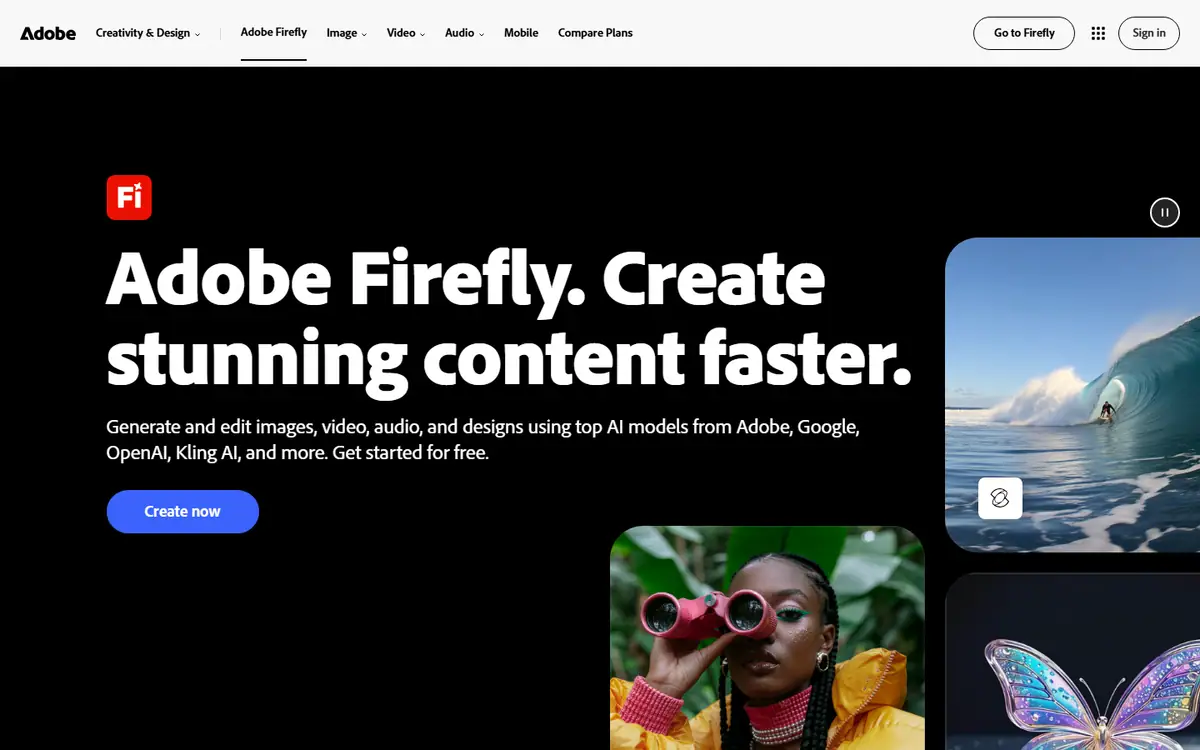 Pro
ProAdobe Firefly
AdobeFirefly Image 5 / Firefly Video
Adobe's image and video models, inside the tools many design teams already use.
Read the profile
Where we use it
Read next
- Choosing an AI image model for brand work: a practical buyer's guideHow to choose an AI image workflow for brand work by testing reference fidelity, revision control, typography and delivery against a real brief, with the options checked on 27 October 2026.
- AI product imagery: what to generate, preserve and check before publishingA practical workflow for product images that combines approved source assets, generated settings, controlled edits and a careful final review, with provider capabilities checked on 27 October 2026.
- Keeping characters and products consistent across AI images and videoBuild a reference system, define what may change and review continuity across AI-generated campaign images and video, with reference controls checked on 27 October 2026.
Choosing tools for a real brief?
Tell us what you need to make, launch or improve. We scope the work first, then choose the tools around it.
No pitch decks until we understand the problem.
hello@4ai.ae