Gemini Omni
Make and edit short clips in conversation, starting from text, images or video.
ProGoogleTeam pick
In short
Evaluate how well a conversation can refine one short shot without losing its approved subject or visual logic. Write down the intended edit before requesting it, then check the complete result. A revision that fixes the opening but damages the ending is not a successful edit.
What it can do
- Conversational video generation/editing
- Text/image/video inputs
- Extension
- Interpolation and upscaling
Limits to plan for
- The older preview model ID is shut down.
- Input and output constraints are route-specific and should be rechecked.
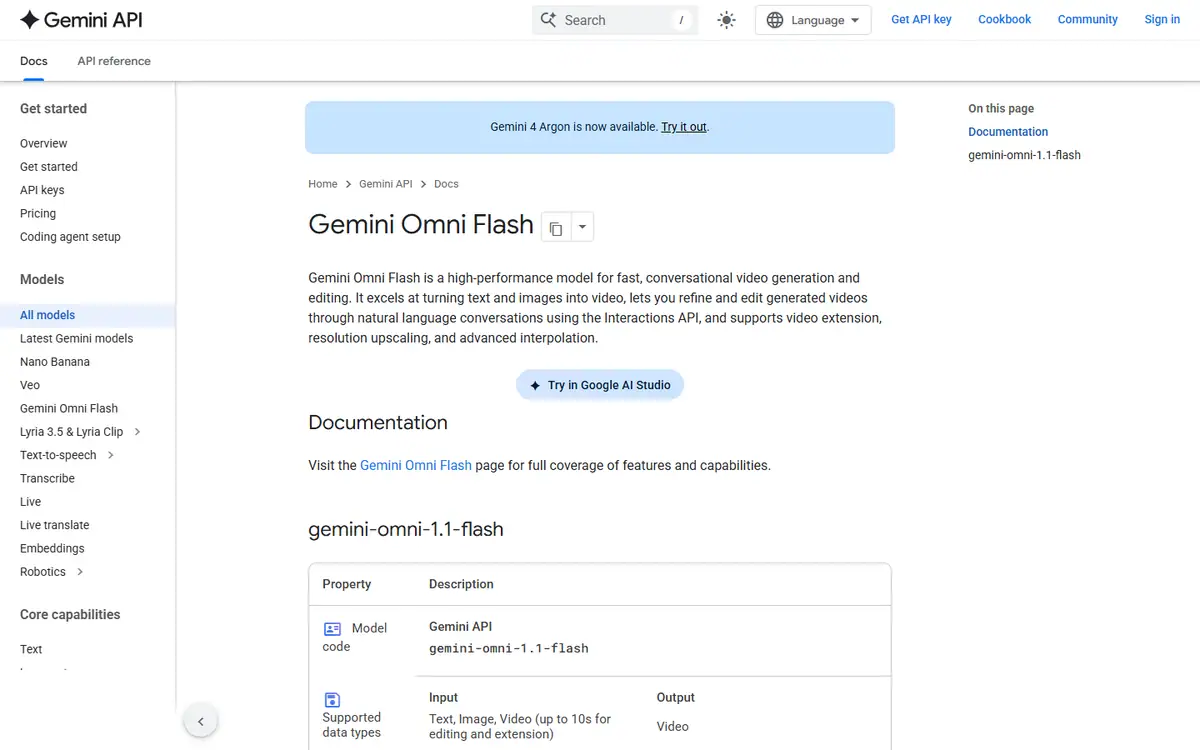
Conversational video editing is most useful when each request has a clear production purpose. Google's stable Gemini Omni Flash documentation covers generation and editing with text, image and video inputs, alongside extension, interpolation and upscaling.
Treat the conversation as an edit history
Begin with a short shot and a written acceptance checklist. Before each revision, state exactly what needs to change and what must remain. Compare the entire new clip with the last approved version, rather than checking only the moment named in the request.
Keep changes small enough to diagnose. If a revision improves the opening but damages the ending, record the trade-off instead of accepting it as progress. Retain approved versions so the production can return to a known state without reconstructing earlier decisions.
Check the final sequence
Review pacing, subject continuity and the transition into neighbouring shots. An extended or interpolated section needs the same scrutiny as the original take. Inspect the exported file at the intended viewing size after titles and sound are included.
Use the stable model identifier when evaluating the Gemini API route; the older preview identifier has shut down. Input and output limits remain route-specific. For a film with several revision stages, 4AI's AI-video service can be scoped around the storyboard, approval checkpoints and final masters.
Sources checked 27 October 2026: Google Gemini Omni Flash model.
Before you commit
Compare each revision against the same approval checklist and retain the last approved version.
Compare it with
Other models in the same category, nearest tier first.
 Pro
ProLuma Ray
LumaRay 3.2
Ray 3.2 for shots with set start, end or middle frames, plus editing, reframing and extension.
Read the profile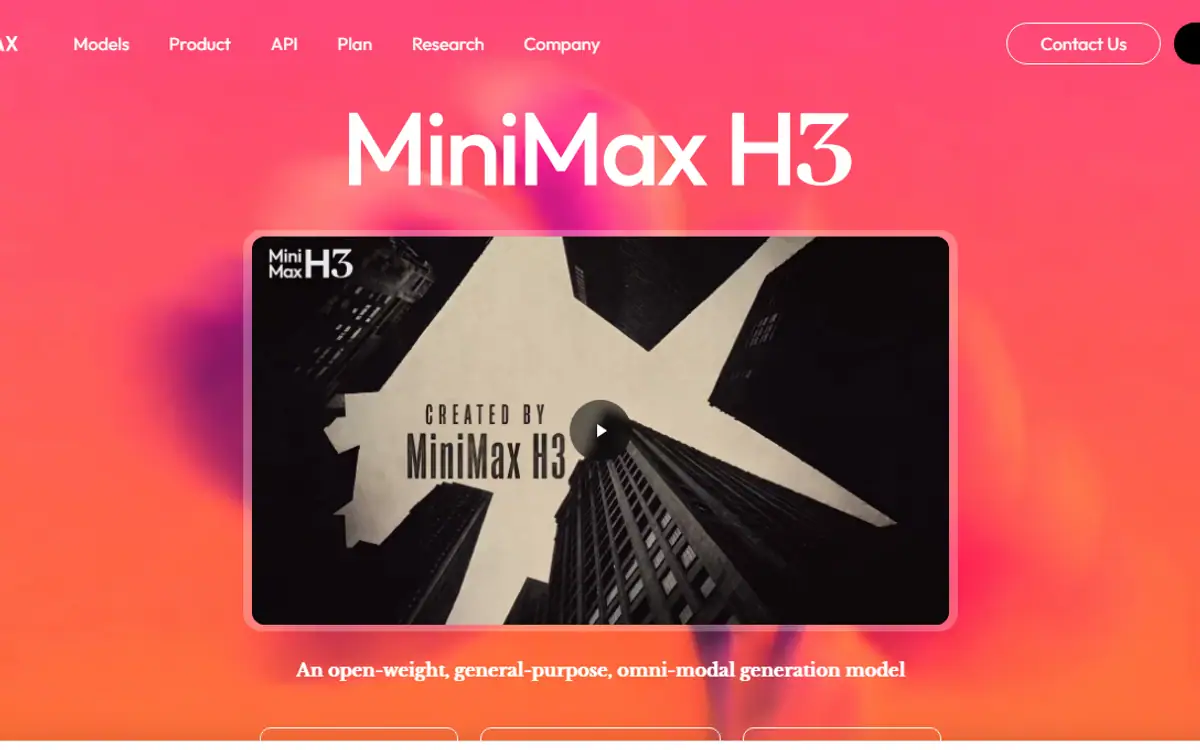 Team pickPro
MiniMax H3
MiniMaxMiniMax H3 / MiniMax H3 Max
H3: first and last frames, multimodal references and editing, from a model MiniMax publishes as open-weight.
Read the profile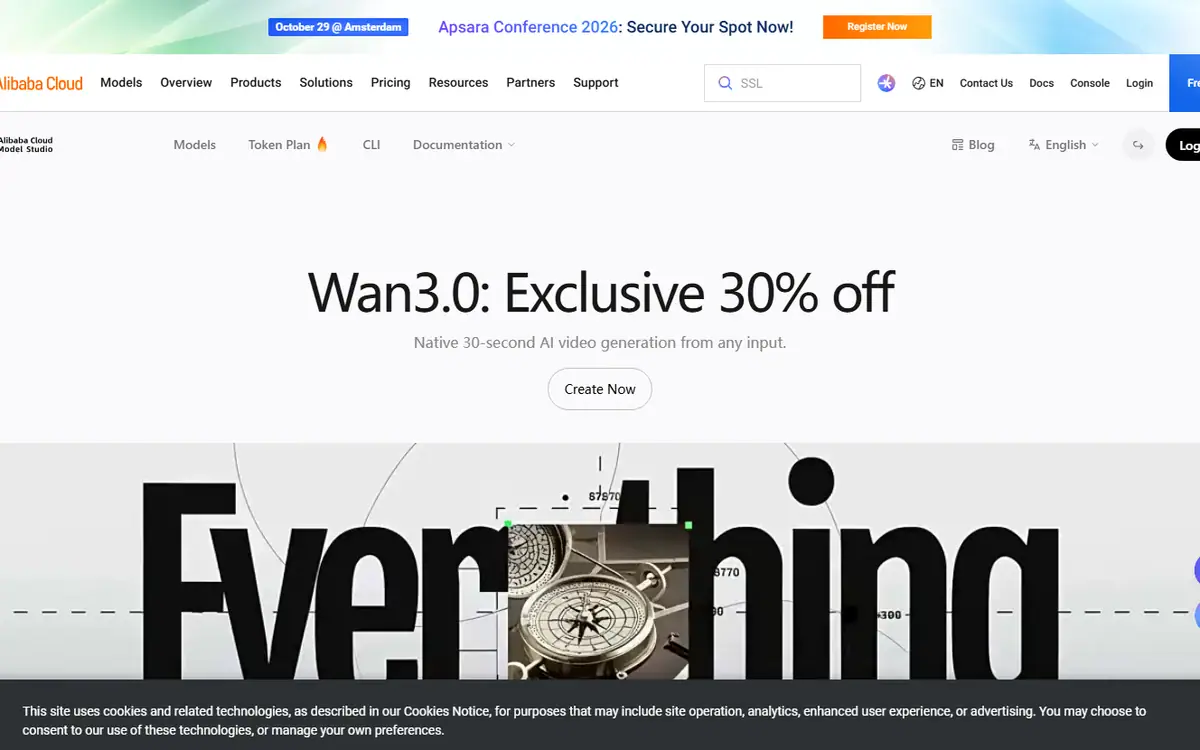 Pro
ProWan
AlibabaWan 3.0 (wan3.0-video) and its speed-optimized version (wan3.0-video-prime) on Alibaba Cloud Model Studio
Alibaba's Wan 3.0: text to video, first and last frames, multimodal references and audio controls.
Read the profile
Where we use it
Read next
- Choosing an AI video model for a campaign: generation, editing and deliveryA production-led method for choosing an AI video workflow shot by shot, checking references, motion, sound and the work needed to deliver campaign-ready masters, with routes checked on 27 October 2026.
- Directing AI video so it does not look generatedThe models are good enough. What separates a usable commercial from an obvious AI clip is almost entirely what happens before and after generation.
- Can you use AI video to market property in Dubai?What AI video genuinely does for a Dubai property listing, what still needs a camera, published AED prices for every route, and the permit, QR code and portal rules that decide what you can publish.
Choosing tools for a real brief?
Tell us what you need to make, launch or improve. We scope the work first, then choose the tools around it.
No pitch decks until we understand the problem.
hello@4ai.ae