Luma Ray
Ray 3.2 for shots with set start, end or middle frames, plus editing, reframing and extension.
In short
Evaluate for a brief where the start, end or middle of a shot has defined visual obligations. Prepare anchor images before testing. If a campaign needs portrait and landscape delivery, compare a purpose-built reframe with a simple crop and examine what happens near the frame edges.
What it can do
- Text/image-to-video
- Keyframe-guided generation
- Video editing
- Reframing and extension
Limits to plan for
- Uni image models are distinct from Ray video.
- A changed aspect ratio needs a specific reframing workflow rather than an assumed crop-free export.
Some shots have visual obligations at more than one point: a product must open in one position, pass through a particular action and arrive at an approved ending. Luma documents Ray 3.2 for generation and editing, including keyframe guidance, reframing and extension.
Prepare the anchors before the motion
Choose reference frames that establish the subject and intended composition clearly. Describe the movement connecting them, then assess whether that movement tells the story without introducing unnecessary changes. A detailed ending is less useful if the subject becomes inconsistent on the way there.
Where the campaign needs both portrait and landscape delivery, compare a deliberate reframe with a straightforward crop. Review where attention falls in each format and whether important product information remains visible. Newly revealed areas require their own inspection.
Review the spaces between approvals
Check continuity between anchors, particularly changes in shape, object contact and detail near the frame edges. Evaluate the actual edited sequence so a technically successful transition does not create a pacing problem in the final film.
Ray video and Luma's Uni image models are distinct, and older API examples should not be assumed to match the documented Agents API route. For a brief with defined opening and closing frames, explore 4AI's AI-video production service with the references and delivery formats in hand.
Sources checked 27 October 2026: Luma Agents models.
Before you commit
Check continuity between anchors and inspect any invented detail in newly revealed areas.
Compare it with
Other models in the same category, nearest tier first.
 Team pickPro
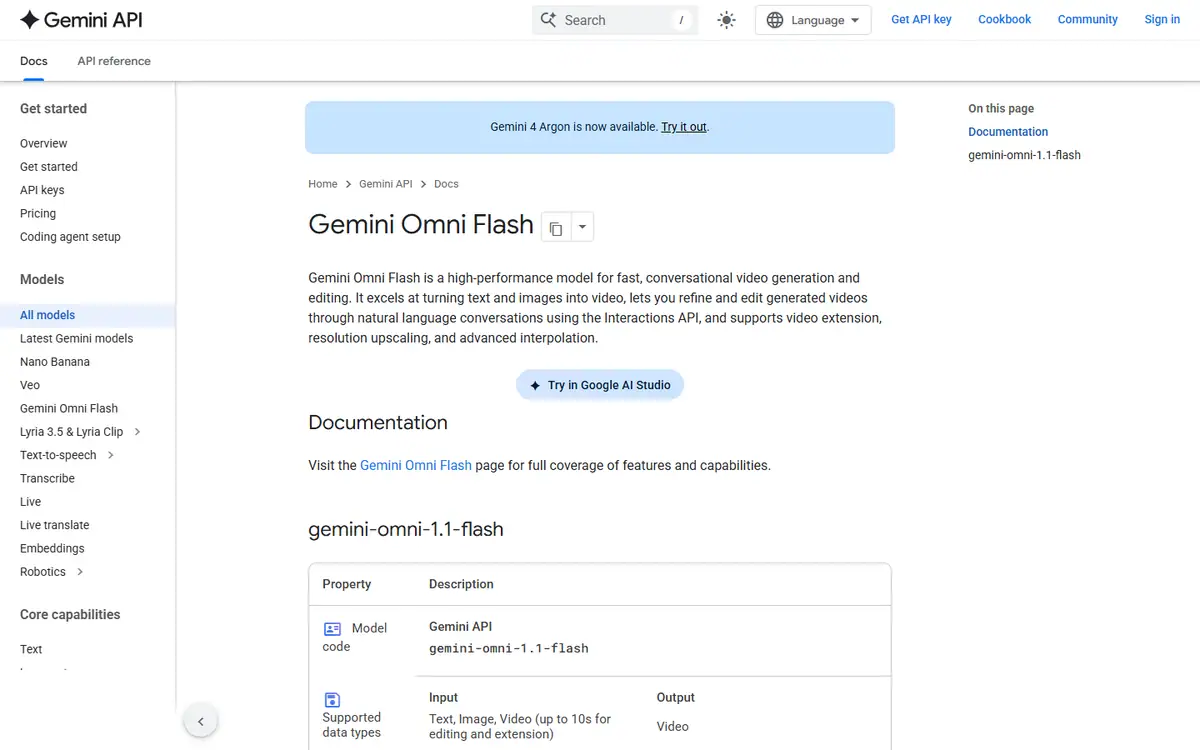
Gemini Omni
GoogleGemini Omni Flash (stable model ID gemini-omni-1.1-flash)
Make and edit short clips in conversation, starting from text, images or video.
Read the profile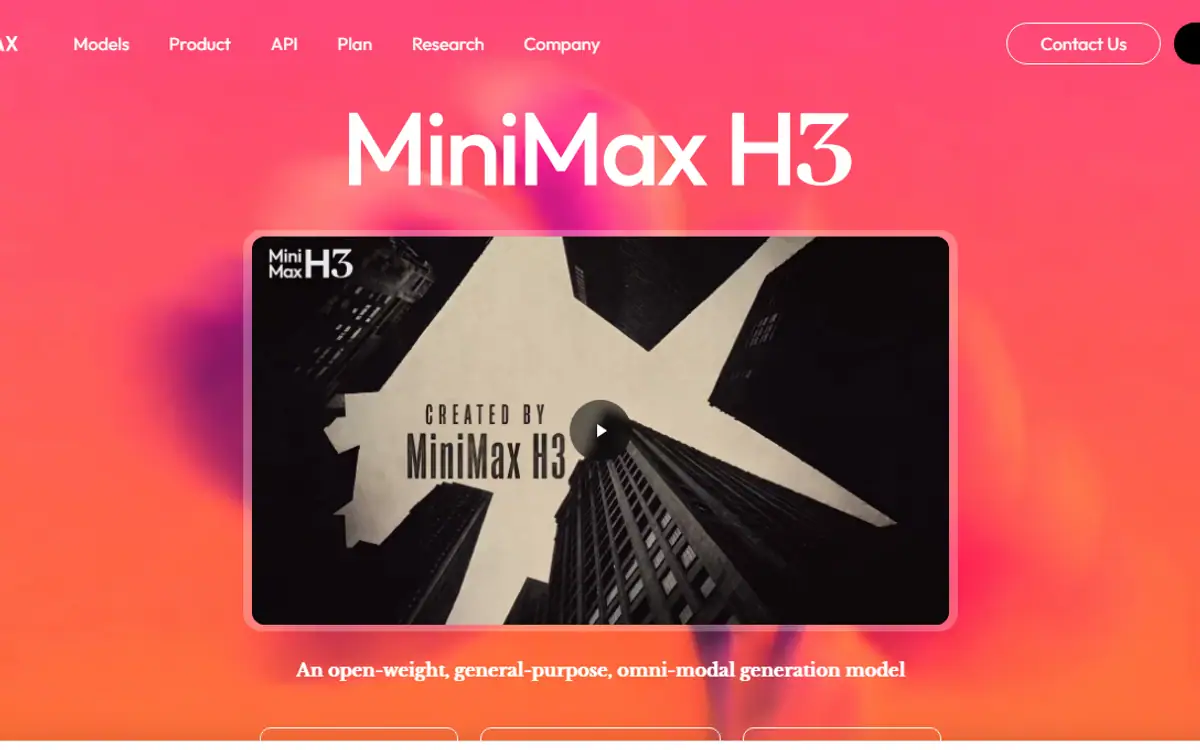 Team pickPro
MiniMax H3
MiniMaxMiniMax H3 / MiniMax H3 Max
H3: first and last frames, multimodal references and editing, from a model MiniMax publishes as open-weight.
Read the profile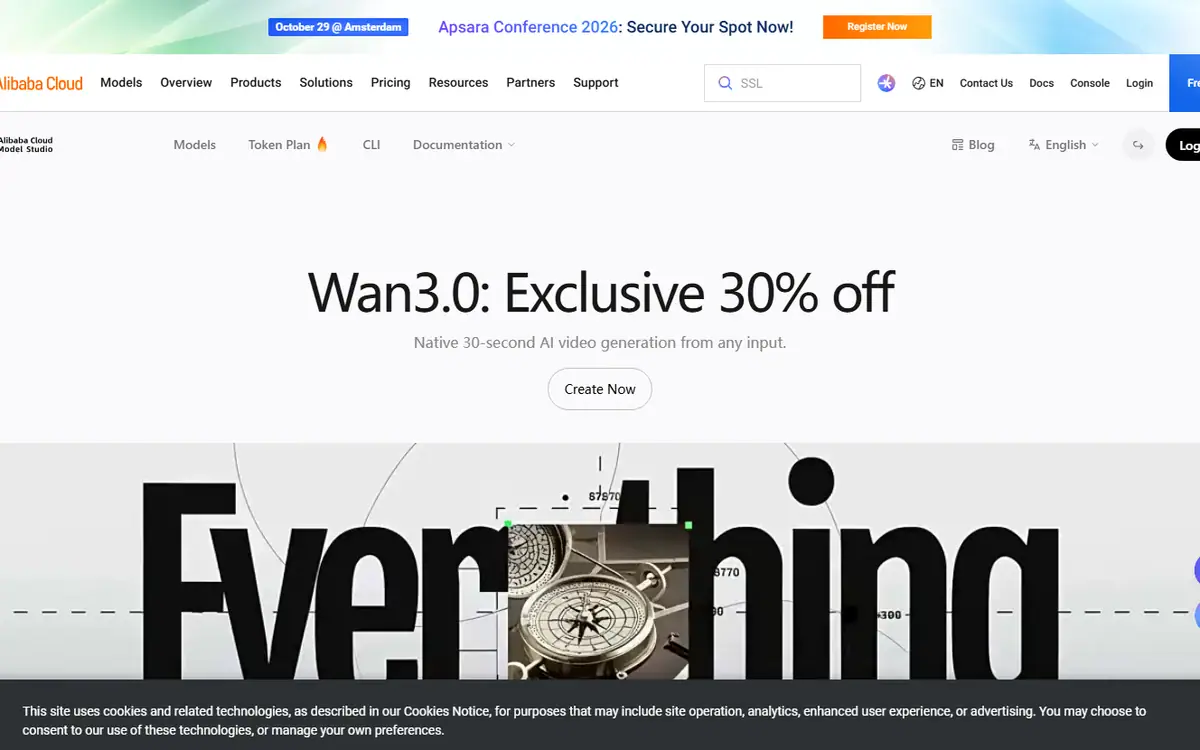 Pro
ProWan
AlibabaWan 3.0 (wan3.0-video) and its speed-optimized version (wan3.0-video-prime) on Alibaba Cloud Model Studio
Alibaba's Wan 3.0: text to video, first and last frames, multimodal references and audio controls.
Read the profile
Where we use it
Read next
- Choosing an AI video model for a campaign: generation, editing and deliveryA production-led method for choosing an AI video workflow shot by shot, checking references, motion, sound and the work needed to deliver campaign-ready masters, with routes checked on 27 October 2026.
- Directing AI video so it does not look generatedThe models are good enough. What separates a usable commercial from an obvious AI clip is almost entirely what happens before and after generation.
- Can you use AI video to market property in Dubai?What AI video genuinely does for a Dubai property listing, what still needs a camera, published AED prices for every route, and the permit, QR code and portal rules that decide what you can publish.
Choosing tools for a real brief?
Tell us what you need to make, launch or improve. We scope the work first, then choose the tools around it.
No pitch decks until we understand the problem.
hello@4ai.ae