LTX
Text, image or audio to video, with camera motion control and an audio switch.
SpecialistLightricks

In short
Evaluate the version against both the shot and the operating environment. A studio may value a hosted creative workflow while a development team needs a repeatable pipeline. Keep visual quality, accepted takes and operational effort in the same comparison rather than choosing on a broad open-model label.
What it can do
- Text/image/audio-to-video
- Camera motion
- Last-frame control in supported modes
- Audio toggle
Limits to plan for
- LTX-2.5 support matrix does not include retake or extend.
- A capability on the platform homepage is not automatically supported by this version.
A platform can offer more capabilities than one model version supports. LTX documents Fast and Pro variants of LTX-2.5 with text, image and audio inputs, camera-motion options and supported last-frame and audio controls. Its version-specific matrix does not include retake or extension.
Define the shot and the operating requirements
For a studio, the decision may centre on a workable creative process. For a development team, repeatable handling of inputs, outputs and failed requests may matter just as much. Evaluate those requirements alongside the image sequence rather than choosing on a broad open-model label.
Use a shot with an easily assessed ending and, where relevant, a defined audio event. Check the last frame in its selected mode, the relationship between motion and sound, and the export that will actually enter the edit. Record accepted takes and manual repair effort alongside the result.
Use the relevant support matrix
Do not build a production plan around a feature merely because it appears elsewhere on the platform. The selected version, endpoint and mode must support the task. Hosted API access and an open-model deployment also involve different requirements and licence checks.
For a brief where creative output and technical integration must work together, discuss the requirements with 4AI before committing to a production route.
Sources checked 27 October 2026: LTX-2.5 model.
Before you commit
Test audio synchronisation, last-frame behaviour and the actual delivered export.
Compare it with
Other models in the same category, nearest tier first.
 Specialist
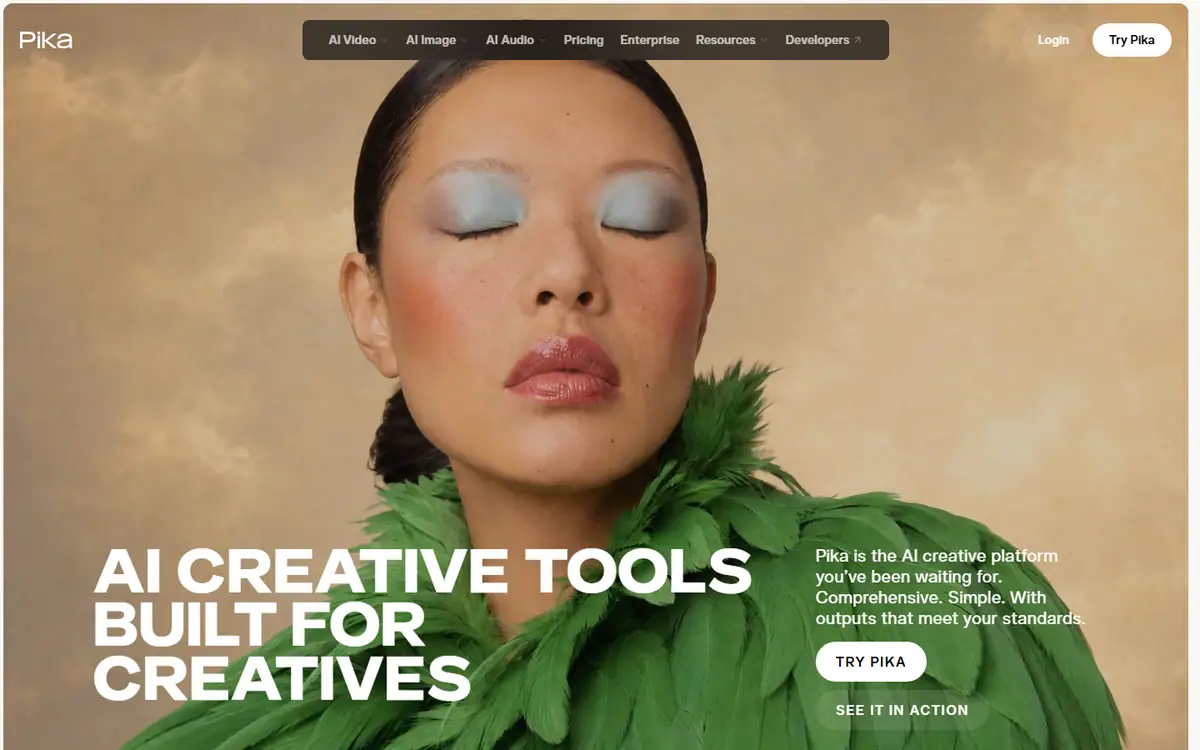
Pika
PikaPika 2.5
Short, tightly planned motion and transitions between stills you have already approved.
Read the profile Pro
ProLuma Ray
LumaRay 3.2
Ray 3.2 for shots with set start, end or middle frames, plus editing, reframing and extension.
Read the profile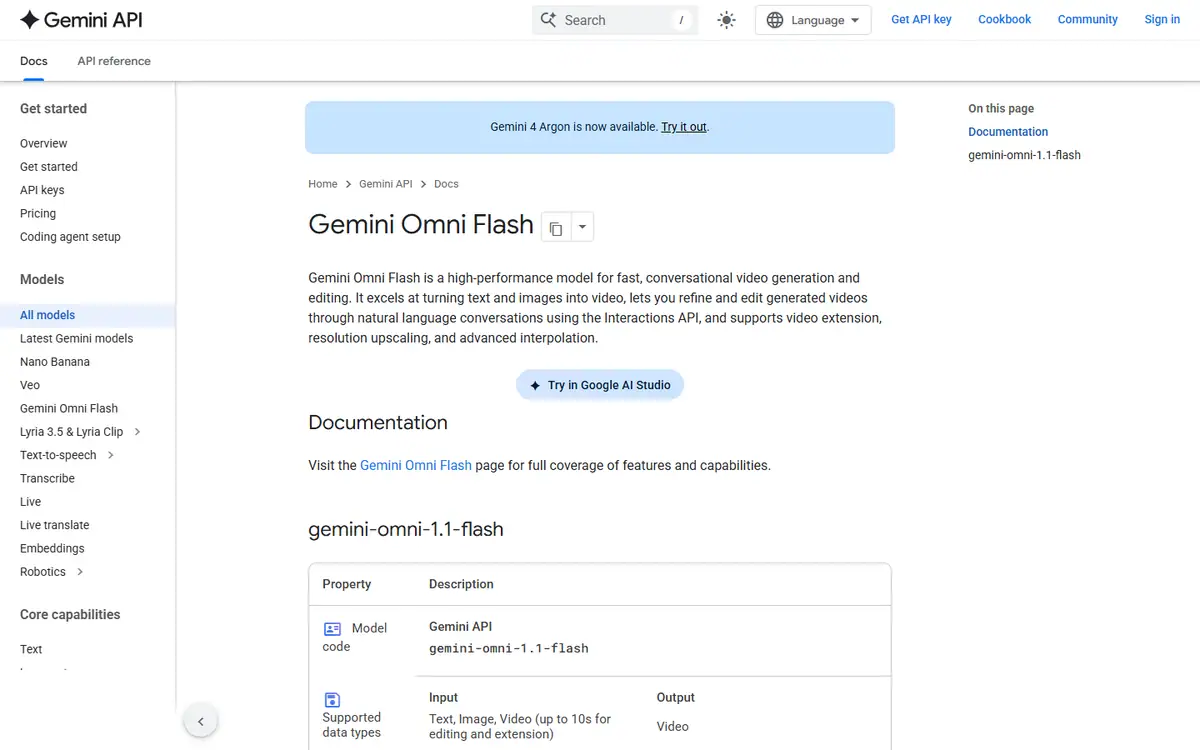 Team pickPro
Gemini Omni
GoogleGemini Omni Flash (stable model ID gemini-omni-1.1-flash)
Make and edit short clips in conversation, starting from text, images or video.
Read the profile
Where we use it
Read next
- Choosing an AI video model for a campaign: generation, editing and deliveryA production-led method for choosing an AI video workflow shot by shot, checking references, motion, sound and the work needed to deliver campaign-ready masters, with routes checked on 27 October 2026.
- Directing AI video so it does not look generatedThe models are good enough. What separates a usable commercial from an obvious AI clip is almost entirely what happens before and after generation.
- Can you use AI video to market property in Dubai?What AI video genuinely does for a Dubai property listing, what still needs a camera, published AED prices for every route, and the permit, QR code and portal rules that decide what you can publish.
Choosing tools for a real brief?
Tell us what you need to make, launch or improve. We scope the work first, then choose the tools around it.
No pitch decks until we understand the problem.
hello@4ai.ae