Pika
Short, tightly planned motion and transitions between stills you have already approved.
SpecialistPika
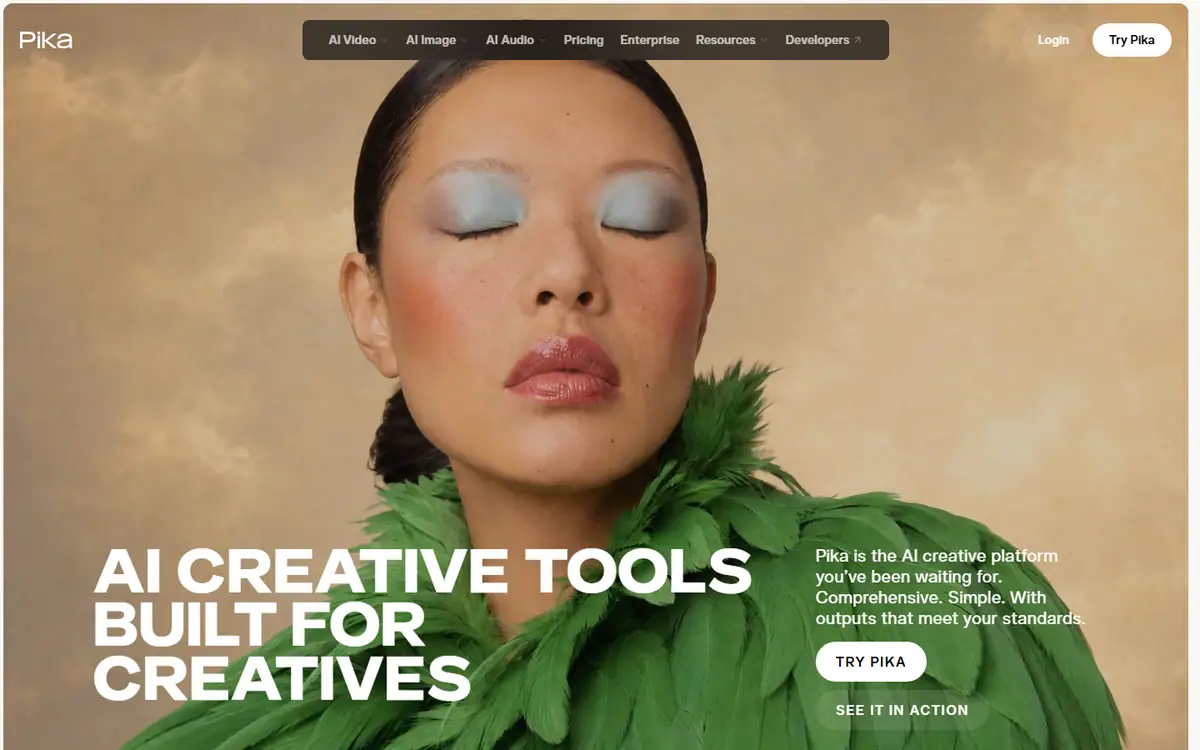
In short
Evaluate for a tightly planned short motion asset or a transition between approved stills. Prepare the framing and product placement before animation. Keep the motion instruction simple enough to assess, then decide whether a more elaborate action improves the communication or merely adds generation risk.
What it can do
- Text-to-video
- Image-to-video
- Ordered keyframes
Limits to plan for
- The inspected Pika 2.5 page says output is silent.
- The Pika app also lists other providers’ models; their features are separate.
A short motion asset needs a clear communication job: reveal a product, connect two compositions or direct attention to a detail. Pika 2.5 documents text-to-video, image-to-video and ordered keyframes. Its inspected product page states that the output is silent.
Settle the composition before animation
Prepare stills with deliberate framing and product placement. Define the simplest action that makes the message clearer, then evaluate whether the transition preserves the subject and the composition. More movement should earn its place in the brief.
Check the entire journey between keyframes. Approved endpoints do not guarantee that the frames between them are suitable. Inspect changes in shape, moving edges and objects that overlap or leave the frame. Judge the clip within its planned edit so pacing and available title space are considered together.
Plan audio and finishing separately
Treat sound as a defined production stage for this model. Agree the soundtrack, voice or effects, then review the complete film with captions and graphics in place. Separate audio tools or third-party models on the Pika platform should not be confused with native Pika 2.5 capabilities.
Application and API access conditions need checking for the selected route. For a planned social or campaign motion asset, discuss the finished deliverable with 4AI, including sound, language versions and export formats.
Sources checked 27 October 2026: Pika 2.5 model.
Before you commit
Check the entire transition and plan the audio/finishing stage separately.
Compare it with
Other models in the same category, nearest tier first.
 Specialist
LTX
LightricksLTX-2.5 Fast / Pro
Text, image or audio to video, with camera motion control and an audio switch.
Read the profile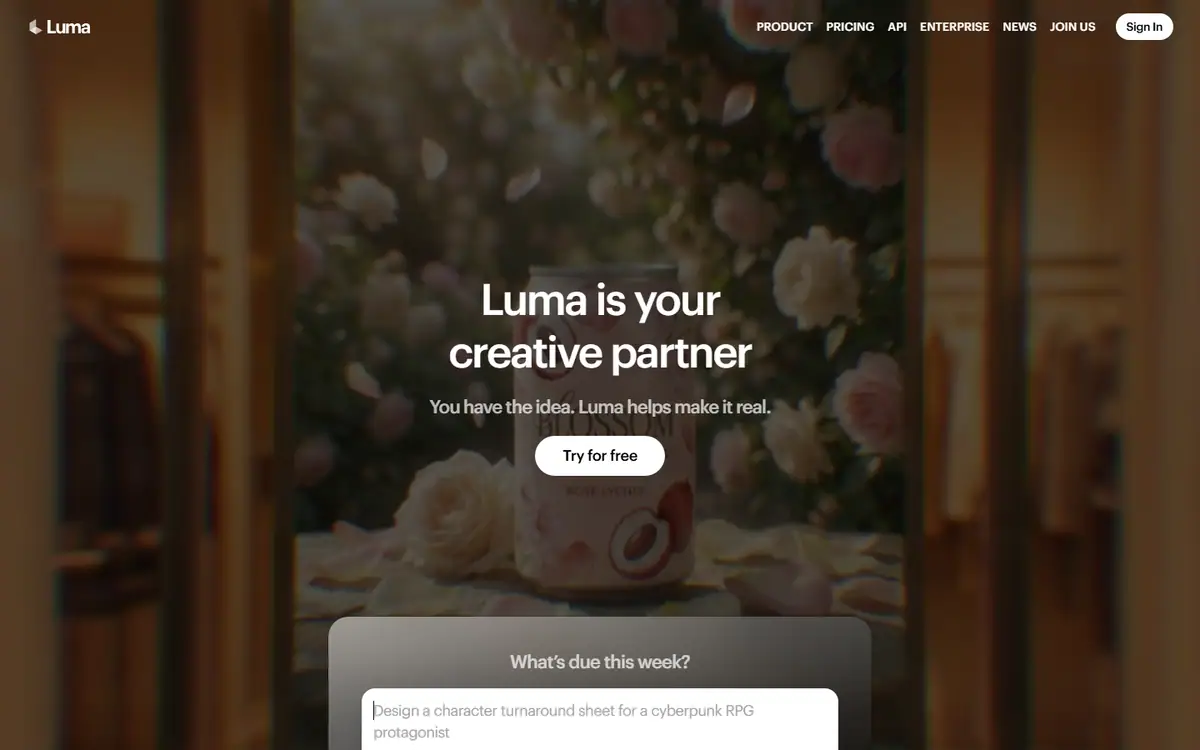 Pro
ProLuma Ray
LumaRay 3.2
Ray 3.2 for shots with set start, end or middle frames, plus editing, reframing and extension.
Read the profile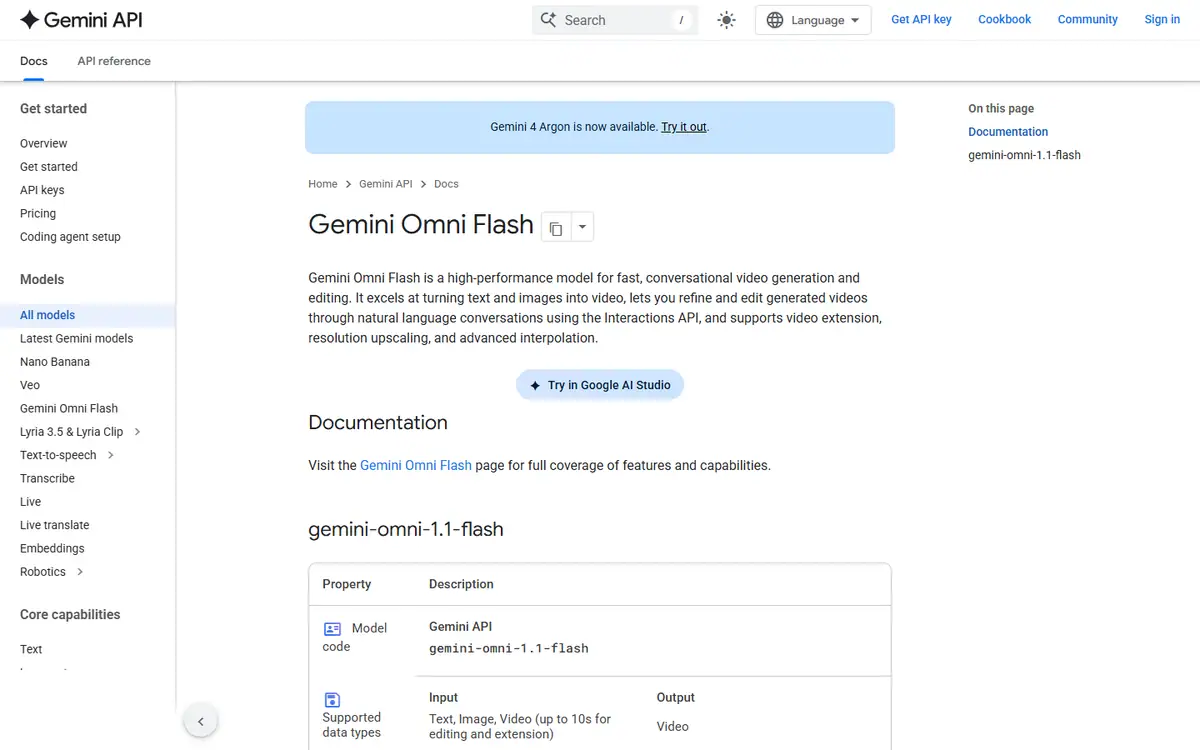 Team pickPro
Gemini Omni
GoogleGemini Omni Flash (stable model ID gemini-omni-1.1-flash)
Make and edit short clips in conversation, starting from text, images or video.
Read the profile
Where we use it
Read next
- Choosing an AI video model for a campaign: generation, editing and deliveryA production-led method for choosing an AI video workflow shot by shot, checking references, motion, sound and the work needed to deliver campaign-ready masters, with routes checked on 27 October 2026.
- Directing AI video so it does not look generatedThe models are good enough. What separates a usable commercial from an obvious AI clip is almost entirely what happens before and after generation.
- Can you use AI video to market property in Dubai?What AI video genuinely does for a Dubai property listing, what still needs a camera, published AED prices for every route, and the permit, QR code and portal rules that decide what you can publish.
Choosing tools for a real brief?
Tell us what you need to make, launch or improve. We scope the work first, then choose the tools around it.
No pitch decks until we understand the problem.
hello@4ai.ae