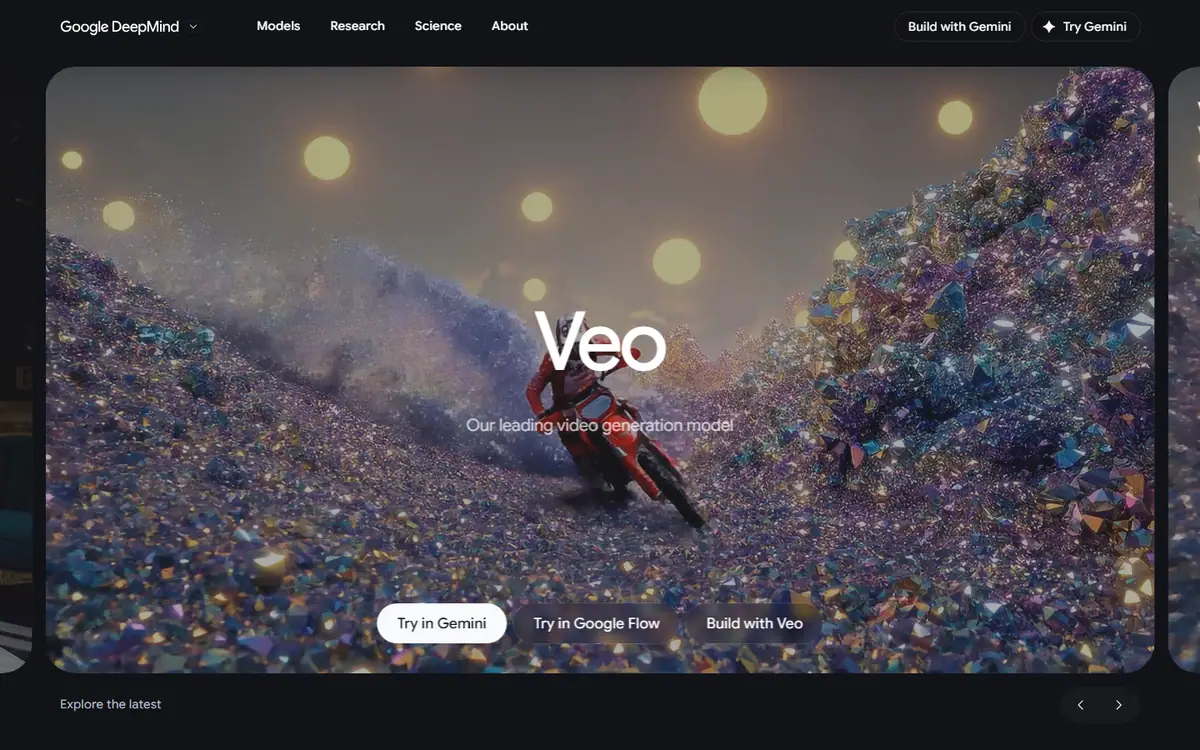
Veo
Google's video model with first and last frames, reference guidance and generated sound.
FrontierGoogle
In short
Evaluate a concrete supported route rather than choosing the model name alone. Start with one short shot whose visual action and sound are easy to assess. Keep the final dialogue, translation and music approval process independent so a technically valid clip does not bypass editorial review.
What it can do
- Text/image-to-video
- First/last frames
- Asset reference guidance
- Sound generation and extension on the documented route
Limits to plan for
- Gemini API Veo 3.1 preview endpoints shut down on 22 October 2026.
- Enterprise route access, region and quota conditions are separate.
- Google lists retirement for veo-3.1-generate-001 on 17 November 2026 or later; confirm the current GA model before production.
A familiar model name does not guarantee that an older access route still works. Google's enterprise documentation lists Veo 3.1 GA; the separate Gemini API Veo 3.1 preview endpoints shut down on 22 October 2026. Those lifecycle states should not be conflated.
Evaluate a supported production route
Confirm access, region and quota for the intended account before building a schedule. The documented enterprise route includes reference and frame guidance, sound generation and extension. These features should be evaluated within that route, rather than transferred from an older tutorial.
Start with one short shot whose action and sound are easy to judge. Establish the subject, intended movement and audio purpose separately. Then review how the elements work together in the intended edit.
Keep sound under editorial review
Check synchronisation, intelligibility and whether the sound supports the message. Dialogue, translation and music still need an explicit approval process. A technically valid clip can contain a wording, pronunciation or timing problem that matters to the audience.
Inspect subject fidelity across the full take and verify account restrictions before production. For an audio-video campaign, discuss the brief with 4AI around a defined shot list and approval process, with the current access route confirmed before any delivery commitment.
Sources checked 27 October 2026: Google Veo enterprise model, Google Veo Gemini API guide.
Before you commit
Check sync, intelligibility, subject fidelity and every account-specific restriction before production.
Compare it with
Other models in the same category, nearest tier first.
 Team pickFrontier
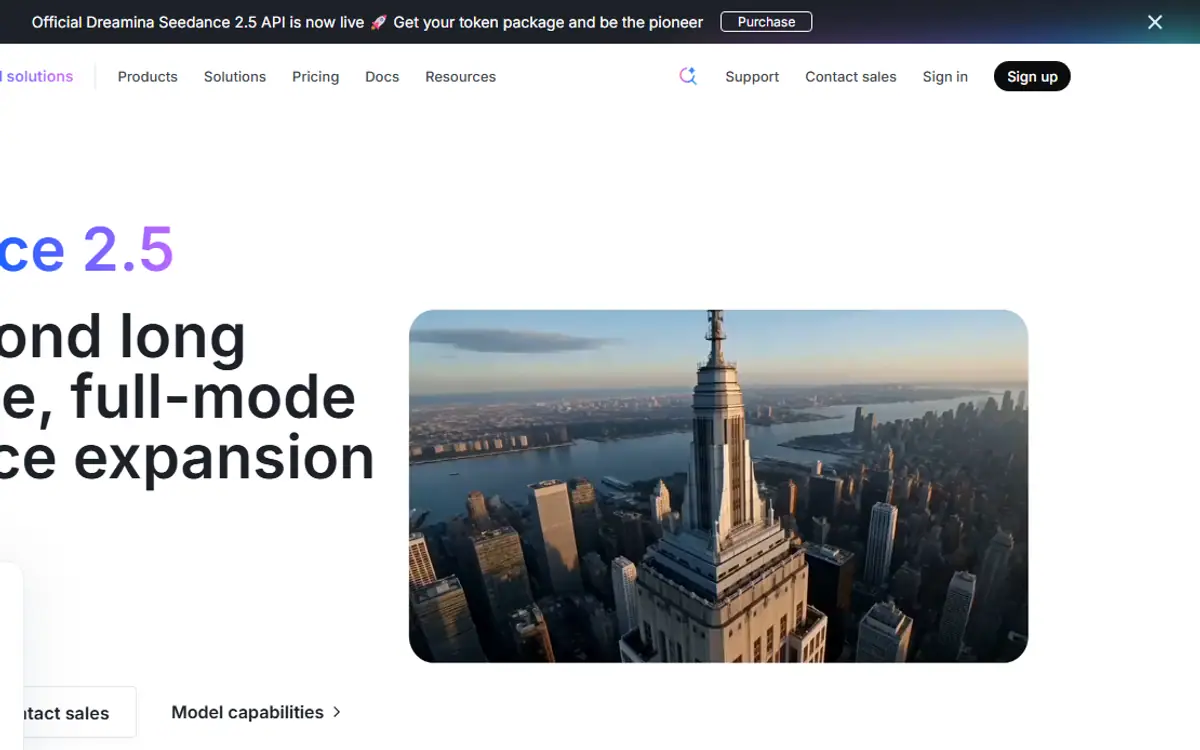
Seedance
ByteDance, delivered through BytePlusSeedance 2.5
Text or image to video, guided by image, video and audio references, with sound made alongside the picture.
Read the profile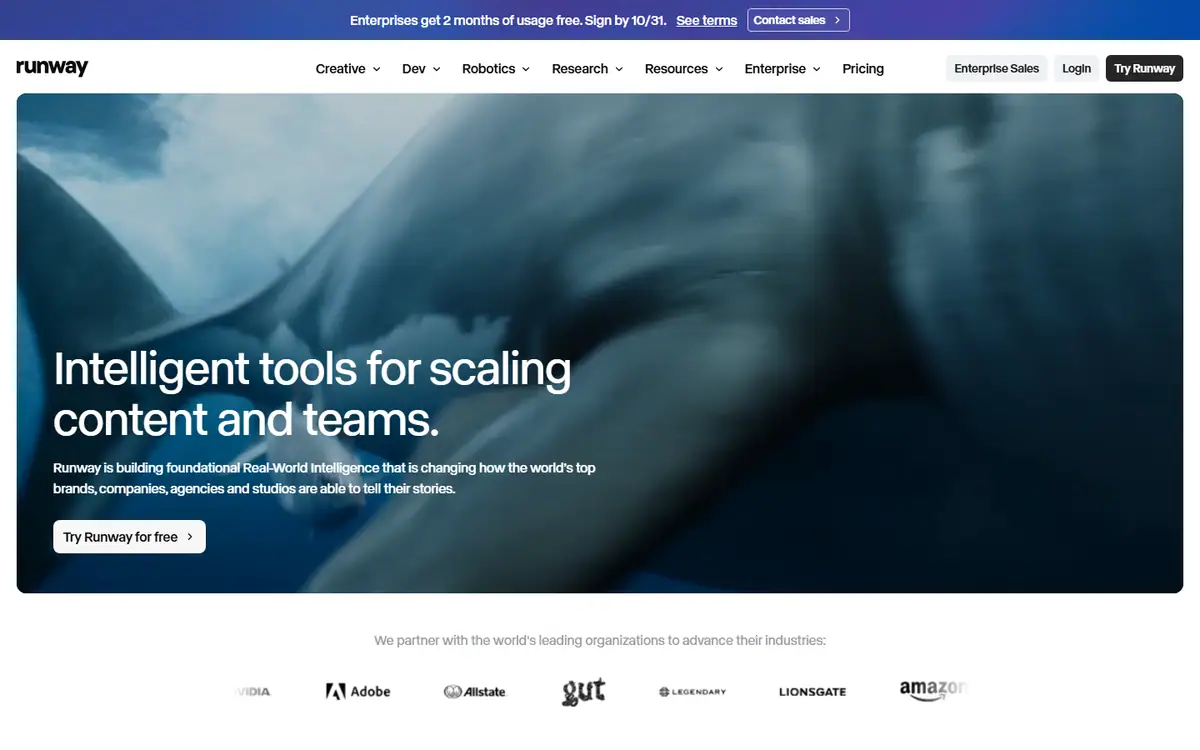 Frontier
Runway
RunwayGen-4.5 / Aleph 2.0
Gen-4.5 creates new shots, and Aleph 2.0 edits the footage you already have.
Read the profile Pro
ProLuma Ray
LumaRay 3.2
Ray 3.2 for shots with set start, end or middle frames, plus editing, reframing and extension.
Read the profile
Where we use it
Read next
- Choosing an AI video model for a campaign: generation, editing and deliveryA production-led method for choosing an AI video workflow shot by shot, checking references, motion, sound and the work needed to deliver campaign-ready masters, with routes checked on 27 October 2026.
- Directing AI video so it does not look generatedThe models are good enough. What separates a usable commercial from an obvious AI clip is almost entirely what happens before and after generation.
- Can you use AI video to market property in Dubai?What AI video genuinely does for a Dubai property listing, what still needs a camera, published AED prices for every route, and the permit, QR code and portal rules that decide what you can publish.
Choosing tools for a real brief?
Tell us what you need to make, launch or improve. We scope the work first, then choose the tools around it.
No pitch decks until we understand the problem.
hello@4ai.ae